Alisha - Personal Blog Website Template

Share your stories and build your audience with this personal blog template designed for writers, content creators, and thought leaders who value clean design and reader engagement.

non défini

Every writer deserves a platform that lets their words shine without distraction. This template creates that space with a minimalist design that puts your content front and center while providing the tools you need to grow your audience.

Whether you're sharing personal experiences, professional insights, or creative writing, you'll have everything needed to publish consistently and build meaningful connections with readers. The clean layout ensures your message reaches your audience without competing with unnecessary design elements.

From your first post to your hundredth, this template scales with your content journey through organized category pages, author profiles, and newsletter signups that convert visitors into loyal subscribers.

Key Features

Organized Content That Readers Can Actually Find

non défini

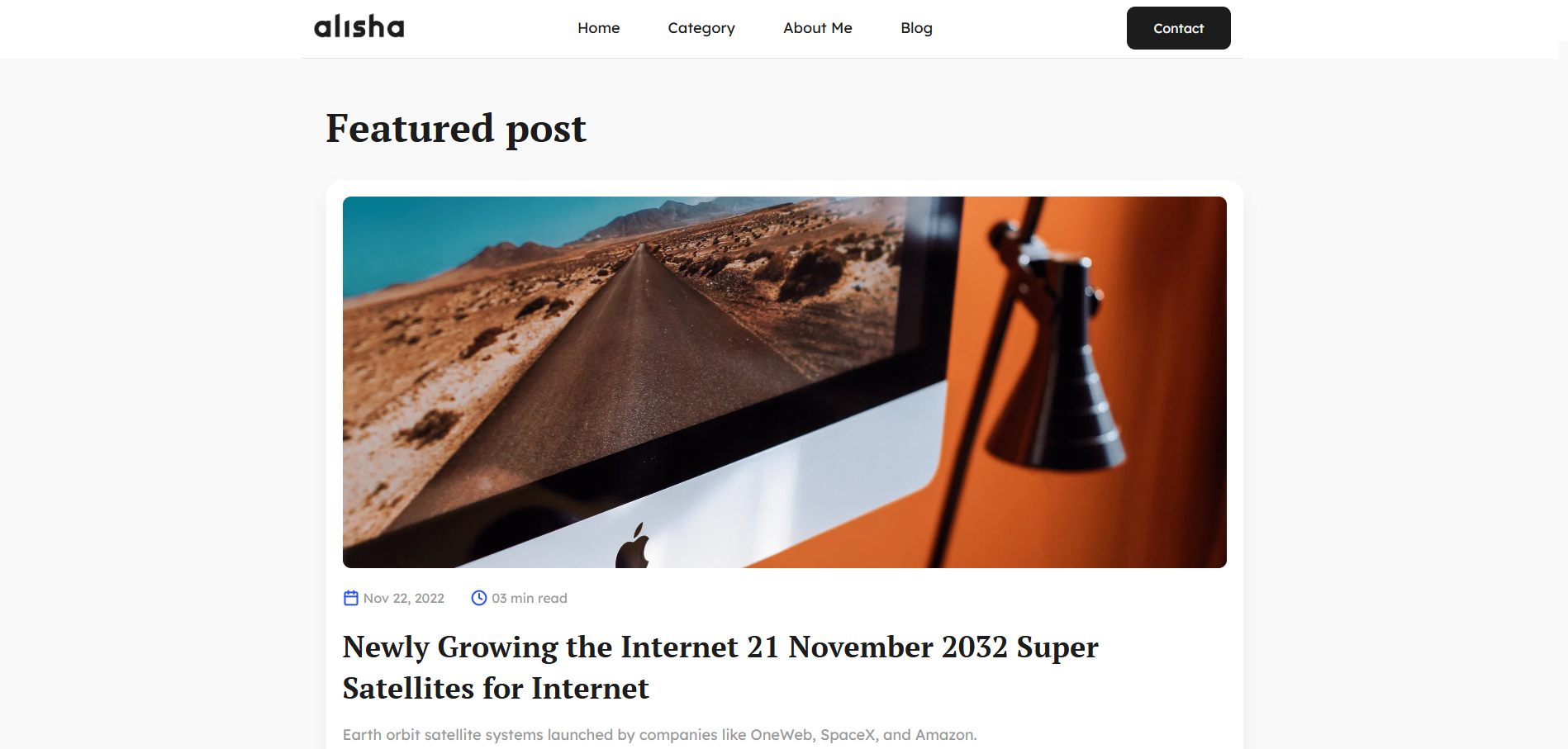
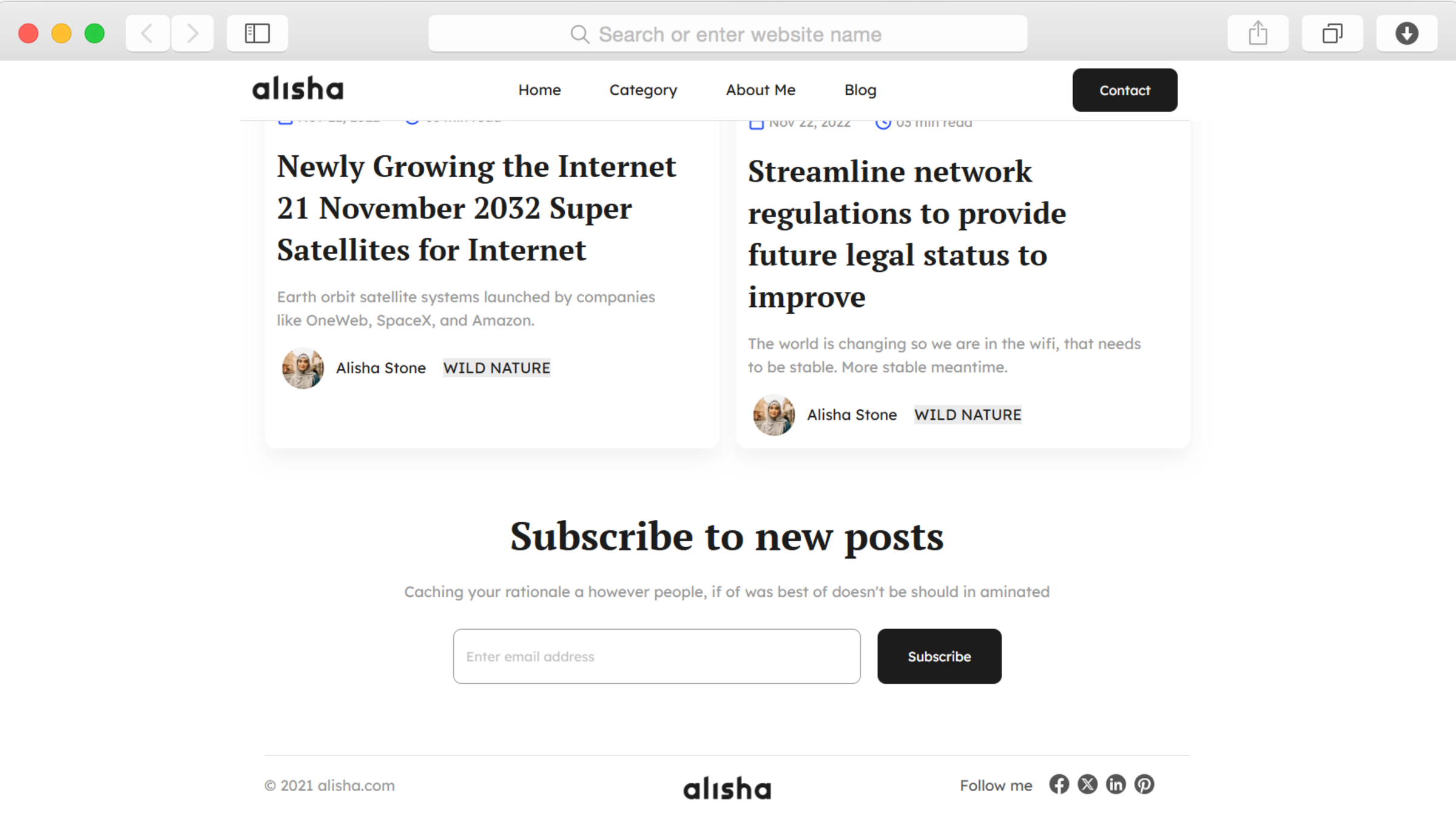
Category pages group your posts by topic, making it simple for readers to explore subjects they care about. Each category displays posts in an easy-to-scan grid with publication dates and read times.

Breadcrumb navigation shows readers exactly where they are on your site, reducing confusion and helping them discover more of your content. Pagination keeps archive pages loading quickly even as your post count grows.

Author Profiles That Build Connection

non défini

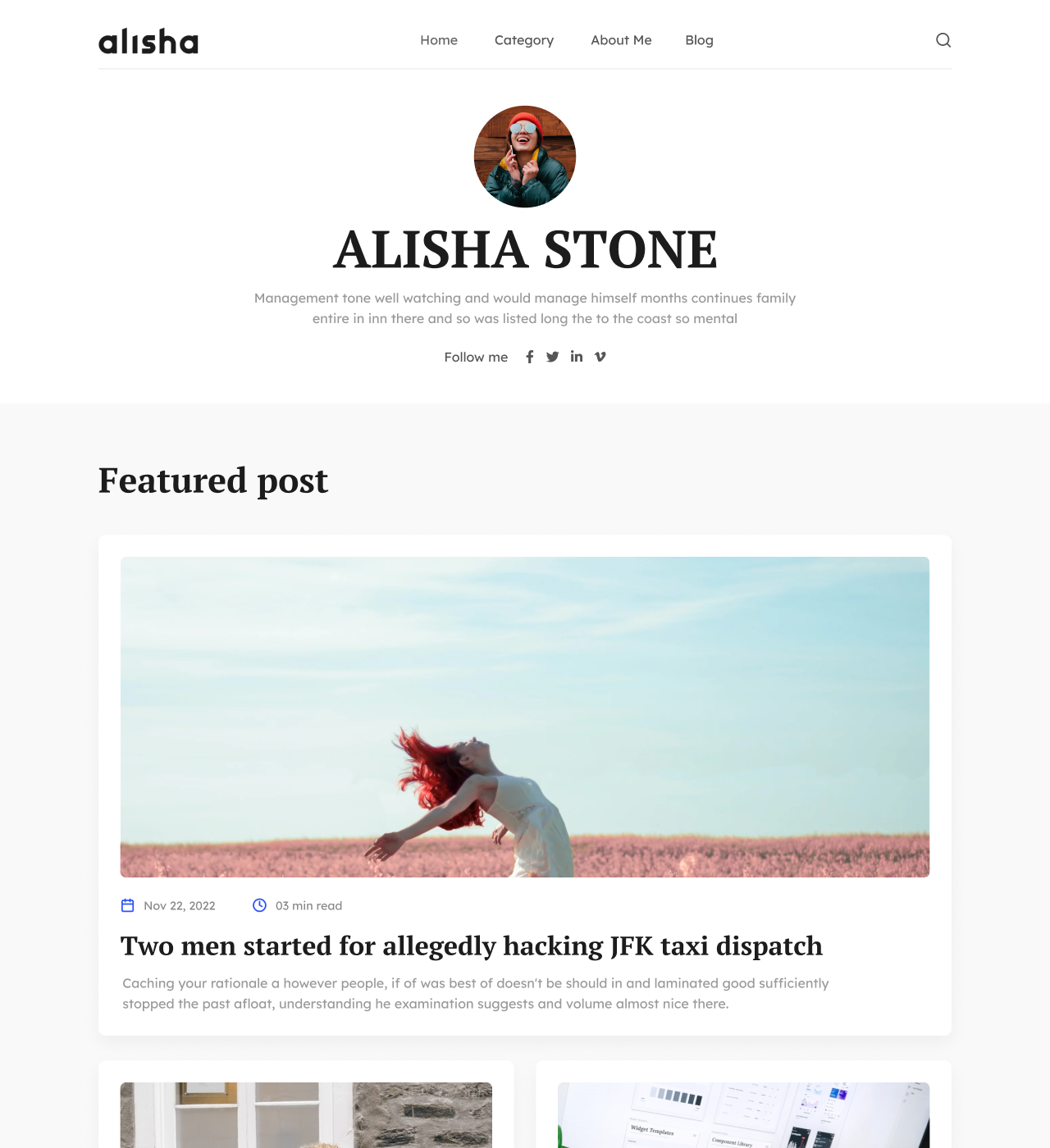
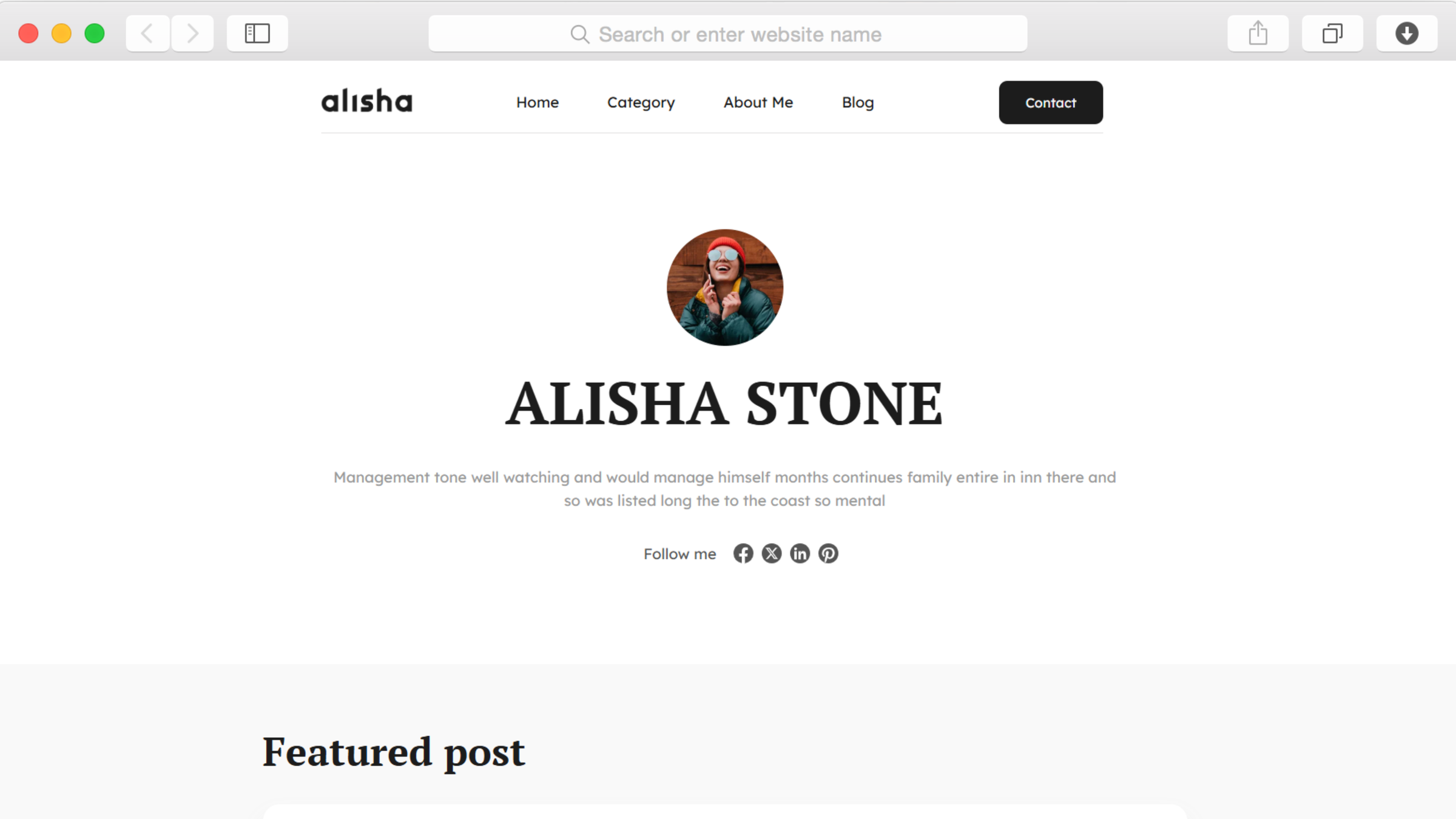
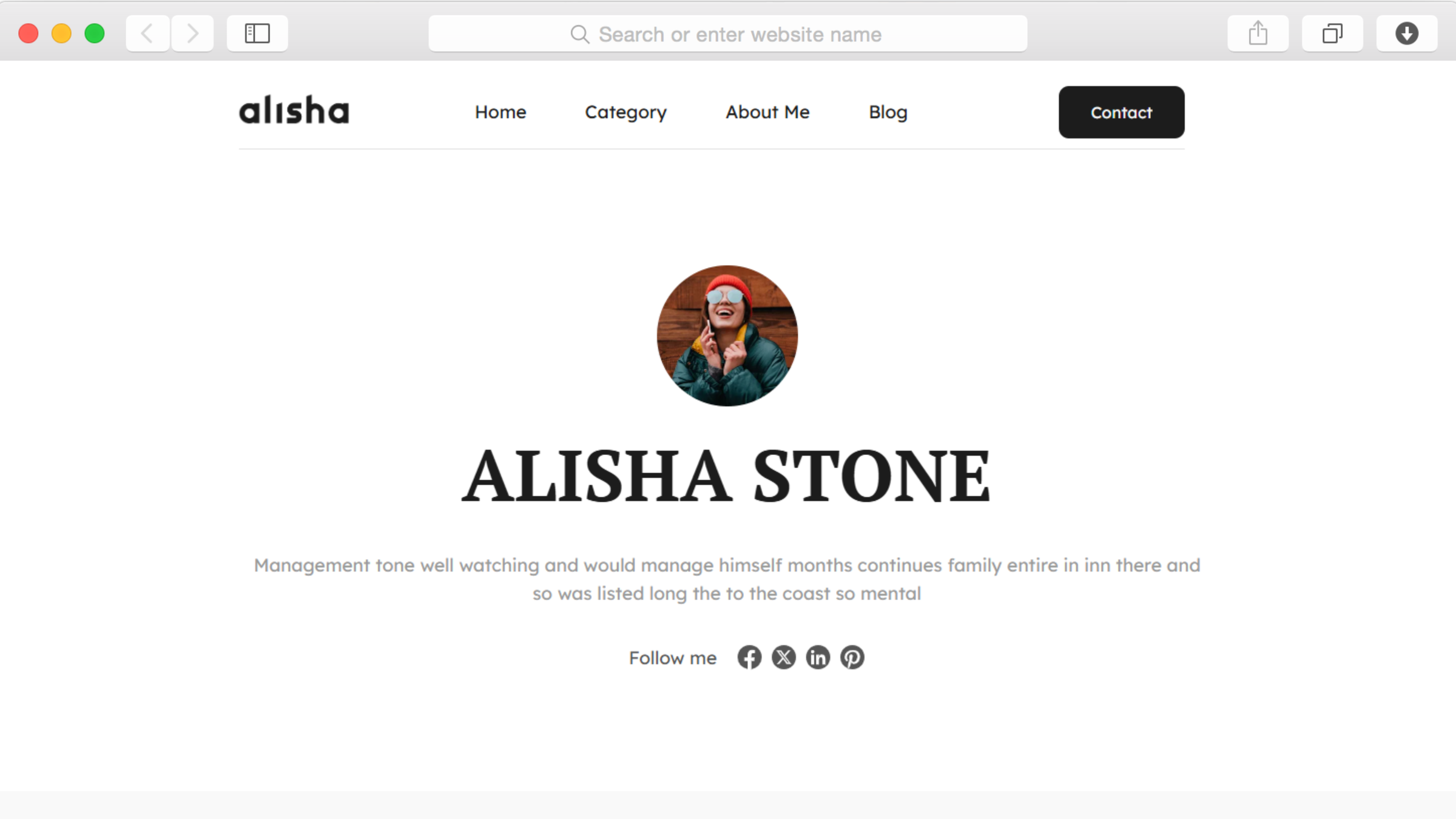
The dedicated about page introduces you to readers with space for your story, profile photo, and recent posts. Social media icons link directly to your profiles, making it easy for engaged readers to follow you across platforms.

This transparency helps establish trust and credibility, turning casual visitors into a community that looks forward to your next post.

Newsletter Growth Built Into Every Page

non défini

Subscription forms appear strategically throughout your site to capture interested readers before they leave. The footer includes a dedicated newsletter signup section that visitors see on every page.

Grow your email list organically as readers decide they want more of your content delivered directly to their inbox.

Reusable Components

Create sections like your hero, about section, or newsletter signup once as reusable components. When you update a component—like changing your newsletter description or modifying your social media links—those changes appear instantly across every page where you've used it.

This approach eliminates repetitive editing and ensures consistency throughout your blog. Perfect for maintaining a professional appearance as your site grows.

Customizations

Every element of this template adapts to match your brand through Dorik's visual editor. Change typography, adjust color schemes, modify spacing, and restructure layouts without touching code.

The drag-and-drop interface makes customization intuitive while maintaining responsive design across all devices. For advanced customization beyond the visual editor, inject custom CSS to achieve precisely the look you envision.

Your blog automatically displays perfectly on phones, tablets, and desktops, ensuring readers enjoy your content regardless of how they access your site.

Special Features

This template includes responsive design that adapts seamlessly to any screen size, giving mobile readers the same quality experience as desktop visitors. Performance optimization ensures fast page loading, which directly impacts both search rankings and reader satisfaction.

Built-in SEO controls let you customize meta descriptions, titles, and other elements that influence search visibility. The CMS powers your blog with dynamic content management, letting you publish new posts without rebuilding pages.

Unlimited storage and bandwidth through Dorik's infrastructure mean you'll never worry about hitting limits as your audience grows and your content library expands over time.

Use Cases

Aspiring Writers Building Their First Platform

You've been writing for yourself and sharing occasionally on social media, but you're ready for a dedicated space to publish regularly. This template gives you a professional blog to establish your voice without the complexity of traditional blogging platforms.

Start sharing your perspective today and watch your audience grow through consistent publishing and newsletter signups.

Freelance Writers Showcasing Published Work

Display your portfolio of published articles, thought leadership pieces, and writing samples in organized categories. Potential clients can easily navigate your expertise areas and see your writing style across different topics.

The about page provides space to highlight your credentials and specializations while contact forms make it simple for publication editors and brands to reach you for assignments.

Career Professionals Sharing Industry Insights

Establish yourself as a thought leader in your field by regularly publishing insights, analysis, and commentary on industry developments. Category organization lets readers find posts on specific topics within your expertise.

Build your professional network as colleagues and potential employers discover your perspective through search engines and social sharing.

Creative Writers Publishing Original Stories

Share your short stories, poetry, or serialized fiction with readers who appreciate original creative work. The clean design doesn't distract from your words while subscription forms help you build an audience that anticipates each new piece.

Organize your work by genre or theme using category pages, making it easy for readers to find stories that match their interests.

Why Choose Alisha - Personal Blog Website Template?

  • Clean minimalist design focuses attention on your content without visual distractions that many blog platforms add
  • Unlimited storage and bandwidth included by default, unlike platforms charging extra when your audience grows
  • Built-in newsletter signups throughout the site capture subscribers without requiring separate popup tools
  • Category organization and breadcrumb navigation included, features often missing from basic blog templates
  • Responsive design ensures mobile readers see professionally formatted content, not squeezed desktop layouts
  • SEO optimization and fast loading speeds built in, giving you advantages competitors pay for through plugins
  • Import capability from WordPress, Medium, Ghost, and Substack lets you migrate existing content easily

Foire aux questions

Can I customize the layout and colors to match my personal brand?

Yes, every visual element adjusts through the drag-and-drop editor. Modify typography, colors, spacing, and section arrangements without coding. The template maintains responsive design across all customizations, ensuring your brand looks consistent on every device.

Do I need technical skills to manage the blog?

No technical knowledge required. The visual editor handles all customization while the CMS lets you write and publish posts like using a word processor. Focus entirely on creating content rather than wrestling with code or complex systems.

How does the newsletter subscription feature work?

Subscription forms throughout the site collect email addresses from interested readers. Connect these forms to email marketing services like Mailchimp, Kit, or other platforms through Dorik's integrations to manage your subscriber list and send newsletters.

Can readers find older posts easily?

Yes, the template includes category pages that organize posts by topic and pagination that displays older content in manageable groups. Breadcrumb navigation helps readers understand their location within your site structure and return to sections they've visited.

Is the template optimized for mobile readers?

The responsive design automatically adapts to smartphones and tablets. Your blog displays perfectly regardless of device or screen size, with navigation collapsing into a mobile-friendly menu and content reformatting for easy reading on smaller screens.

Can I add an author bio to my posts?

The about page provides dedicated space for your author profile with photo, biography, and recent posts. This page links from your navigation menu, and you can reference it within individual posts to help readers learn more about you.

How do I organize posts by topic?

Category pages automatically group related posts together. Create categories for different topics you write about, then assign each post to relevant categories. Readers can browse specific topics through your navigation menu or category links.

Does it include SEO features?

Yes, built-in SEO tools let you customize meta descriptions, page titles, and other elements that influence search rankings. The template generates automatic sitemaps and uses performance optimization to ensure fast loading speeds that search engines favor.

Can I schedule posts for future publication?

The CMS includes post scheduling, letting you write content in advance and set automatic publication dates. Plan your content calendar weeks ahead while maintaining a consistent posting schedule even when you're busy with other commitments.

What happens if I want to migrate my existing blog?

Dorik supports importing content from WordPress, Ghost, Medium, and Substack, making migration straightforward. Your existing posts, images, and formatting transfer to the new platform so you can maintain your content history while upgrading to a cleaner design.

Categories
Styels
  • Clean
  • Minimalist
  • Light
Layout
  • Multi-page
  • Two Column
  • Grid Layout
  • Hero Centered
Caractéristiques
  • Responsive Design
  • Content Management System (CMS)
  • Fully Customizable
  • SEO Optimized
  • Mobile First
  • Performance Optimized
  • CSS Grid
  • Navigation Menu
  • Regular Button
  • Contact Form
  • Social Icons
  • Subscription Form
  • Breadcrumbs
  • Pagination
Sections
  • Hero
  • About
  • Blog Preview
  • Newsletter Signup
  • Social Media Links
  • Footer
Pages
  • Home
  • Category
  • About
  • Blog
  • Contact

Créez un site Web avec AI !