Cafejava - Coffee Shop Website Template

Professional coffee shop template designed for cafes and roasteries. Features menu display, customer testimonials, blog integration, and contact forms to help you build an engaging online presence.

non défini

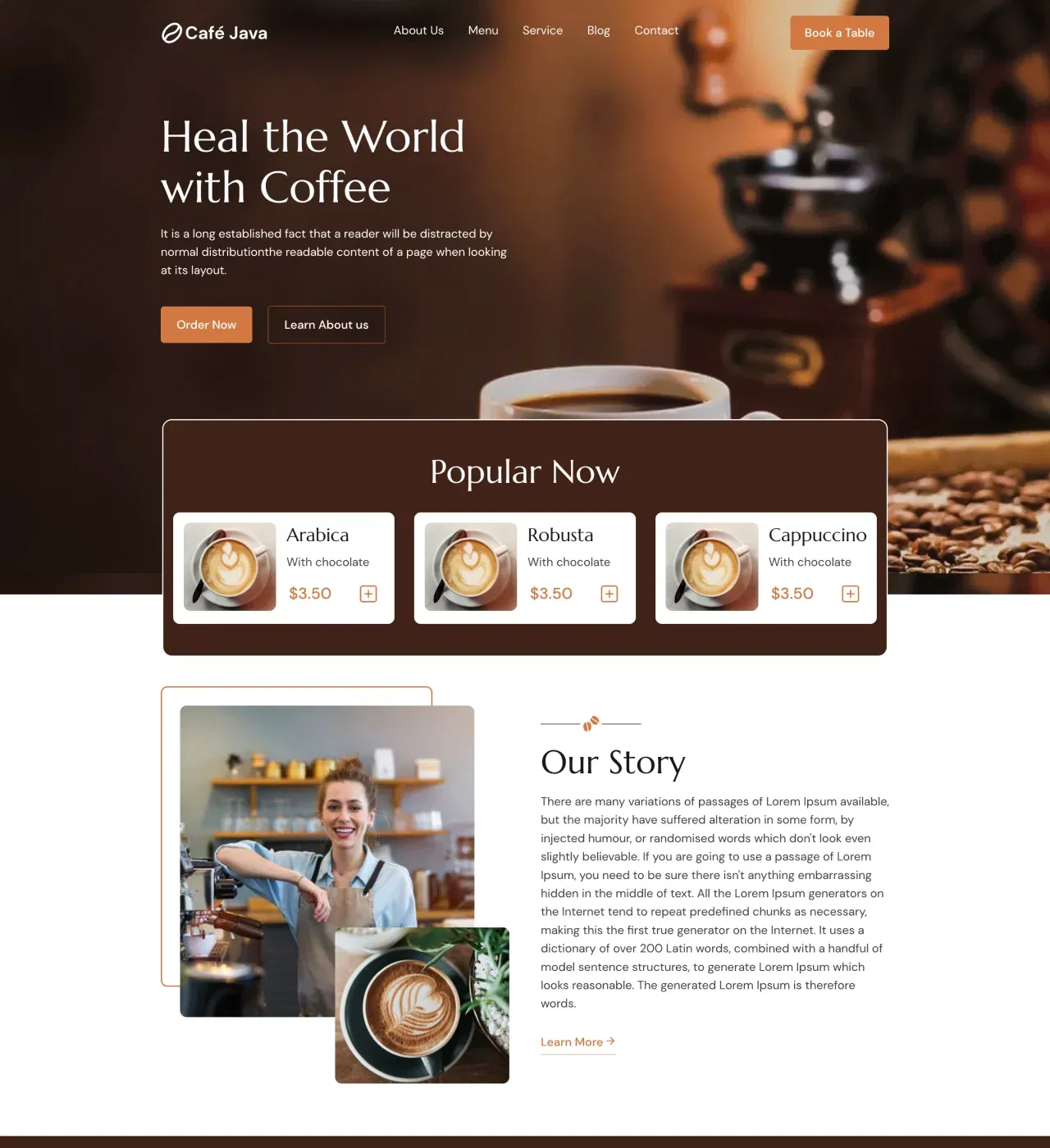
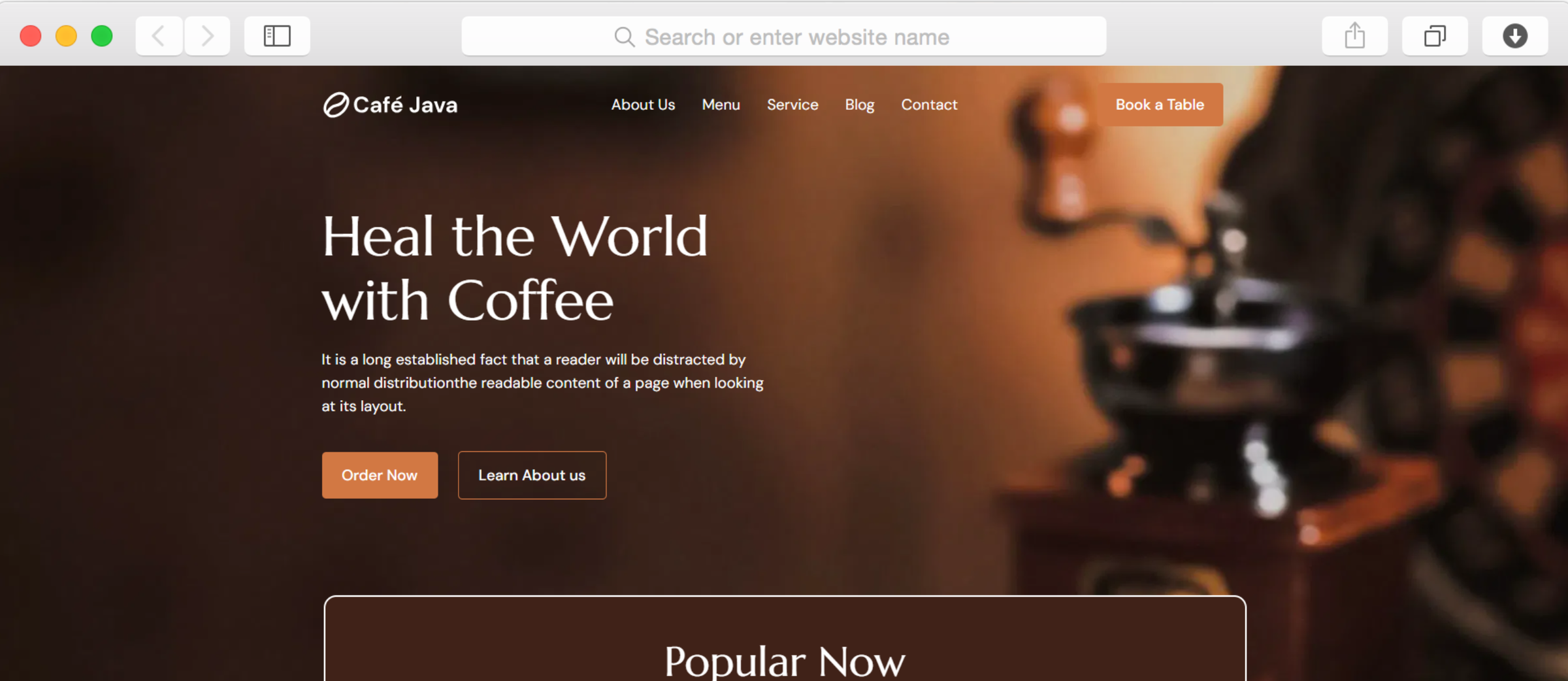
Your coffee shop deserves a website as inviting as your atmosphere. Cafejava provides everything needed to create a professional online presence that draws customers in and keeps them coming back.

Whether you're a neighborhood cafe or specialty roastery, this template helps you showcase what makes your coffee special. Display your menu with pricing tables, share your story through dedicated pages, and connect with customers through integrated contact forms and maps.

Built with coffee businesses in mind, Cafejava includes sections for testimonials, service highlights, and a blog to share your expertise. Launch your site in hours, not weeks, and start growing your customer base today.

Key Features

Display Your Complete Menu

non défini

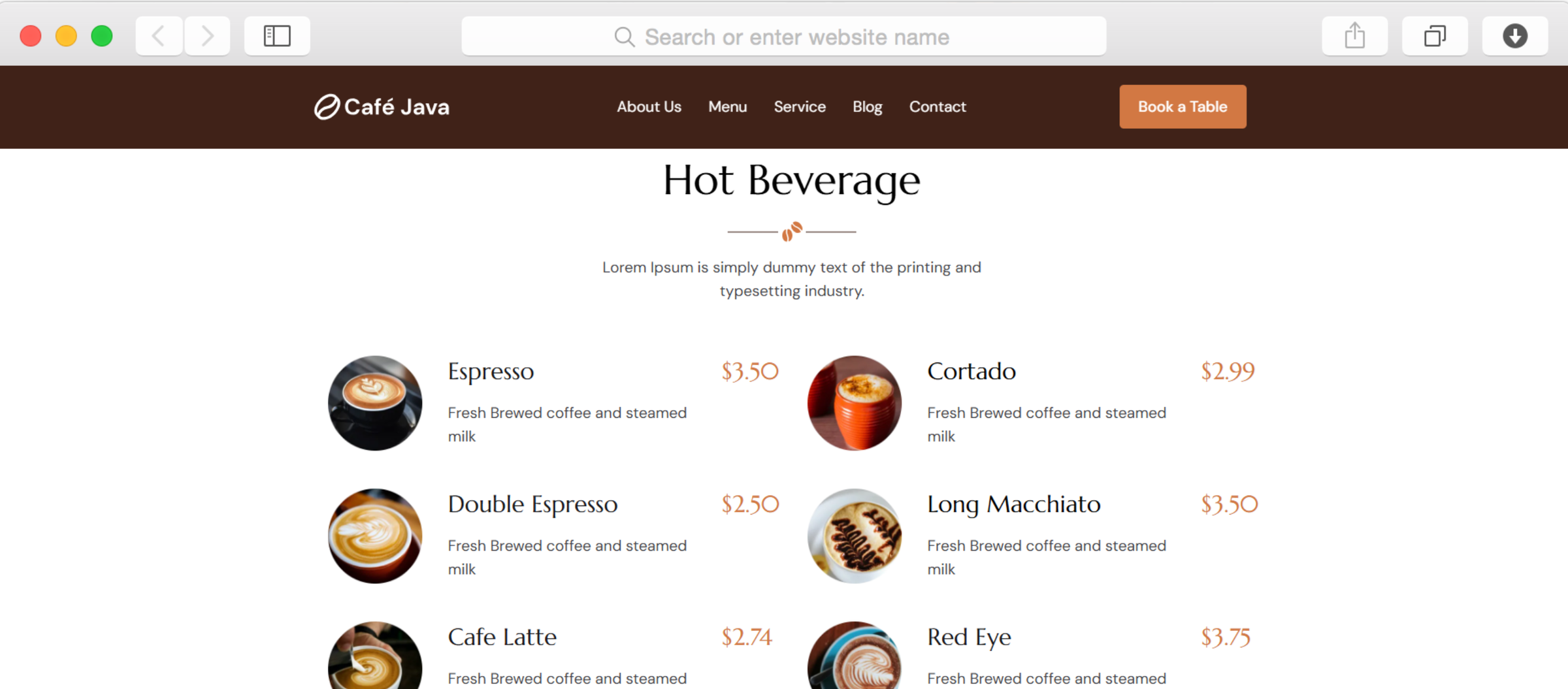
Present your beverages and food items with elegant pricing tables that make ordering decisions easy. The dedicated menu page organizes hot and cold drinks with images, descriptions, and prices clearly displayed.

Customers can browse your offerings before visiting, reducing wait times and improving their experience. Update menu items, seasonal specials, and pricing whenever you need without technical skills.

Share Your Coffee Shop Story

non défini

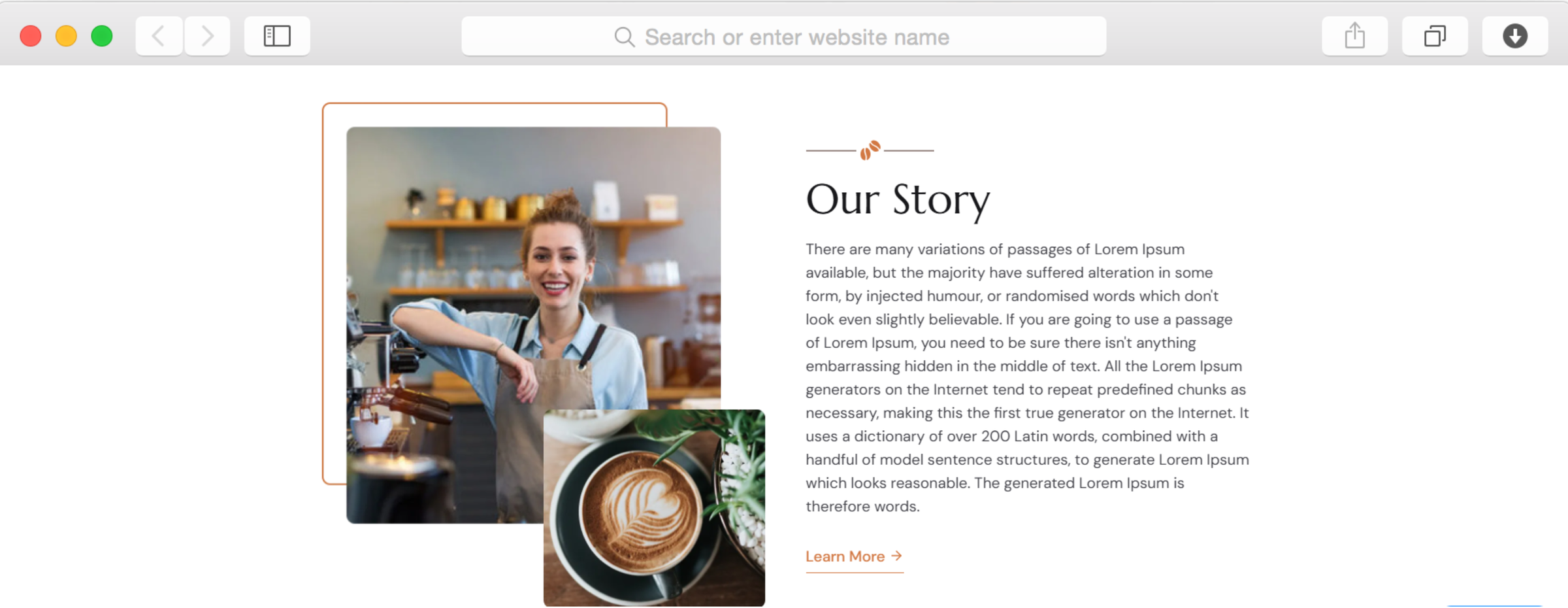
The dedicated About page lets you connect with customers beyond just serving coffee. Share your origin story, highlight what makes your beans special, and introduce your values through compelling text and imagery.

Use the story section to build trust and differentiate yourself from chain competitors. Customers increasingly choose businesses they feel connected to, and this template makes storytelling effortless.

Showcase Customer Love Through Testimonials

non défini

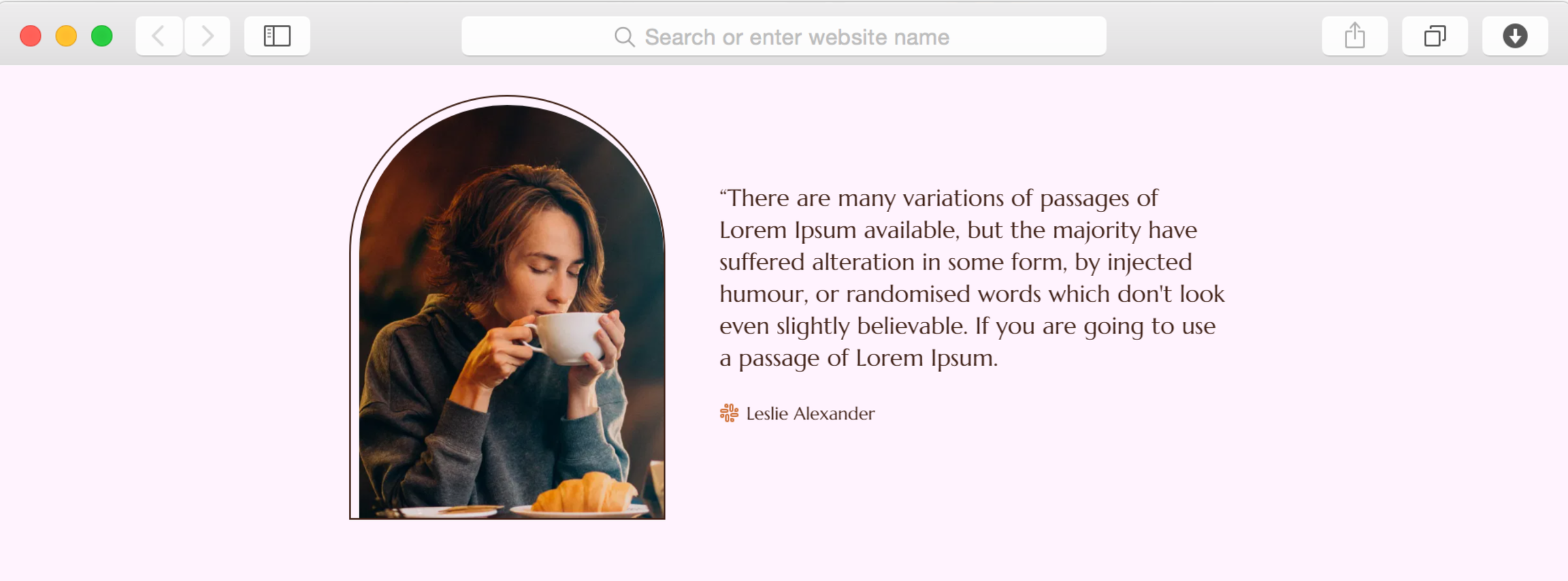
Build credibility with the testimonial slider that displays customer reviews prominently. Social proof influences purchasing decisions, especially for new visitors deciding where to spend their coffee budget.

Feature your best reviews with customer names to demonstrate the quality of your service and products. This section helps convert website visitors into in-person customers.

Keep Customers Engaged With Blogging

non défini

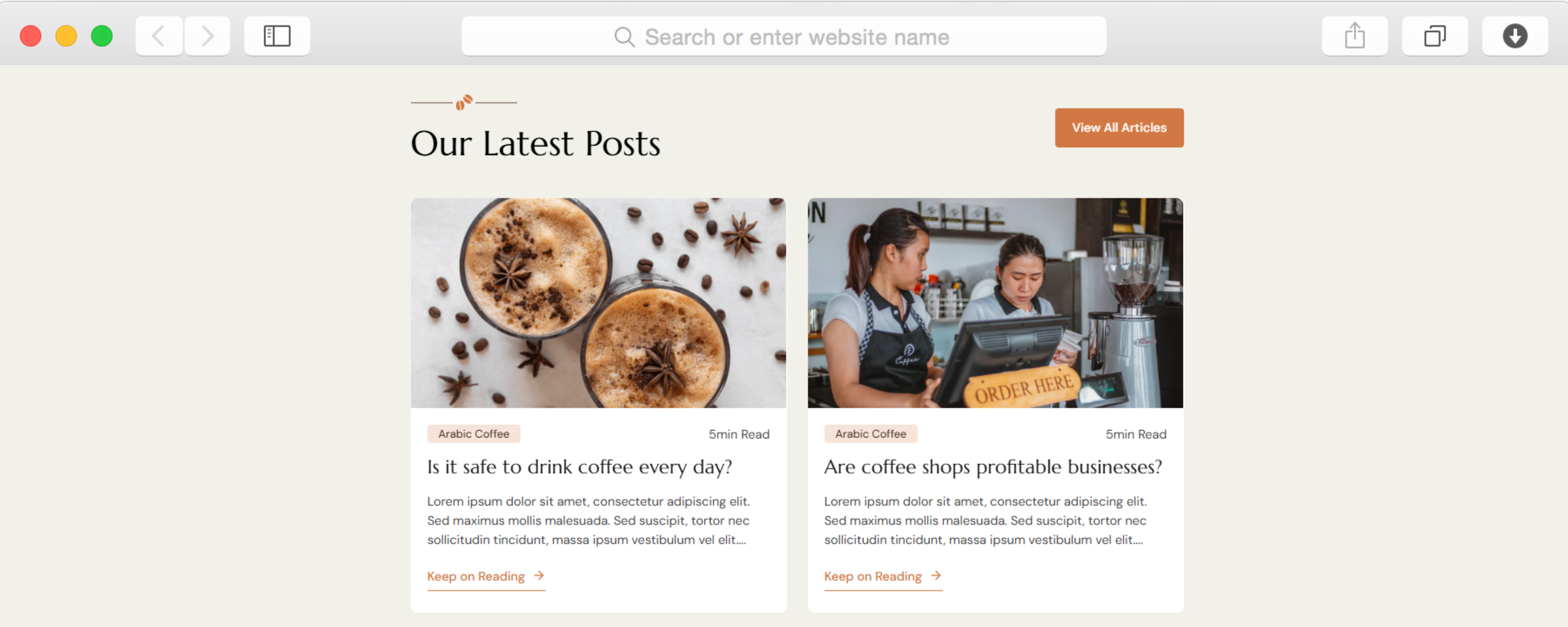
The integrated blog lets you publish content that brings people back to your site. Share brewing tips, introduce new roasts, announce events, or explain your sourcing practices through regular posts.

Blogging improves your visibility in search results and positions your cafe as a coffee authority. The blog preview section on your homepage highlights recent posts to keep your site feeling fresh.

Help Customers Find and Contact You

non défini

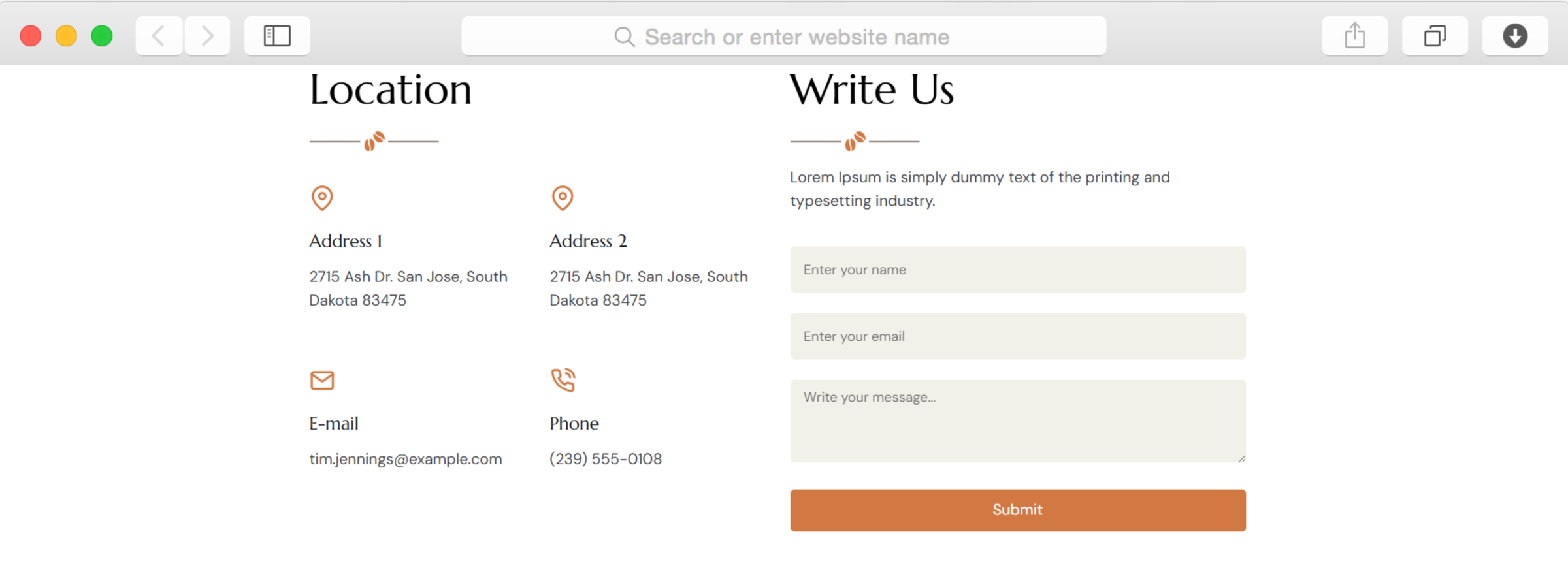
The contact page combines forms, location information, and an integrated map to make reaching you simple. Customers can submit inquiries, find your address, and get directions without leaving your website.

Display multiple locations if you have them, include phone numbers and email addresses, and ensure mobile users can call you with one tap. Reducing friction in communication increases customer engagement.

Reusable Components

Save time managing your website by creating reusable sections once and using them across multiple pages. Update your navigation menu, footer, or promotional banner in one place and watch changes apply everywhere automatically.

This feature ensures consistency throughout your site while reducing repetitive work. Perfect for maintaining brand cohesion as your coffee shop website grows.

Customizations

Customize every element through Dorik's visual drag-and-drop editor without writing code. Adjust colors to match your brand, modify fonts for readability, rearrange sections to prioritize what matters, and upload your own images to reflect your cafe's personality.

The template automatically adapts to all screen sizes, ensuring your site looks professional whether customers browse on phones, tablets, or computers. For advanced users, custom CSS lets you fine-tune every detail to perfection.

Special Features

Dorik's AI tools help you populate your site faster than ever. Generate professional copy for menu descriptions, service explanations, and blog posts in seconds. Create custom images that match your brand without expensive photography sessions or stock photo subscriptions.

Combined with unlimited bandwidth and storage, your site won't slow down as you add content or experience traffic spikes. The global CDN ensures fast loading worldwide, keeping visitors engaged regardless of location.

Use Cases

Independent Coffee Roasters Expanding Online

Specialty roasters selling beans online need more than just product listings. They need to educate customers about origin stories, roasting methods, and flavor profiles that justify premium pricing.

Use the blog to publish roast profiles, the menu section to display bean offerings with tasting notes, and the story page to explain your sourcing ethics. This positions your roastery as an expert, not just another seller.

Neighborhood Cafes Building Community Presence

Local cafes compete against chains by emphasizing community connection and unique atmosphere. Your website should reflect that personal touch and give locals a reason to choose you.

Showcase your space through the gallery, highlight community events in blog posts, and feature loyal customer testimonials. The location map helps newcomers find you, while the contact form makes event inquiries easy.

Mobile Coffee Businesses Announcing Locations

Food trucks and pop-up coffee stands need websites that communicate where they'll be next. Customers can't find you if they don't know your schedule and locations.

Use the blog to announce weekly schedules, the contact form to handle catering inquiries, and the services page to explain your offerings. Regular updates keep followers checking back and build anticipation.

Cafe Owners Adding Catering Services

Existing cafes expanding into catering need to market this additional revenue stream. Your website should make it obvious you offer event coffee service beyond regular cafe hours.

Create a dedicated services page explaining packages, use the contact form for quote requests, and showcase past events in the gallery. This communicates professionalism to potential corporate clients.

Why Choose Cafejava - Coffee Shop Website Template?

  • Complete six-page structure included, unlike single-page templates that require building additional pages from scratch
  • Food menu display with pricing tables built in, eliminating need for external menu plugins or services
  • Contact form and map integration ready immediately, while many templates require separate tool subscriptions
  • Testimonial slider included for social proof, a feature often sold separately in other platforms
  • Blog functionality integrated without plugins, unlike WordPress coffee themes requiring multiple extensions
  • No transaction fees on any payments processed through your site, unlike hosted platforms charging percentages
  • Unlimited bandwidth handles traffic spikes during promotions without upgrading plans or facing overage charges

Foire aux questions

Can I add online ordering to this template?

Yes, through integrations with payment processors like Stripe, PayPal, and Gumroad. While the template doesn't include native e-commerce, you can embed ordering systems or link to external platforms using contact forms and payment buttons.

Do I need coding skills to customize this template?

No coding required. Dorik's drag-and-drop editor lets you modify everything visually. Change colors, fonts, layouts, and content by clicking and typing. Advanced users can add custom CSS if desired, but it's entirely optional.

How quickly can I launch my coffee shop website?

Most users complete customization within a few hours. Replace placeholder text and images, connect your domain, and publish. The template structure is already built, so you focus only on adding your specific content and branding.

Can I add multiple cafe locations to one website?

Absolutely. Use the location section to list multiple addresses, add separate map integrations for each, and specify different operating hours. You can even note if menus vary between locations on your menu page.

Will my website work properly on mobile phones?

Yes, the template is fully responsive and mobile-first. All layouts automatically adjust for smartphones and tablets without additional work. Navigation, forms, and images optimize for touch screens and smaller displays seamlessly.

Can visitors subscribe to my coffee shop updates?

Yes, the subscription form lets visitors enter their email to receive news. Connect it with email marketing platforms like Mailchimp through Dorik's integrations to build your mailing list and announce specials or events.

Does the template support blogging for coffee content?

Yes, built-in blogging lets you publish articles about coffee culture, brewing methods, new products, or events. Posts support images, formatting, SEO settings, and scheduling. The homepage displays recent posts to keep content visible.

Are there limits on how many menu items I can display?

No limits exist on menu items or pages. Add as many beverages, food items, or product categories as needed. Unlimited storage means your growing menu won't create technical constraints or additional costs.

Can customers leave reviews directly on my website?

The testimonial section displays reviews you choose to feature. For automated review collection, integrate third-party review platforms through embedded widgets or link to your Google Business profile where customers can leave public feedback.

How do I ensure my website appears in search results?

The template includes built-in SEO features like meta tags, schema markup, XML sitemaps, and canonical URLs. Optimize page titles, descriptions, and content with relevant keywords. Regular blog posting also improves search visibility over time.

Categories
Styels
  • Modern
  • Clean
  • Dark Mode
Layout
  • Multi-page
  • Grid Layout
  • Card Layout
  • Hero Centered
Caractéristiques
  • Responsive Design
  • Content Management System (CMS)
  • Fully Customizable
  • SEO Optimized
  • Mobile First
  • Performance Optimized
  • CSS Grid
  • Hover Effects
  • Image Background
  • Sticky Elements
  • Fixed Header
  • Navigation Menu
  • Regular Button
  • Contact Form
  • Testimonial Slider
  • Image Slider
  • Food Menu
  • Pricing Tables
  • Social Icons
  • Maps Integration
  • Modal Windows
  • Counter Animation
  • Subscription Form
  • Numbered Pagination
  • Sticky Navigation
Sections
  • Hero
  • Call-to-Action Buttons
  • Story
  • Logo Banner
  • Caractéristiques
  • Statistics
  • Testimonials
  • Gallery
  • Product Showcase
  • Blog Preview
  • Contact Information
  • Location
  • Map
  • Social Media Links
  • Footer
  • Image Gallery
  • Client Logos
Pages
  • Home
  • About
  • Menu
  • Services
  • Blog
  • Contact

Créez un site Web avec AI !