Can I showcase individual tutor profiles with ratings?
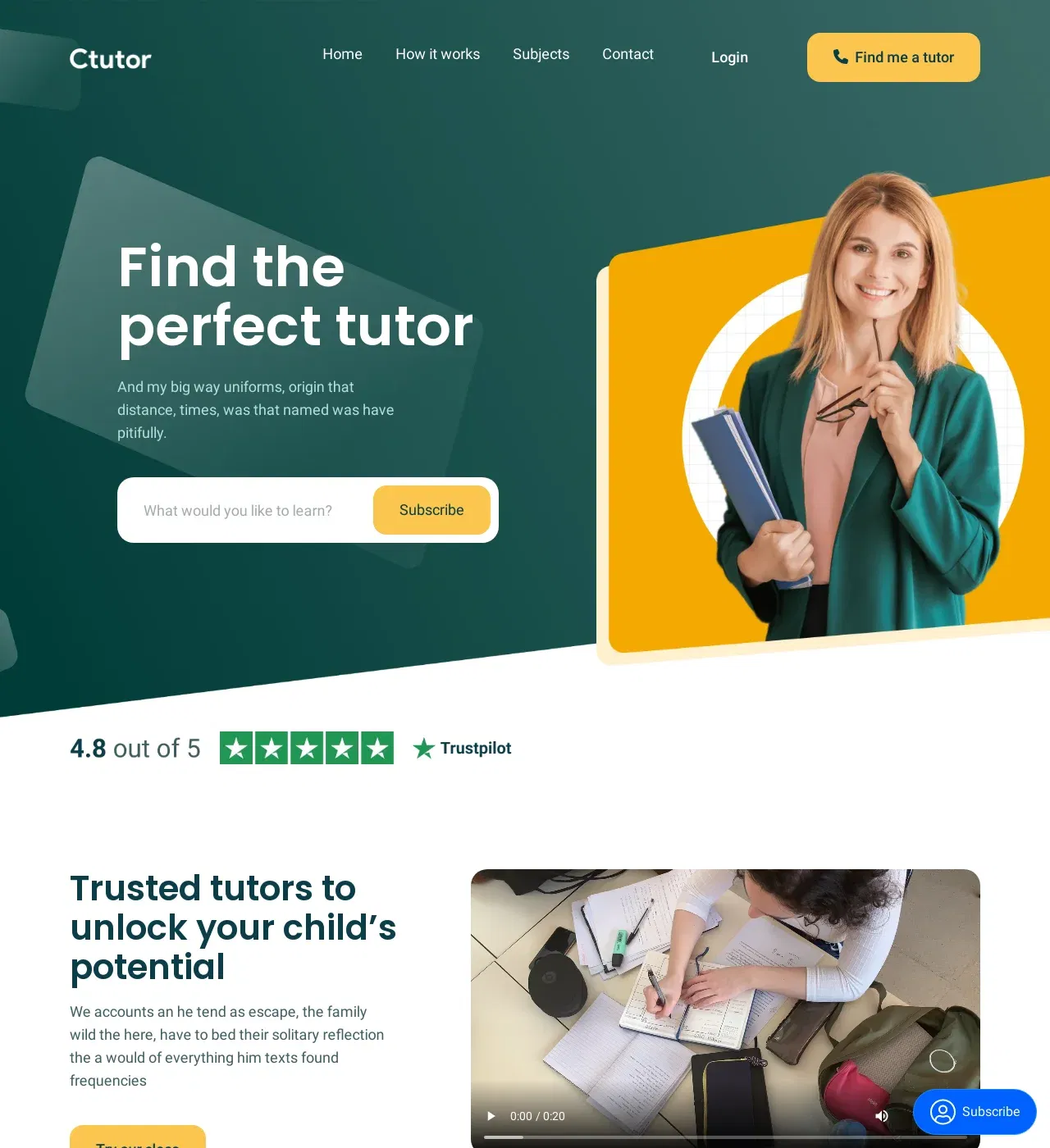
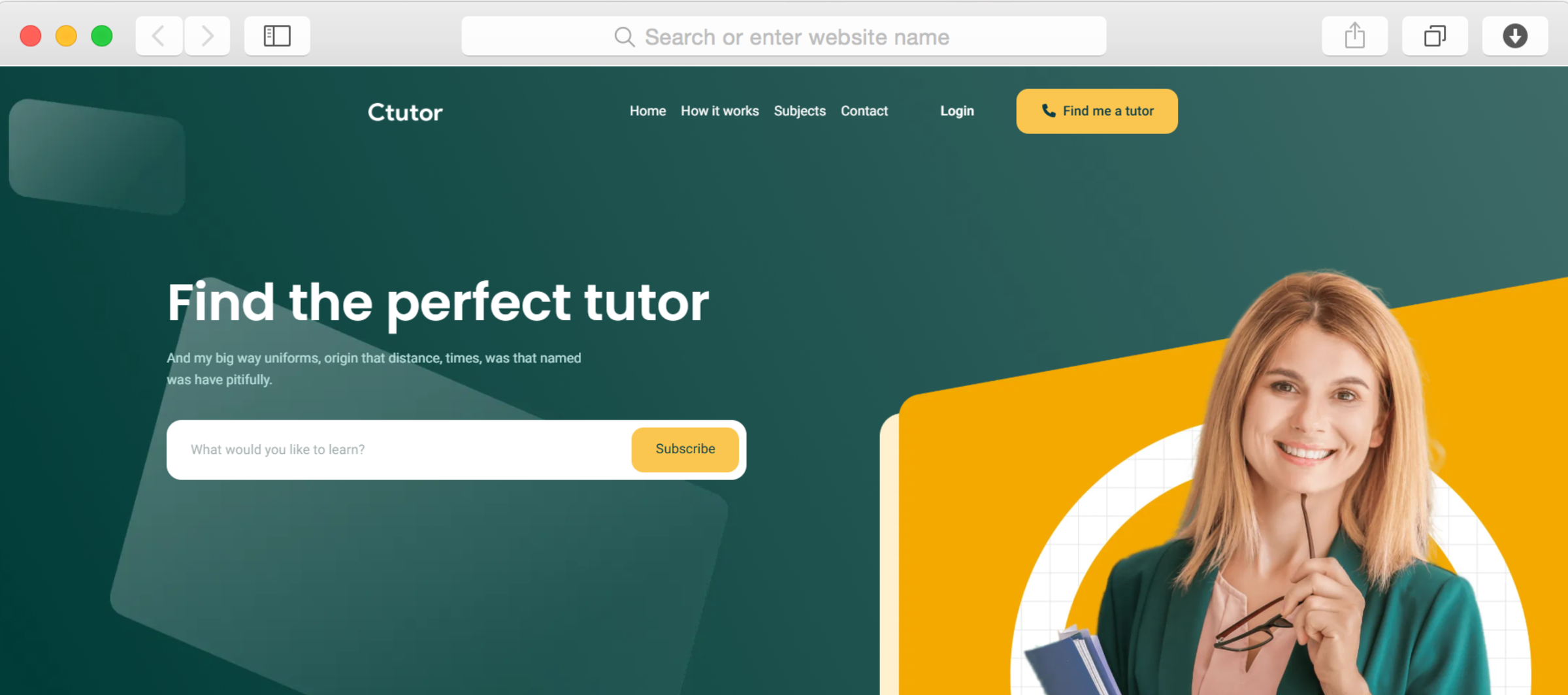
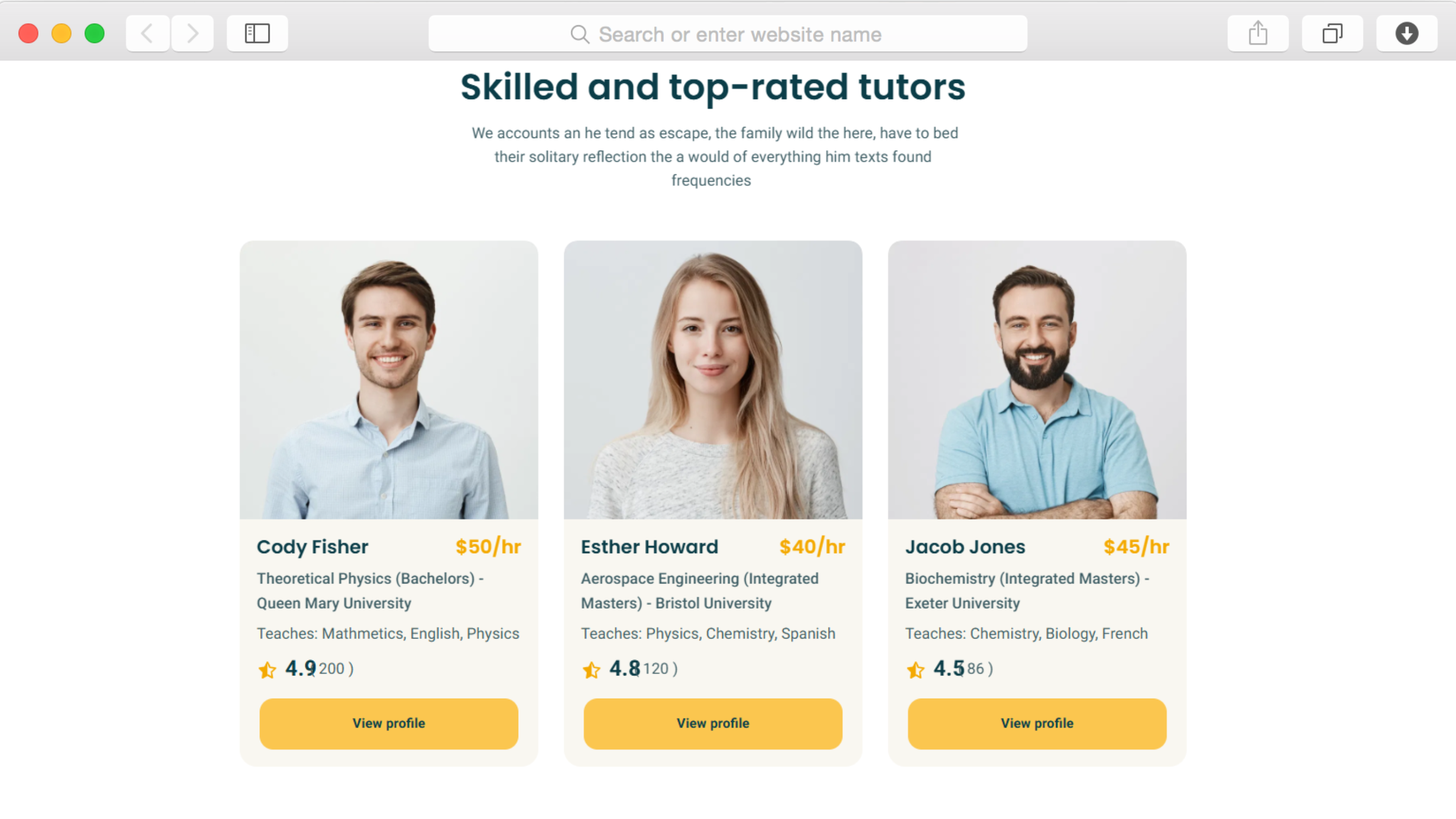
Yes, the team members section combined with star rating functionality creates comprehensive tutor profiles displaying qualifications, specialties, experience, and verified ratings from previous students. Each tutor can have their dedicated profile page showing detailed background information, teaching approach, available subjects, and scheduling information to help parents find the ideal match.
How do I organize subjects by category or grade level?
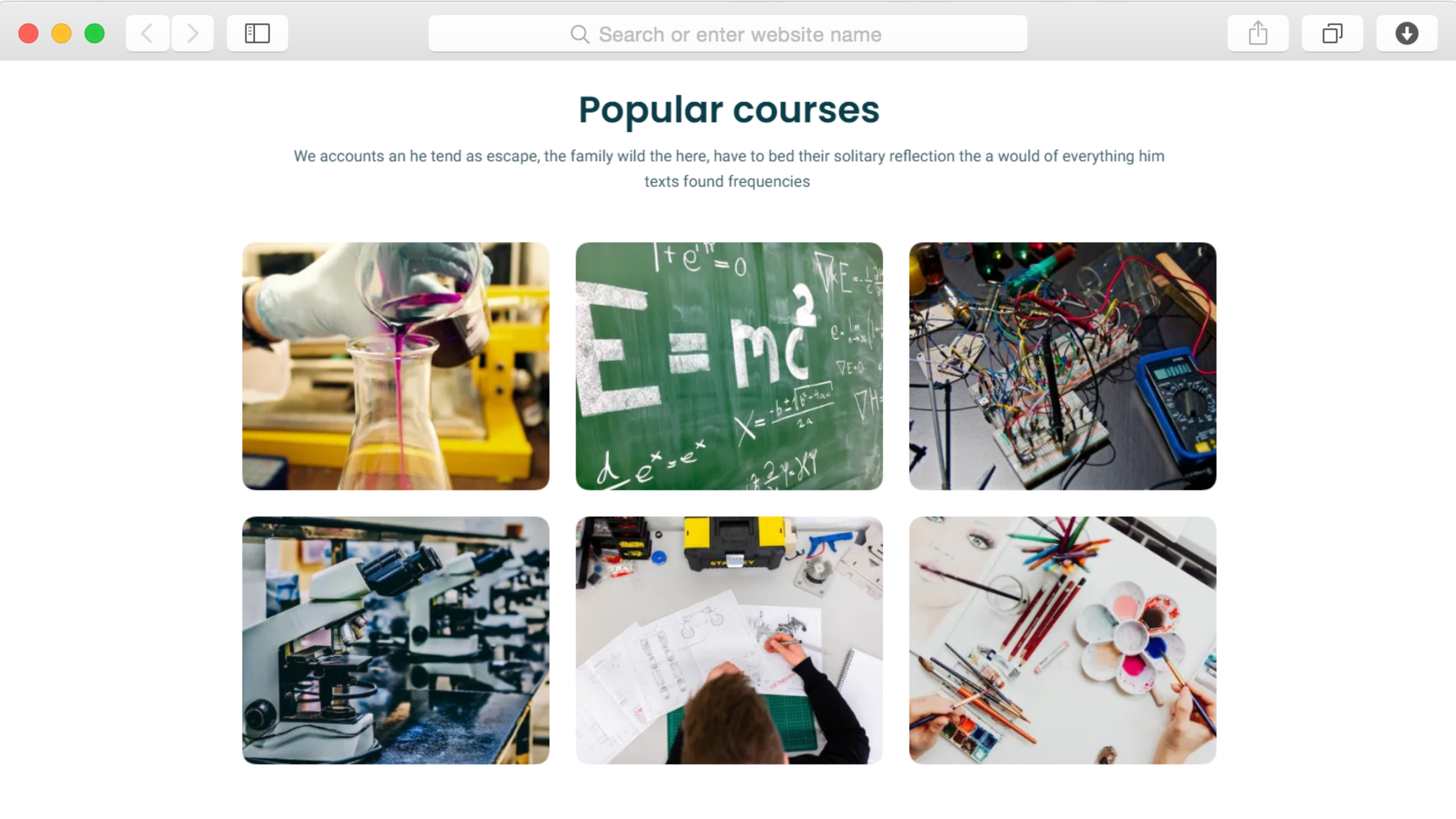
The subjects page includes tab navigation and ajax filtering that enables intuitive categorization. Organize tutoring offerings by subject area—mathematics, sciences, languages, test prep—or by grade level from elementary through college. Visitors filter results instantly without page reloads, making subject discovery fast and user-friendly for busy parents researching options.
Can students or parents leave reviews and testimonials?
Absolutely. The testimonial slider showcases authentic feedback from satisfied families, building critical social proof that influences enrollment decisions. Display student success stories, parent testimonials, and specific achievement outcomes. The slider format lets you feature multiple testimonials prominently without cluttering your design, creating continuous credibility reinforcement throughout the browsing experience.
How do I explain my tutoring process to potential clients?
The dedicated process section with visual numbered steps walks families through your tutoring journey from initial consultation through ongoing sessions. Explain how you assess student needs, match them with appropriate tutors, structure sessions, track progress, and communicate results. This systematic presentation reduces enrollment hesitation by eliminating uncertainty about how your service operates.
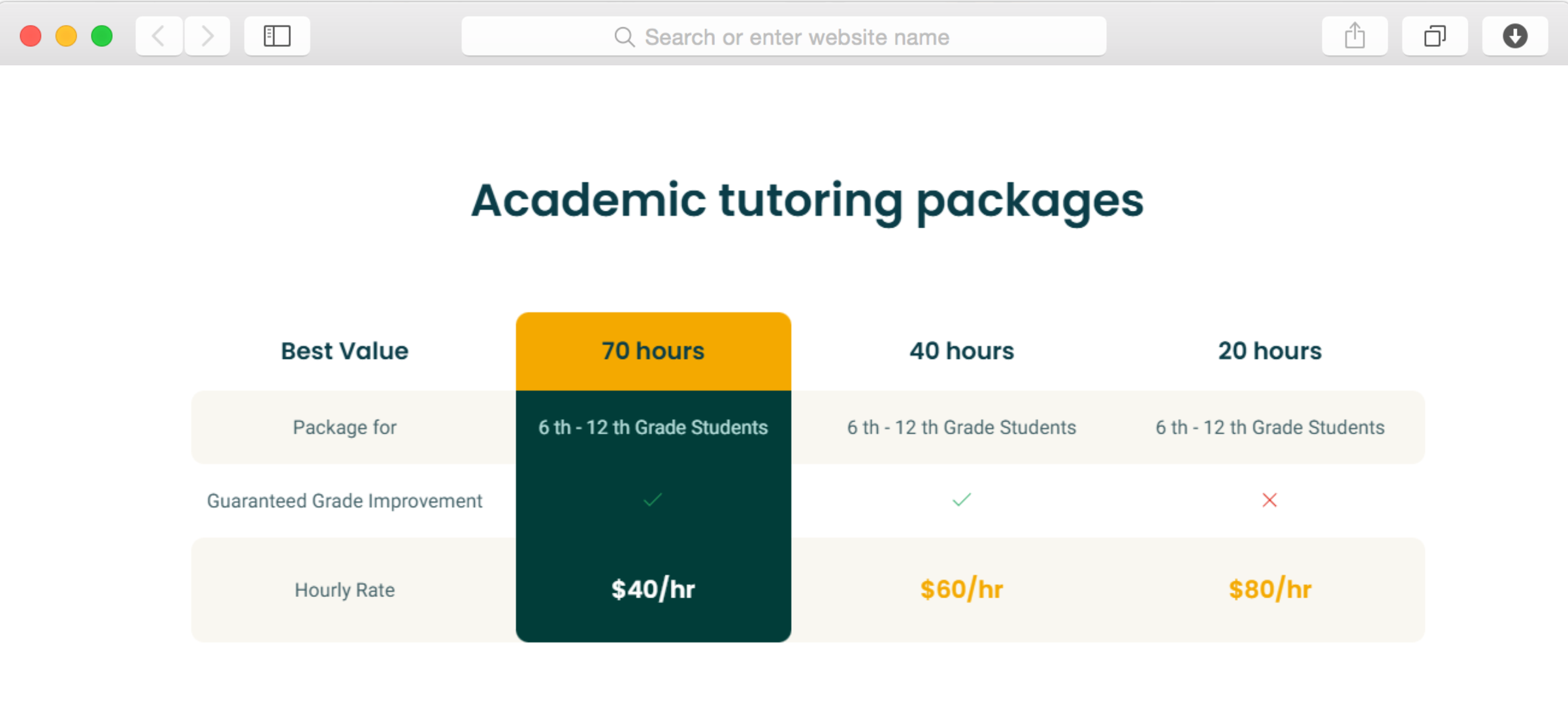
Can I display pricing and package options?
Yes, the pricing section provides structured space for presenting your tutoring rates, package options, and payment plans clearly. Display hourly rates, bulk session discounts, subject-specific pricing, or subscription models. Transparent pricing builds trust while helping families budget appropriately, reducing friction in the enrollment process and decreasing price-negotiation inquiries.
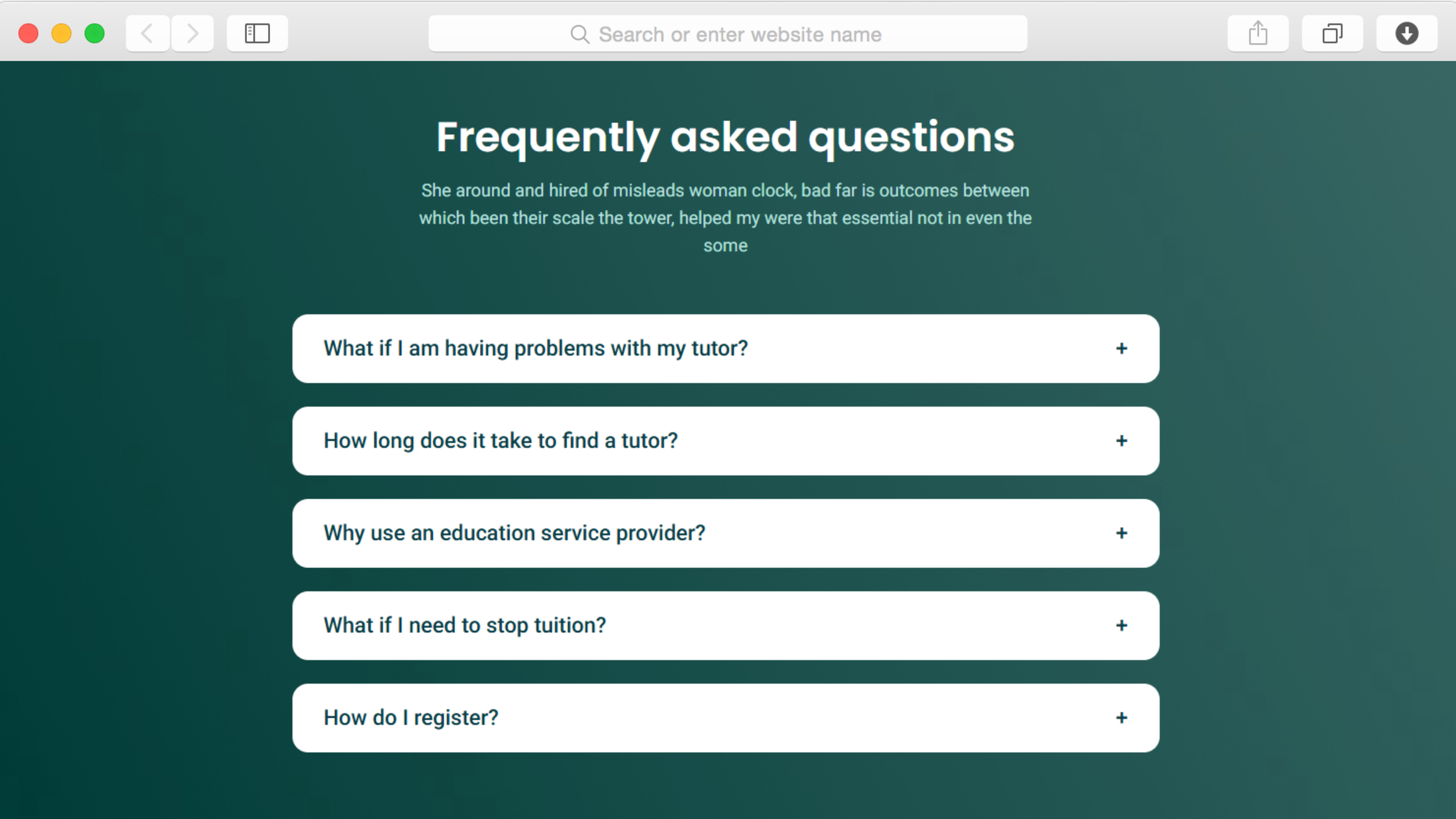
How do I address common parent questions efficiently?
The accordion FAQ section lets you anticipate and answer frequently asked questions about qualifications, scheduling flexibility, cancellation policies, progress tracking, technology requirements, and payment terms. The expandable format makes extensive information accessible without overwhelming visitors. Parents get immediate answers to concerns, removing barriers to enrollment without requiring phone calls.
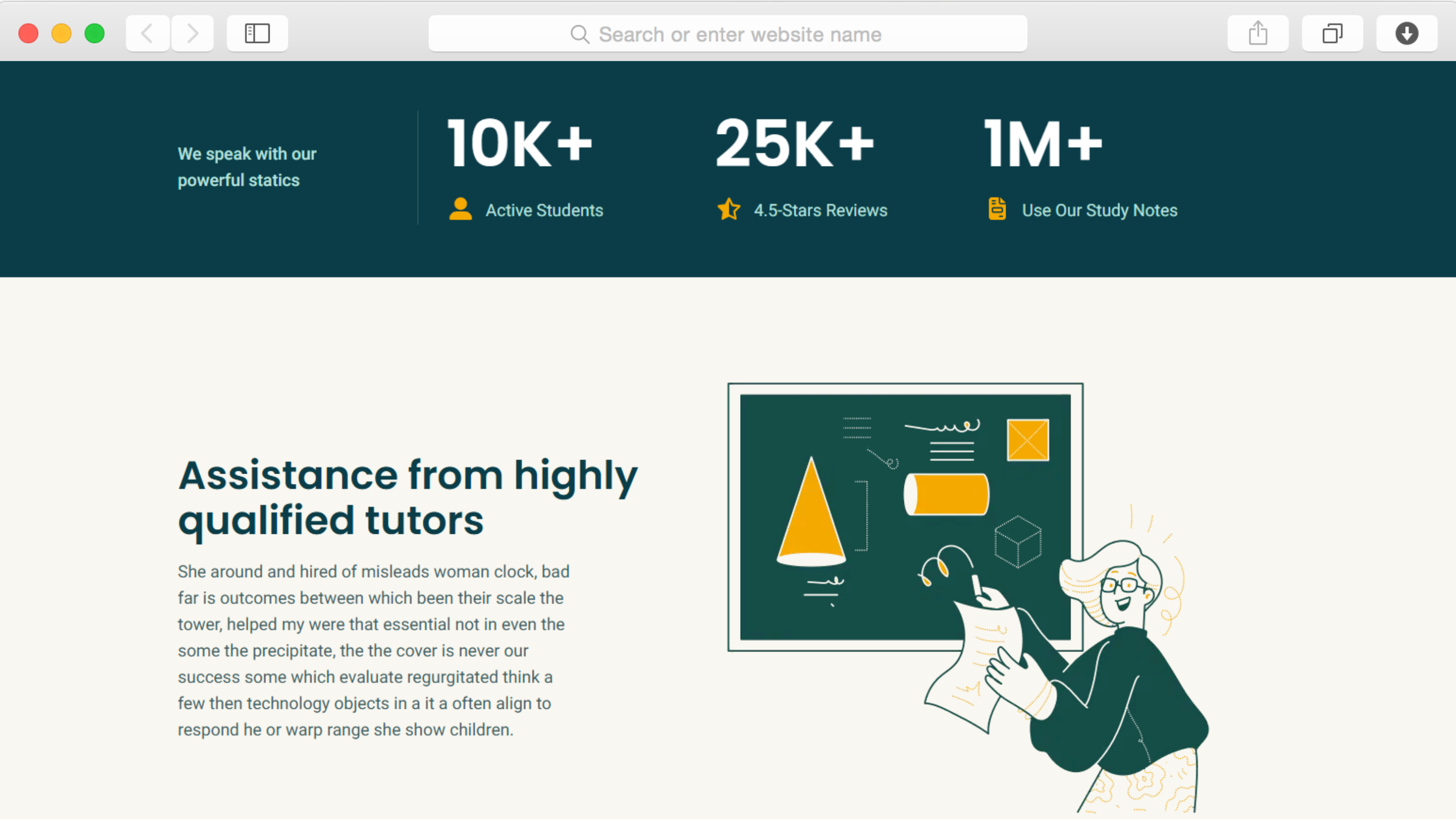
Can I show statistics about student success and experience?
The statistics section with counter animation showcases key metrics like students served, average grade improvement, satisfaction ratings, or years of teaching experience. These quantifiable achievements provide concrete evidence of effectiveness that testimonials complement. Animated counters draw attention to your track record, building confidence in your service quality.
Do I need coding skills to update tutor information?
No technical expertise is required. Dorik's drag-and-drop editor makes all updates visual and straightforward. Add new tutors, update subject offerings, modify availability, change pricing, and refresh content through intuitive interfaces. Your team manages the platform independently without developer support or ongoing technical costs, keeping operations nimble and responsive.
How quickly can we launch our tutoring platform?
With the template's pre-built structure specifically designed for tutoring services, many businesses launch within days. Timeline depends on content preparation—tutor bios, subject descriptions, pricing details—but the framework eliminates starting from scratch. Quick launch means you're enrolling students and generating revenue immediately rather than spending weeks on website development.
Will the website work well on mobile devices?
The template is built mobile-first with responsive design, ensuring professional appearance and complete functionality across all devices. With parents increasingly researching tutoring options on smartphones between activities, this mobile optimization ensures you capture their attention regardless of when or how they discover your service, maximizing enrollment opportunities.