Puis-je ajouter des vidéos à mes projets de portfolio ?
Oui, l'éditeur Dorik vous permet d'intégrer directement du contenu vidéo dans les sections de votre portfolio. Que vous les hébergiez sur YouTube, Vimeo ou d'autres plateformes similaires, les vidéos s'intègrent parfaitement aux images statiques. Cela fonctionne particulièrement bien pour les animations graphiques, les animations d'interface utilisateur ou les témoignages de clients enregistrés, qui ajoutent une profondeur supplémentaire aux captures d'écran.
Ai-je besoin de connaissances en codage pour personnaliser ce modèle ?
Aucune connaissance en codage n'est requise. L'éditeur visuel de Dorik gère toutes les personnalisations grâce à des interfaces glisser-déposer et des contrôles de style. Modifiez les couleurs, ajustez les mises en page, échangez du contenu et réorganisez les sections à l'aide d'outils pointer-cliquer. Les utilisateurs avancés peuvent ajouter du CSS personnalisé s'ils le souhaitent, mais le modèle fonctionne parfaitement sans code.
Comment les témoignages sont-ils ajoutés au slider ?
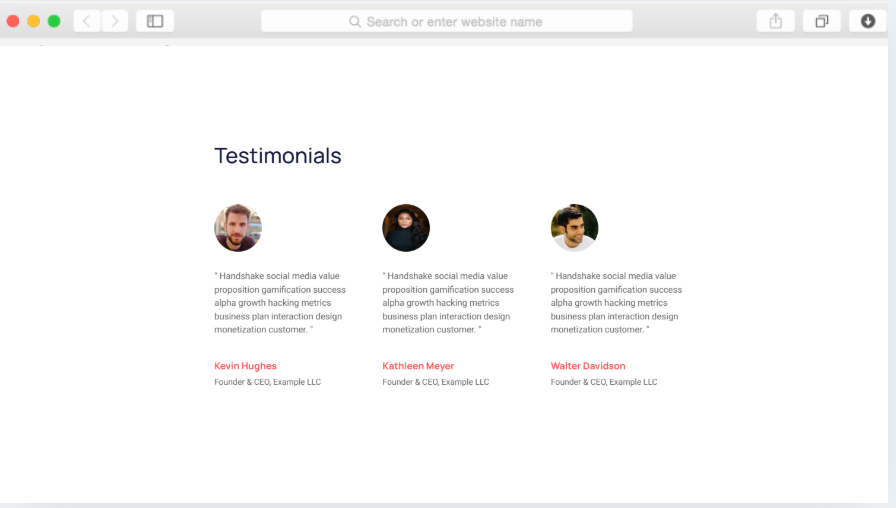
Ajoutez des témoignages via l'interface de gestion de contenu de Dorik en saisissant les citations, les noms et, éventuellement, les photos de vos clients. Le composant « slider de témoignages » fait défiler automatiquement les entrées que vous avez ajoutées. Contrôlez la vitesse de défilement, les effets de transition et les paramètres d'affichage à l'aide d'options visuelles, sans avoir à modifier le code.
Puis-je connecter mon blog existant à ce modèle ?
Le modèle utilise la plateforme de blogging intégrée à Dorik, qui inclut des fonctionnalités d'importation depuis WordPress, Ghost, Medium et Substack. Exportez votre contenu existant depuis ces plateformes, puis importez-le dans le CMS de Dorik. Les publications existantes conservent leurs métadonnées, leurs catégories et leurs dates de publication tout au long du processus de migration.
Le fond sombre peut-il être personnalisé avec des couleurs plus claires ?
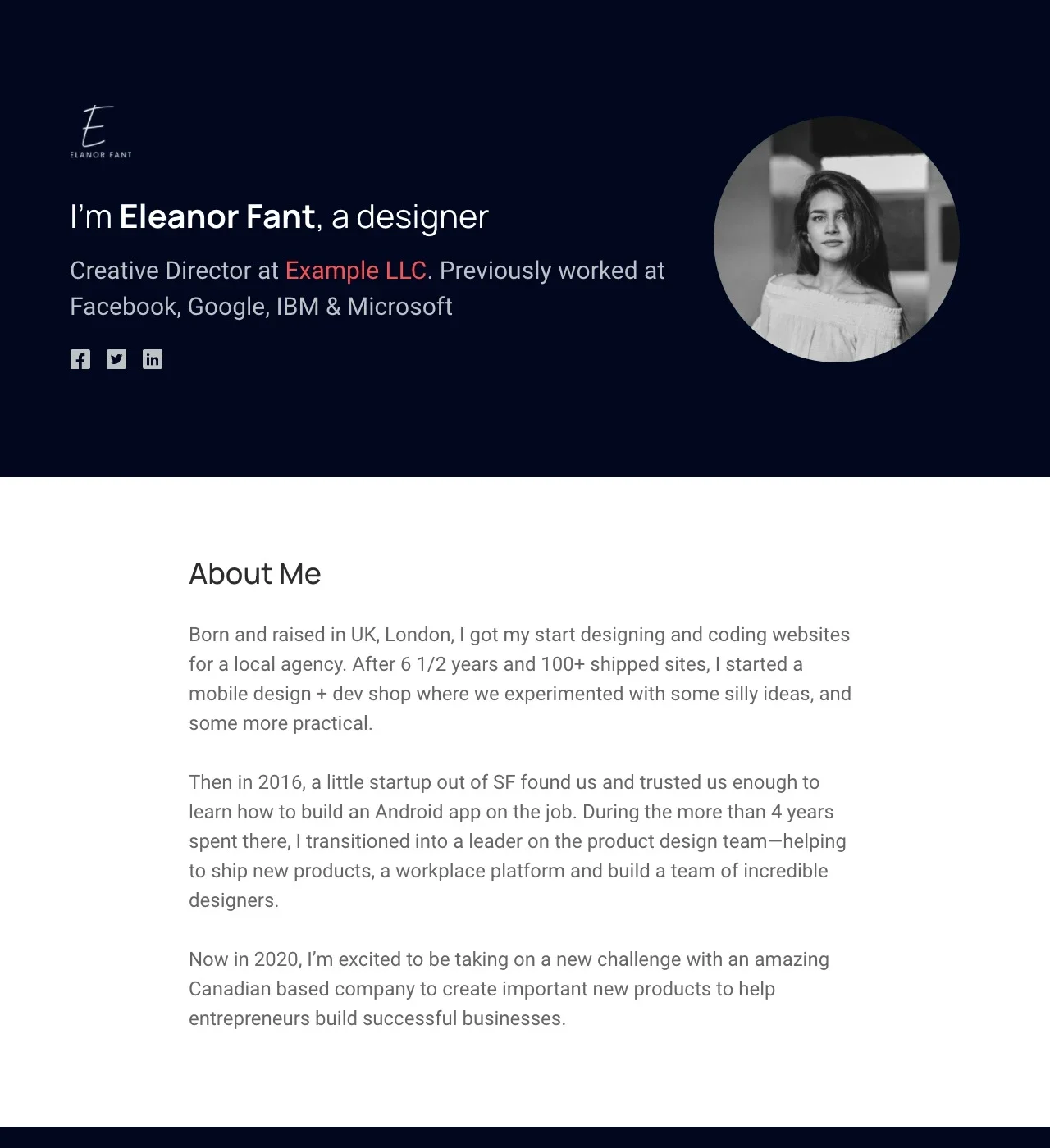
Tout à fait. L'esthétique sombre est un choix de conception, pas une limitation. Accédez aux commandes de style de Dorik pour modifier les couleurs d'arrière-plan, ajuster le contraste du texte et modifier l'ensemble de la palette de couleurs. Prévisualisez les modifications en temps réel avant la publication afin de garantir la lisibilité et l'attrait visuel de toutes les sections.
Comment fonctionne la navigation à page unique ?
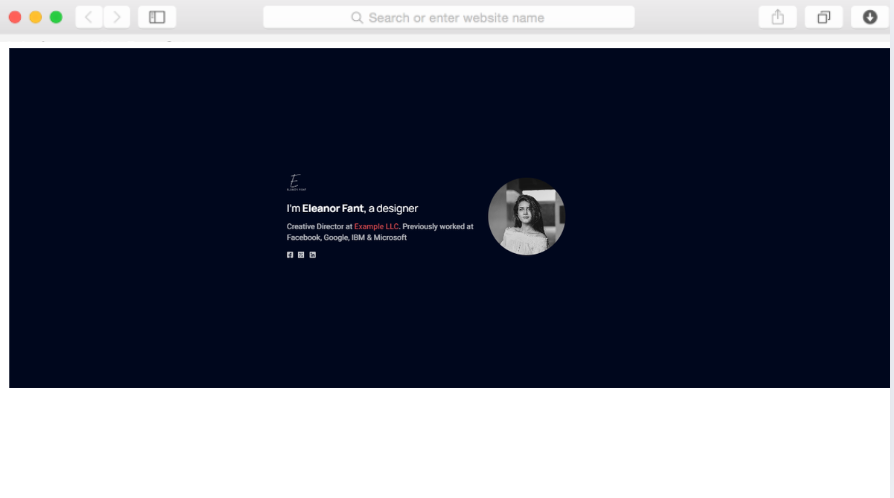
Les liens de navigation permettent de faire défiler facilement les différentes sections de la page. Cliquez sur « Portfolio » et la vue se déplace automatiquement vers la présentation de vos projets. Cliquez sur « À propos » et vous accédez à la section consacrée à votre parcours. Cela crée l'impression de naviguer sur plusieurs pages tout en conservant un défilement continu.
Puis-je ajouter d'autres sections en plus de celles qui sont incluses ?
Oui, Dorik fournit plus de 250 blocs d'interface utilisateur prédéfinis que vous pouvez ajouter pour étendre les fonctionnalités. Insérez des galeries de portfolio supplémentaires, des sections sur les compétences, des calendriers de processus ou des tableaux de prix. Faites glisser les nouvelles sections à l'emplacement souhaité, personnalisez le contenu et le style, puis publiez. Le modèle sert de base que vous pouvez développer en fonction de vos besoins spécifiques.
Cela fonctionne-t-il pour les photographes et les artistes visuels ?
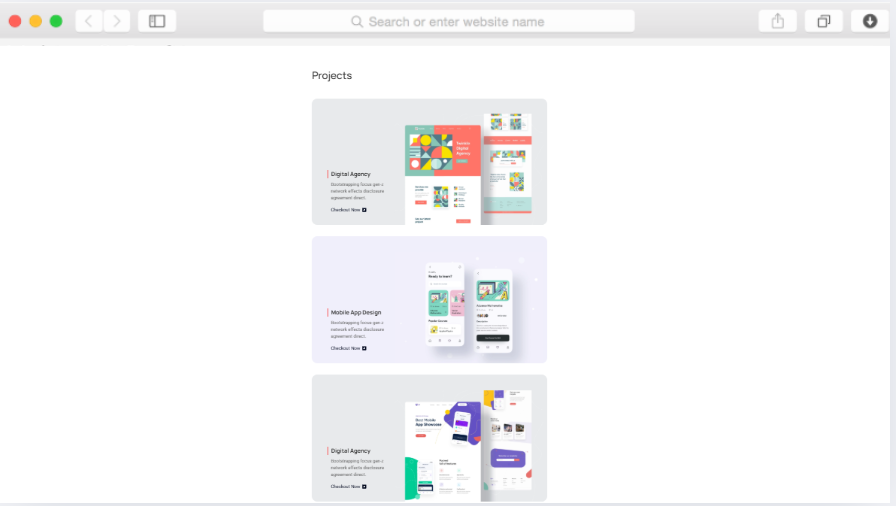
Oui, la section portfolio peut accueillir tout type de travail visuel. Téléchargez des photographies, des illustrations, des œuvres d'art ou des projets multimédias. La mise en page de la carte s'adapte à différentes dimensions et orientations d'image. Tenez compte de l'effet du fond sombre sur la représentation des couleurs dans votre travail : il met en valeur les designs aux couleurs vives, mais peut ne pas convenir à tous les styles photographiques.
Dans combien de temps puis-je lancer ce portefeuille ?
Le délai dépend davantage de la préparation du contenu que de la configuration technique. Si les images de votre portfolio, le texte de présentation et les témoignages sont prêts, prévoyez plusieurs heures pour la personnalisation et la publication. La plupart du temps est consacré à la réflexion sur le contenu (quels projets mettent en valeur votre meilleur travail, comment décrire votre approche) plutôt qu'à la configuration technique.
Y a-t-il des limites quant aux projets de portfolio que je peux présenter ?
Il n'y a pas de limite stricte. Ajoutez autant d'éléments que nécessaire pour représenter efficacement votre travail. Cependant, la sélection est plus importante que la quantité. La plupart des portfolios réussis présentent 6 à 12 projets phares plutôt que des archives exhaustives. Le modèle s'adapte aux deux approches, mais en sélectionnant uniquement vos meilleurs travaux, vous obtiendrez généralement de meilleures réponses de la part des clients.