Puis-je présenter plusieurs catégories de menu telles que le déjeuner, le dîner et les boissons ?
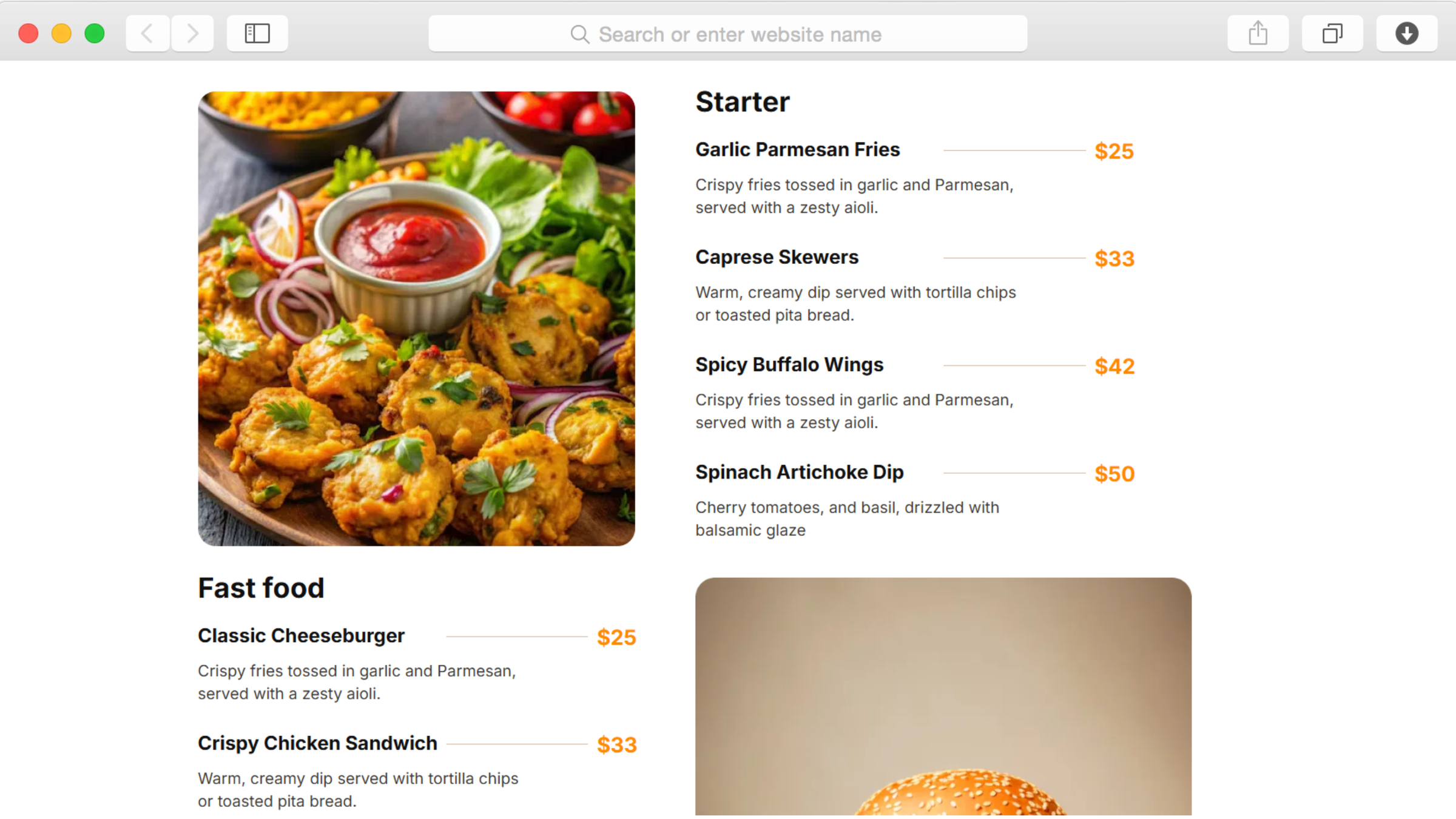
Oui, la fonctionnalité de menu alimentaire permet d'organiser plusieurs catégories avec des sections distinctes pour les entrées, les plats principaux, les boissons et les desserts. Chaque élément comprend un espace pour les descriptions, les prix et les images qui l'accompagnent. Vous pouvez créer autant de catégories de menu que votre restaurant le nécessite, sans aucune limitation technique.
Ai-je besoin de compétences en codage pour personnaliser le modèle ?
Aucune connaissance en codage n'est requise. L'éditeur glisser-déposer de Dorik permet une personnalisation complète grâce à des commandes visuelles. Modifiez les couleurs, les polices, les mises en page et le contenu à l'aide d'interfaces intuitives. Pour les utilisateurs avancés qui souhaitent apporter des modifications spécifiques, un accès CSS personnalisé est disponible, mais facultatif.
Les clients peuvent-ils effectuer des réservations directement sur le site web ?
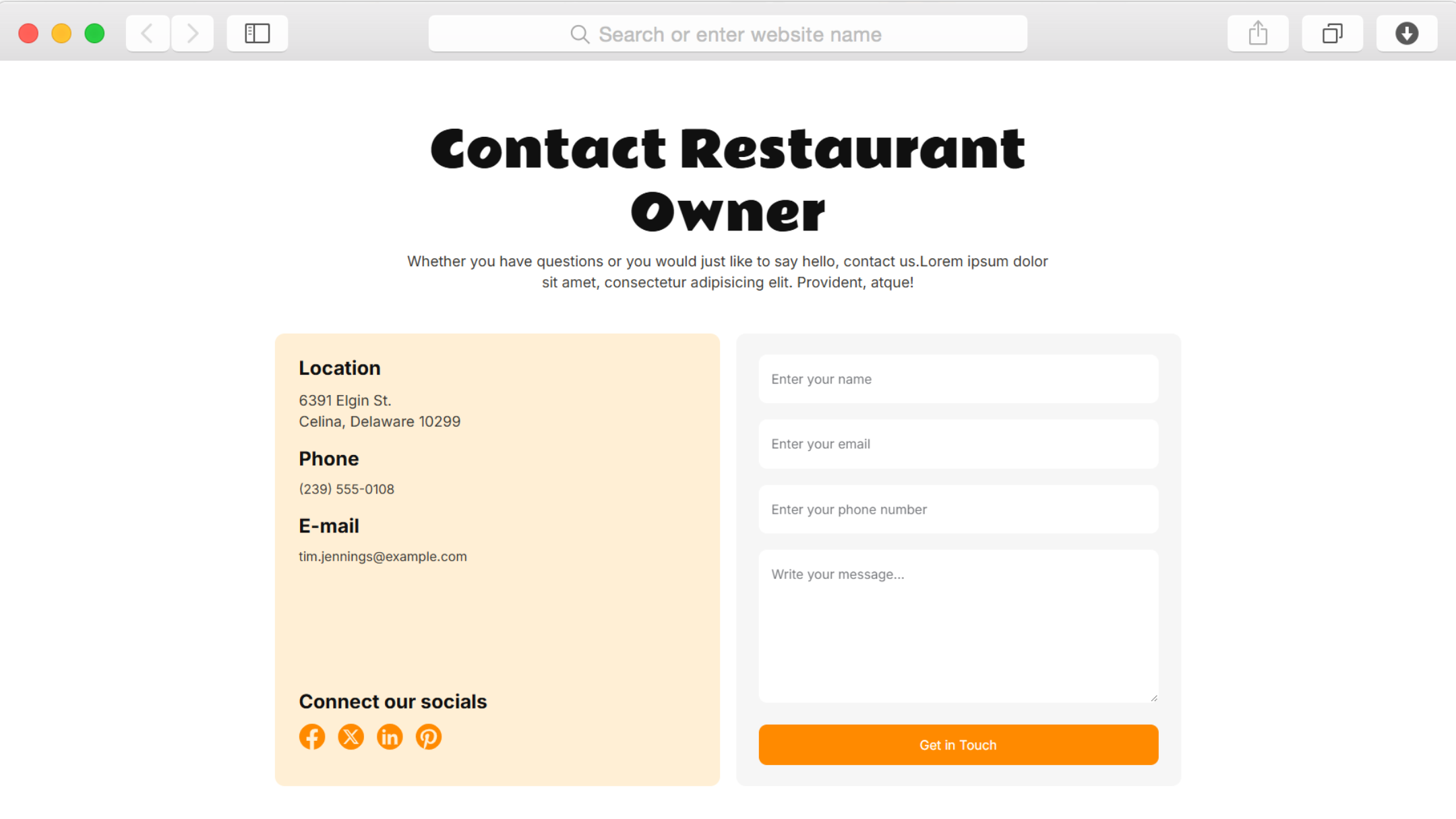
Le modèle comprend des boutons d'appel à l'action et des formulaires de contact pour les demandes de réservation. L'intégration avec des systèmes de réservation externes tels que OpenTable ou Resy est possible grâce à un code personnalisé ou à des intégrations tierces. Les formulaires d'inscription à la newsletter permettent également de collecter les coordonnées des clients pour la confirmation des réservations.
Comment ajouter de nouveaux membres à l'équipe ou mettre à jour les profils des chefs ?
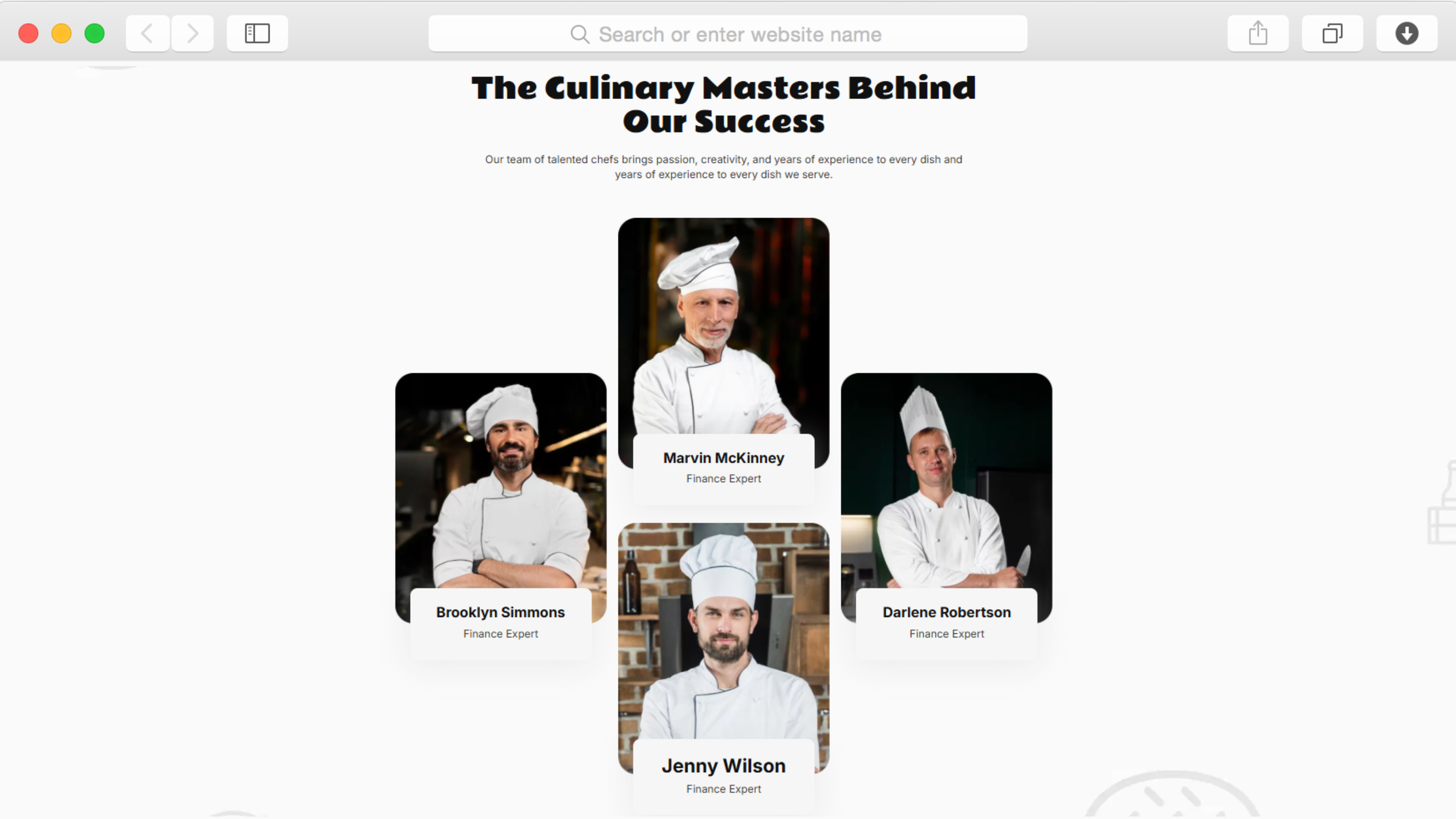
La section consacrée aux membres de l'équipe est mise à jour via le système de gestion de contenu de Dorik. Ajoutez de nouveaux profils, téléchargez des photos, rédigez des biographies et publiez les modifications instantanément sans affecter les autres sections du site. Les modifications apparaissent sur toutes les pages où les membres de l'équipe sont affichés, ce qui garantit automatiquement la cohérence.
Puis-je intégrer des vidéos de mon restaurant ou de mon processus de cuisson ?
Oui, la fonctionnalité vidéo permet d'intégrer des vidéos provenant de YouTube, Vimeo ou téléchargées directement. Présentez le fonctionnement de votre cuisine, des interviews de chefs, la préparation de plats signature ou l'ambiance de votre restaurant. Les vidéos s'adaptent automatiquement à différentes tailles d'écran pour un affichage cohérent sur les ordinateurs de bureau et les appareils mobiles.
Le modèle convient-il à plusieurs restaurants ?
La structure du modèle convient parfaitement aux établissements uniques. Pour les établissements multiples, vous pouvez créer des pages distinctes pour chaque restaurant, personnaliser le pied de page avec différentes adresses ou créer des sites entièrement distincts en utilisant le même modèle de conception afin d'assurer la cohérence de la marque dans tous les établissements.
En combien de temps puis-je lancer le site web de mon restaurant ?
Une fois le contenu existant préparé (menu, photos, biographies de l'équipe et informations sur le restaurant), vous pouvez créer et publier un site Web complet pour votre restaurant en quelques heures. Le modèle fournit la structure, vous ajoutez les détails. Si le contenu n'est pas prêt, prévoyez un à deux jours pour obtenir un site entièrement peaufiné.
Puis-je connecter mes comptes de réseaux sociaux ?
Oui, les icônes sociales permettent de créer des liens vers Facebook, Instagram, Twitter et d'autres plateformes. Ces icônes apparaissent généralement dans l'en-tête ou le pied de page, rendant votre présence sociale facilement accessible. Vous ne pouvez pas intégrer directement des flux sociaux en direct sans outils externes ou intégration personnalisée.
Le modèle prend-il en charge les commandes en ligne ou la livraison ?
Le modèle affiche votre menu et inclut les coordonnées pour les demandes de renseignements sur les commandes. La commande en ligne directe nécessite l'intégration de services tiers tels que Stripe pour les paiements ou des plateformes spécialisées dans la commande de repas. Dorik prend en charge ces intégrations grâce à des boutons de paiement et à la mise en œuvre d'un code personnalisé.
Comment optimiser le site web pour les résultats de recherche locale ?
Le modèle comprend des fonctionnalités d'optimisation SEO intégrées, telles que des méta-titres, des descriptions et des balises schématiques personnalisables. Ajoutez les informations relatives à l'emplacement, aux zones de service et aux heures d'ouverture de votre restaurant. Connectez Google Analytics et Google Search Console pour suivre les performances. Ces outils aident les clients locaux à trouver votre restaurant lorsqu'ils recherchent des options de restauration à proximité.