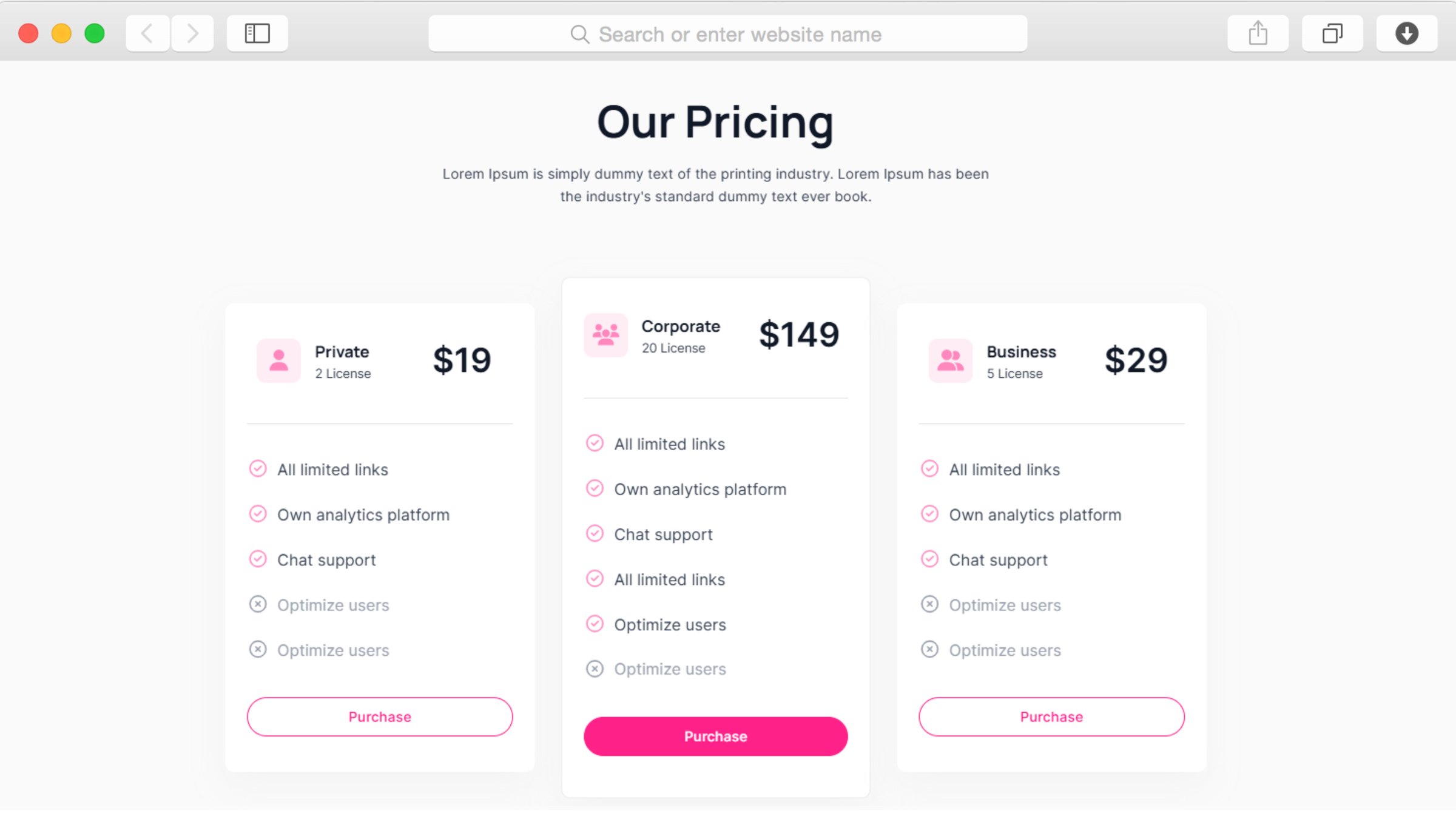
Puis-je vendre des billets pour des événements directement via ce modèle ?
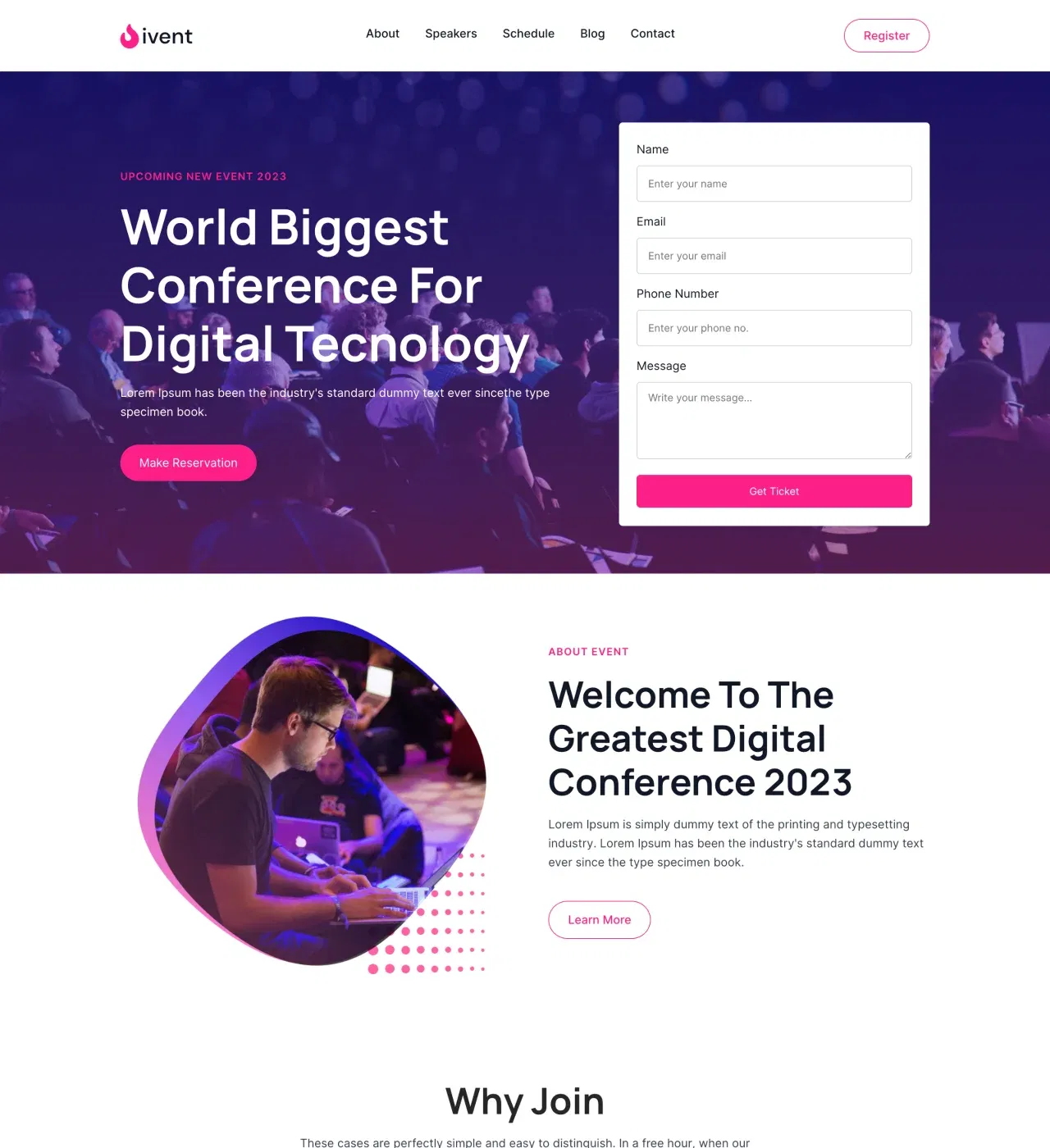
Oui, grâce aux intégrations de paiement de Dorik avec Stripe, PayPal et Gumroad. Ajoutez des boutons de paiement à vos tableaux de prix et à vos informations sur les billets, configurez votre processeur de paiement et commencez à accepter les inscriptions. Dorik ne facture aucun frais de plateforme sur les transactions, vous conservez donc 100 % de vos revenus de billetterie, moins les frais de traitement des paiements standard.
Ai-je besoin de compétences en codage pour personnaliser ce modèle ?
Aucune connaissance en codage n'est requise. L'éditeur glisser-déposer de Dorik vous permet de modifier visuellement chaque aspect du modèle. Modifiez les couleurs, les polices, les images, les mises en page et le contenu en cliquant et en tapant. L'interface est conçue pour les organisateurs d'événements, pas pour les développeurs. Si vous souhaitez ensuite effectuer des personnalisations avancées, vous pouvez ajouter du CSS personnalisé ou exporter le code.
Puis-je gérer facilement plusieurs intervenants et sessions ?
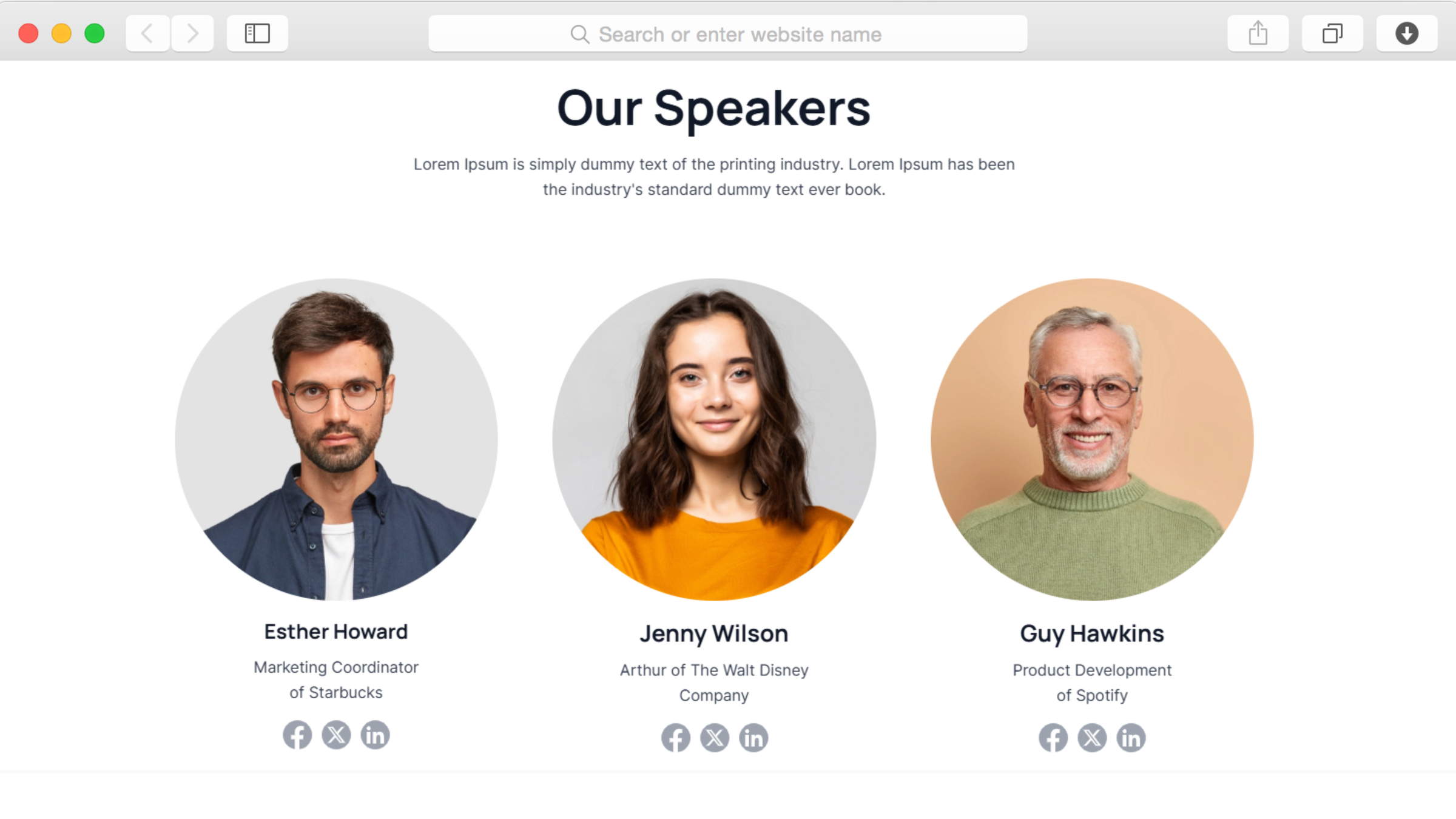
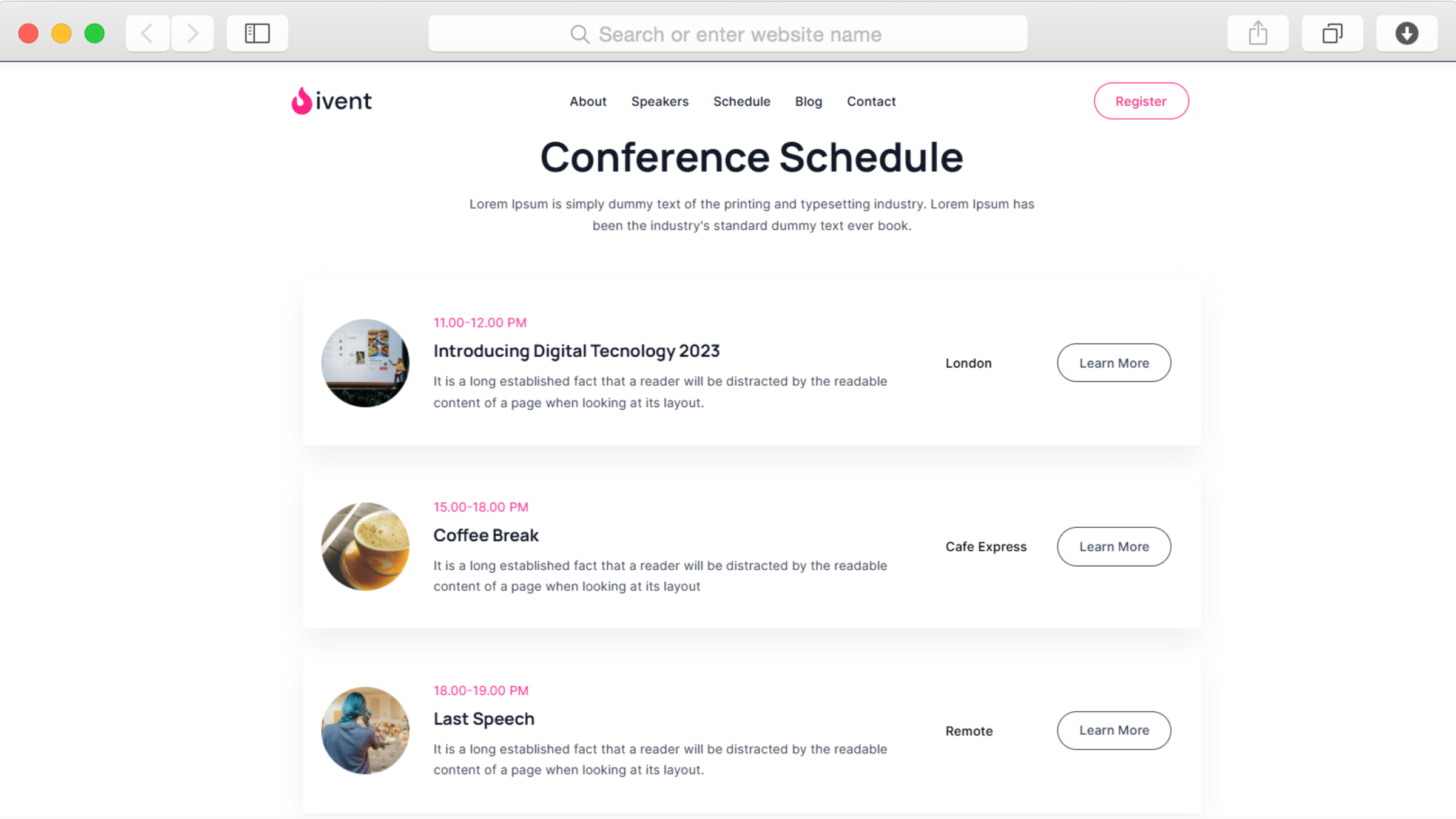
Tout à fait. Le système de gestion de contenu facilite l'ajout, la modification ou la suppression de profils de conférenciers et d'éléments du programme. Mettez à jour les biographies, les photos et les détails des sessions des conférenciers sans toucher à la conception. La section consacrée aux membres de l'équipe et la mise en page du programme conservent automatiquement une mise en forme cohérente à mesure que vous ajoutez du contenu.
Le site web est-il adapté aux téléphones mobiles pour les participants qui utilisent ce type d'appareil ?
Oui, le modèle est entièrement réactif et adapté aux appareils mobiles. Toutes les pages, de la section d'accueil aux tableaux de prix, s'adaptent automatiquement aux écrans plus petits. Les participants qui naviguent sur leur smartphone bénéficient de la même expérience professionnelle que les utilisateurs d'ordinateurs de bureau, avec une navigation facile et un texte lisible. Plus de la moitié du trafic des sites web événementiels provient généralement d'appareils mobiles.
Puis-je ajouter des articles de blog sur l'événement et des sujets liés au secteur ?
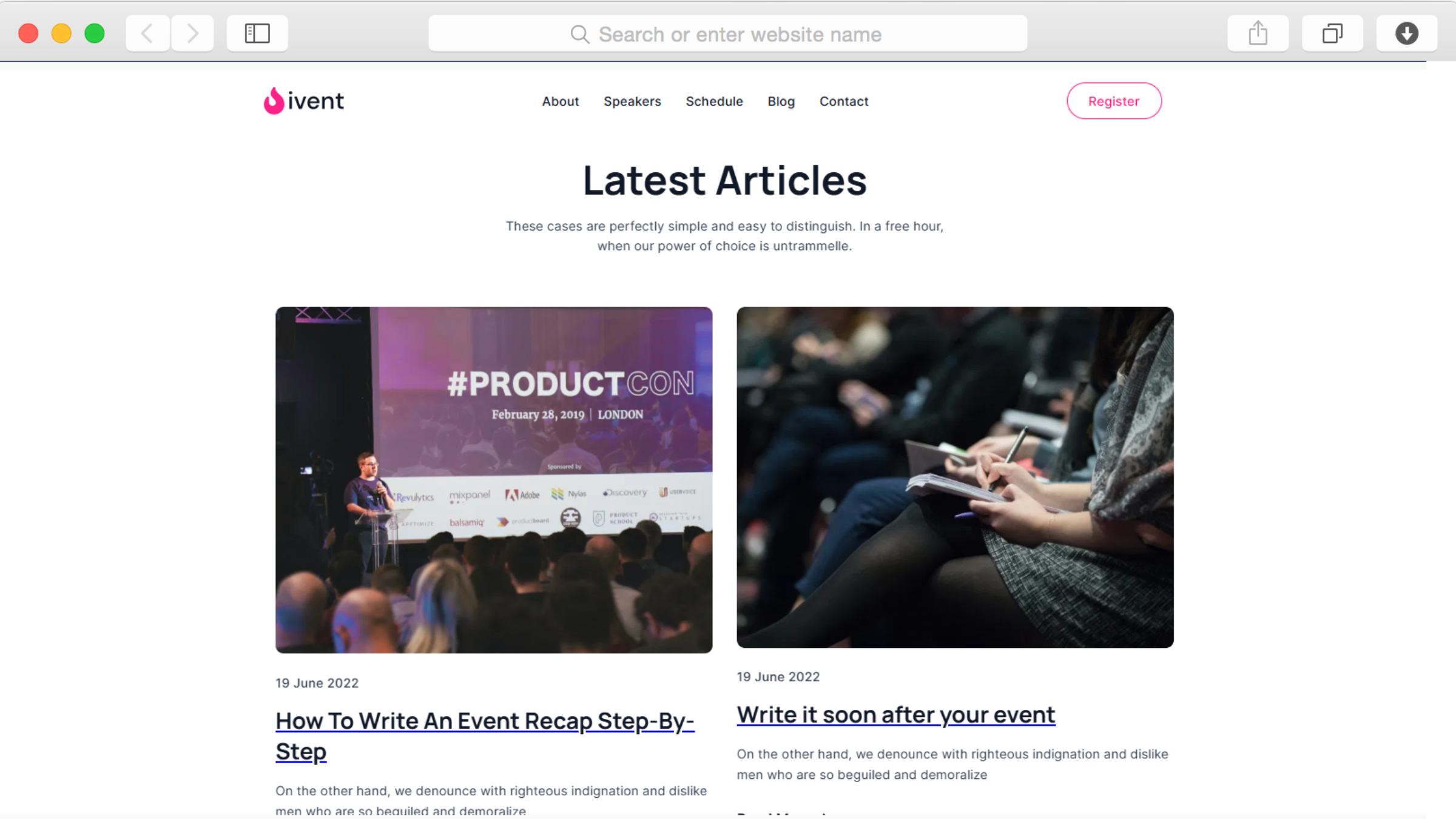
Oui, la plateforme de blog intégrée prend en charge un nombre illimité d'articles avec catégories, images mises en avant et optimisation SEO. Rédigez des annonces, partagez des interviews d'intervenants, publiez des analyses du secteur ou récapitulez les événements passés. Le blog s'intègre parfaitement au reste de votre site et vous aide à attirer des participants via les moteurs de recherche et les réseaux sociaux.
Comment puis-je recueillir les coordonnées et les questions des participants ?
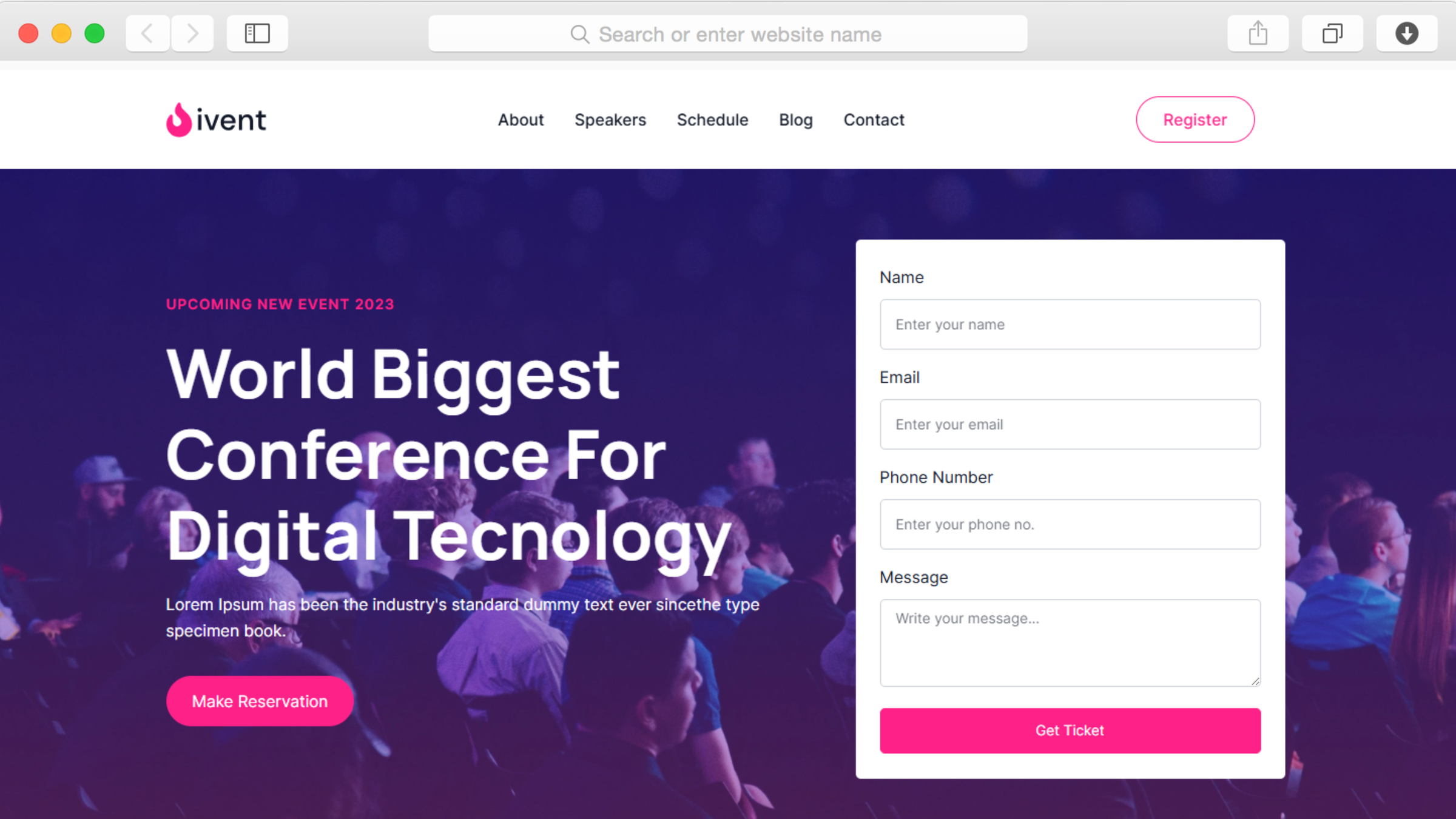
Le modèle comprend des formulaires de contact et des formulaires d'abonnement. Placez les formulaires de contact sur votre page de contact pour les demandes de renseignements et intégrez les formulaires d'abonnement dans l'ensemble du site afin de constituer votre liste de diffusion. Les soumissions de formulaires sont collectées dans votre tableau de bord Dorik. Intégrez des plateformes de marketing par e-mail telles que Mailchimp pour des campagnes de suivi automatisées.
Puis-je afficher les logos des sponsors et les informations sur les partenaires ?
Oui, utilisez la section bannière logo pour présenter les sponsors de l'événement avec leurs logos et leur image de marque. Vous pouvez également créer des sections dédiées décrivant les avantages offerts aux sponsors ou utiliser la galerie d'images pour présenter les organisations partenaires. Cette visibilité vous aide à obtenir des sponsors et démontre la crédibilité de votre événement auprès des participants potentiels.
Que se passe-t-il si mon événement prend de l'ampleur et nécessite davantage de capacité ?
Dorik offre un espace de stockage et une bande passante illimités dans le cadre de ses forfaits payants, ce qui permet à votre site web de s'adapter automatiquement à l'augmentation du trafic. Que vous ayez 50 ou 5 000 participants, l'infrastructure prend en charge la charge. Le CDN mondial garantit des performances rapides partout dans le monde, quel que soit l'endroit où se trouve votre public. Vous ne serez jamais confronté à des limites artificielles ni à des frais imprévus.
Puis-je connecter mon propre nom de domaine à ce site web ?
Oui, Dorik prend en charge les connexions de domaines personnalisés provenant de n'importe quel registraire de domaine. Achetez votre domaine auprès de fournisseurs tels que GoDaddy, Namecheap ou Google Domains, puis connectez-le en suivant des instructions simples. Des certificats SSL gratuits sont automatiquement générés pour votre domaine personnalisé, garantissant une navigation sécurisée et un meilleur classement dans les moteurs de recherche pour le site web de votre événement.
Comment puis-je suivre les visiteurs du site Web et les conversions d'inscription ?
Intégrez Google Analytics, Google Tag Manager ou Hotjar grâce aux paramètres d'analyse intégrés de Dorik. Suivez les pages vues, le comportement des utilisateurs, les entonnoirs d'achat de billets et les taux de conversion sans toucher au code. Ces informations vous aident à optimiser votre marketing événementiel et à comprendre quels canaux promotionnels génèrent le plus d'inscriptions afin d'améliorer vos futures campagnes.