Puis-je personnaliser la palette de couleurs dégradées pour l'adapter à l'identité visuelle de mon application ?
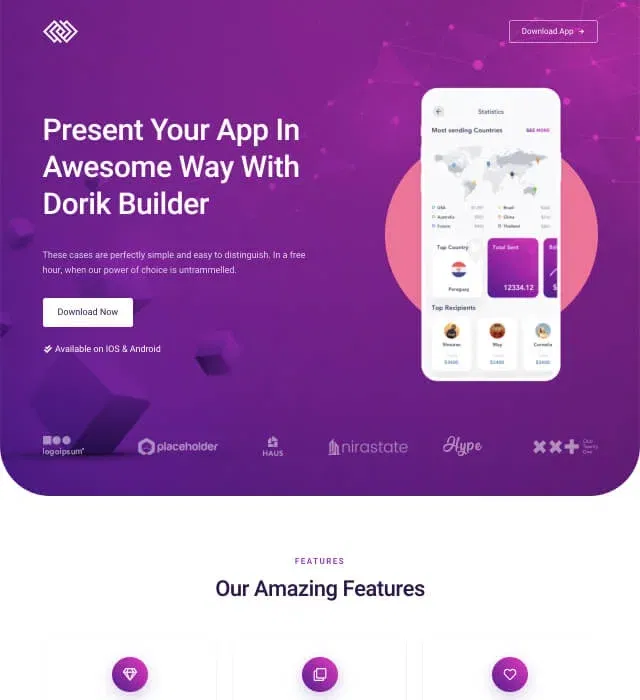
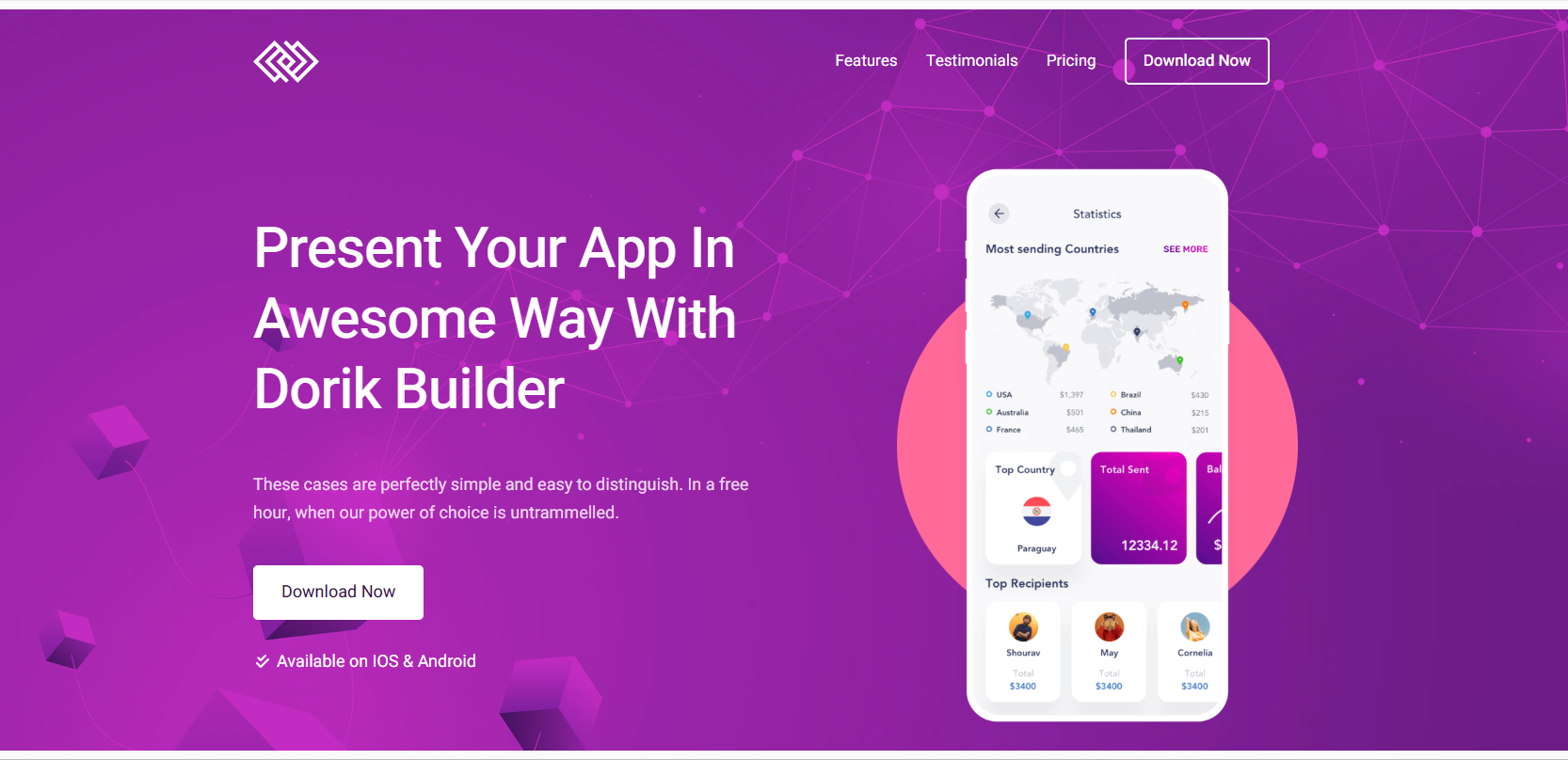
Oui, tout à fait. L'éditeur visuel de Dorik vous permet de modifier toutes les couleurs, y compris le dégradé violet, à l'aide de commandes intuitives. Choisissez parmi des combinaisons de couleurs prédéfinies ou saisissez des valeurs hexadécimales spécifiques pour respecter exactement la palette de votre marque. Les modifications s'appliquent instantanément à toutes les sections tout en préservant la cohérence visuelle du design. Pour un contrôle avancé des couleurs, le CSS personnalisé offre des possibilités de mise en forme illimitées.
Ce modèle fonctionne-t-il pour les applications mobiles sous iOS et Android ?
Oui, ce modèle fonctionne parfaitement pour les applications sur toutes les plateformes. Personnalisez les boutons d'appel à l'action pour qu'ils redirigent vers l'App Store, Google Play ou les deux. Vous pouvez également promouvoir des applications web, des applications web progressives ou des applications multiplateformes. Le design reste indépendant de la plateforme tout en offrant aux utilisateurs des chemins clairs pour accéder à votre application partout où elle est disponible.
Comment puis-je ajouter des vidéos de démonstration de mon application sur la page d'accueil ?
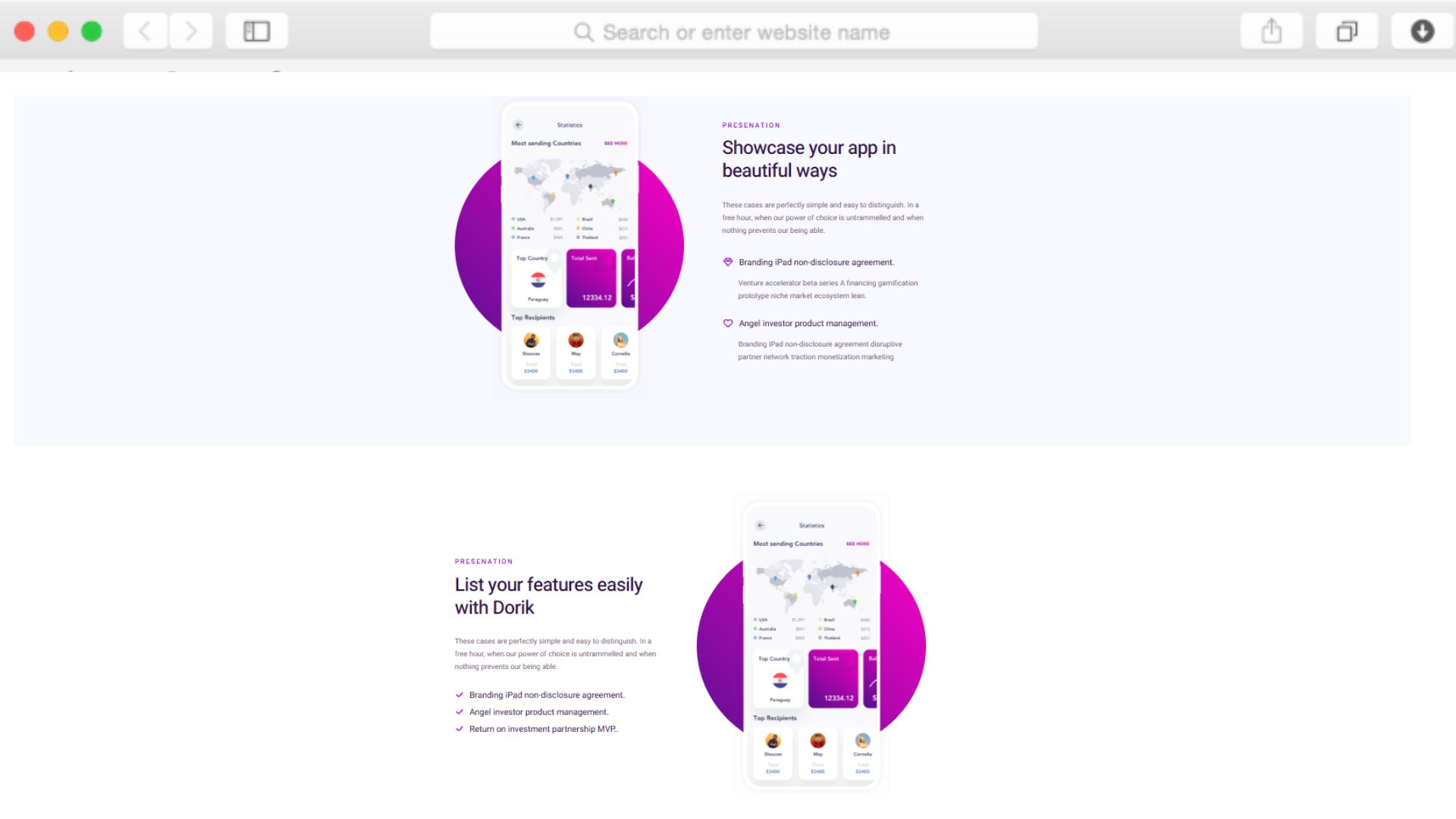
La bibliothèque d'éléments de Dorik comprend des blocs vidéo permettant d'intégrer des vidéos provenant de YouTube, de Vimeo ou hébergées sur votre propre serveur. Il suffit de glisser un élément vidéo dans n'importe quelle section — généralement à la place des captures d'écran statiques de l'application dans la zone dédiée aux fonctionnalités. Les vidéos se lancent automatiquement en mode silencieux ou au clic, selon vos préférences, et s'adaptent automatiquement aux écrans mobiles sans aucun problème de performance.
Puis-je suivre les conversions et les téléchargements à partir de cette page d'accueil ?
Oui, grâce aux intégrations d'outils d'analyse de Dorik. Connectez Google Analytics, Google Tag Manager ou Hotjar pour suivre le comportement des visiteurs, les clics sur les boutons et les événements de conversion. Définissez des objectifs personnalisés pour mesurer les clics sur les liens vers les boutiques d'applications ou les soumissions de formulaires. Ces informations vous aident à déterminer quelles fonctionnalités mettre en avant et quels appels à l'action sont les plus efficaces pour votre public spécifique.
La section « Tarifs » est-elle obligatoire, ou puis-je la supprimer pour les applications gratuites ?
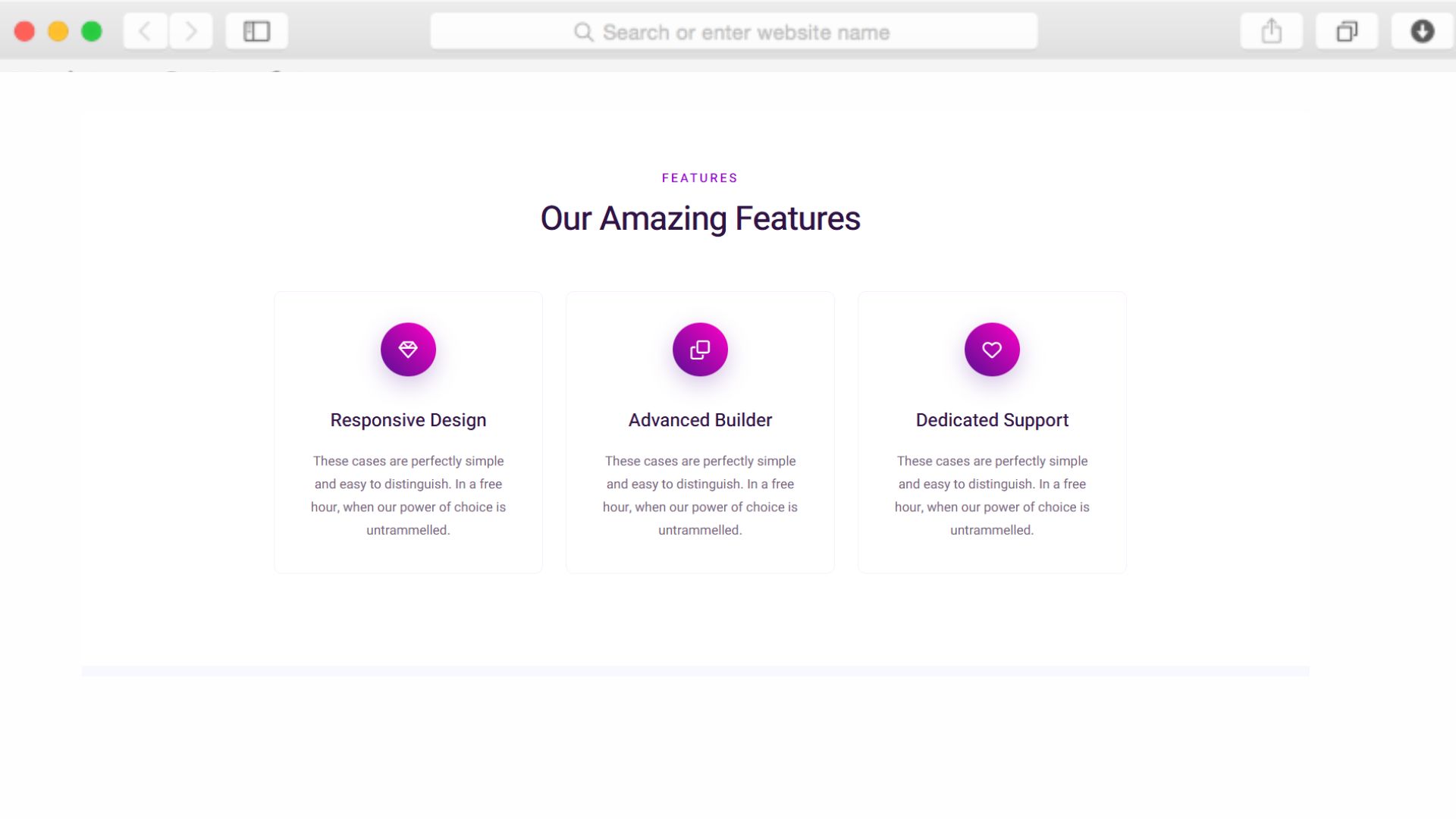
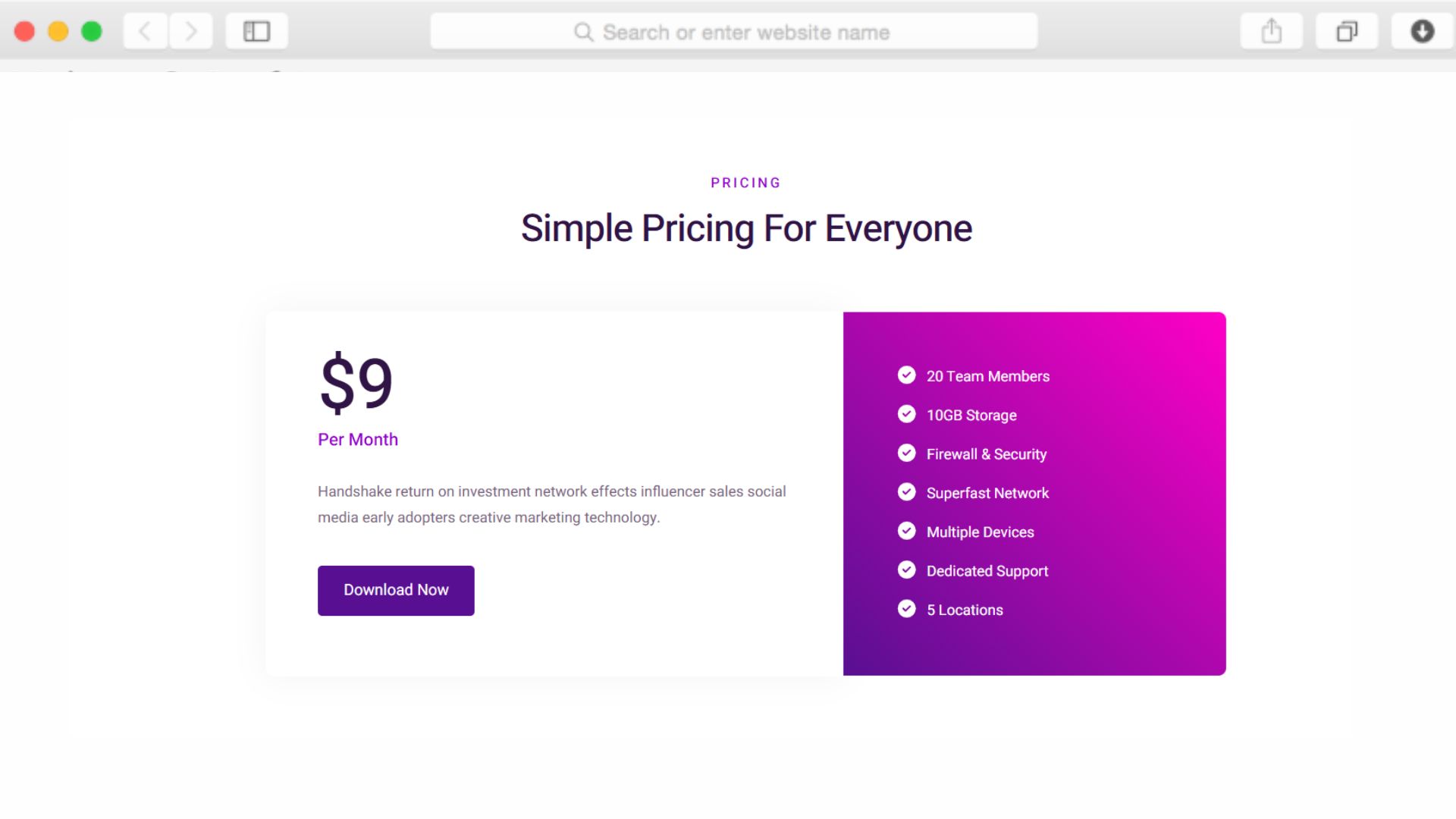
Vous pouvez facilement supprimer, masquer ou réutiliser n'importe quelle section. Pour les applications gratuites, transformez la section « Tarifs » en une vitrine présentant des fonctionnalités supplémentaires ou en un tableau comparatif mettant en avant votre application par rapport à ses concurrentes. L'éditeur flexible de Dorik vous permet de supprimer entièrement des sections ou de les personnaliser à l'extrême tout en conservant la structure générale de la page.
En combien de temps puis-je mettre en ligne ce modèle avec mon propre contenu ?
La plupart des utilisateurs publient des versions personnalisées en quelques heures. Grâce à la génération de contenu par IA de Dorik, créez rapidement des descriptions de fonctionnalités et des titres. Téléchargez les captures d'écran de votre application, adaptez les couleurs à votre identité visuelle et associez votre domaine. L'éditeur par glisser-déposer ne nécessite aucune connaissance en programmation, tandis que le CMS facilite la mise à jour des témoignages ou l'ajout d'articles de blog après le lancement.
Ce modèle prend-il en charge plusieurs langues pour les lancements à l'international ?
Oui, les fonctionnalités multilingues intégrées de Dorik vous permettent de créer des versions linguistiques de votre page d'accueil. Vous pouvez créer des pages distinctes pour différentes régions ou utiliser la même structure de modèle avec un contenu traduit. Les outils de référencement incluent des balises href lang afin d'aider les moteurs de recherche à proposer la version linguistique appropriée aux visiteurs internationaux, élargissant ainsi votre audience potentielle à l'échelle mondiale.
Puis-je intégrer des formulaires de collecte d'adresses e-mail pour créer une liste d'attente avant le lancement ?
Tout à fait. Le module de formulaire d'abonnement de Dorik s'intègre aux plateformes de marketing par e-mail telles que Mailchimp, GetResponse et ActiveCampaign. Placez ces formulaires dans la section d'en-tête pour permettre des inscriptions immédiates, ou à des endroits stratégiques tout au long de la page. Les adresses e-mail collectées se synchronisent automatiquement avec votre fournisseur de services de messagerie pour vos campagnes de pré-lancement et vos communications marketing régulières.
Y a-t-il des limites en matière de trafic ou de bande passante si mon lancement devient viral ?
Non, Dorik offre une bande passante et un espace de stockage illimités sur toutes ses formules payantes. Votre page d'accueil restera accessible, même en cas de pic de trafic dû à des campagnes marketing réussies, à une couverture médiatique ou à des publications virales sur les réseaux sociaux. Le CDN mondial garantit des temps de chargement rapides, même pendant les périodes de fort trafic, afin que vos taux de conversion ne souffrent pas de problèmes de performance.
Puis-je réaliser des tests A/B pour optimiser les taux de conversion au fil du temps ?
Oui, grâce à l'intégration de Dorik avec des outils d'analyse et des plateformes de test tierces. Créez des versions multiples de votre page d'accueil, modifiez des éléments spécifiques tels que les titres ou la couleur des boutons, puis répartissez le trafic entre ces différentes variantes. L'intégration de Google Analytics et de Google Tag Manager fournit l'infrastructure de données nécessaire à la mise en place de campagnes sophistiquées d'optimisation des conversions à mesure que votre application évolue.