Can I add more portfolio items than shown?
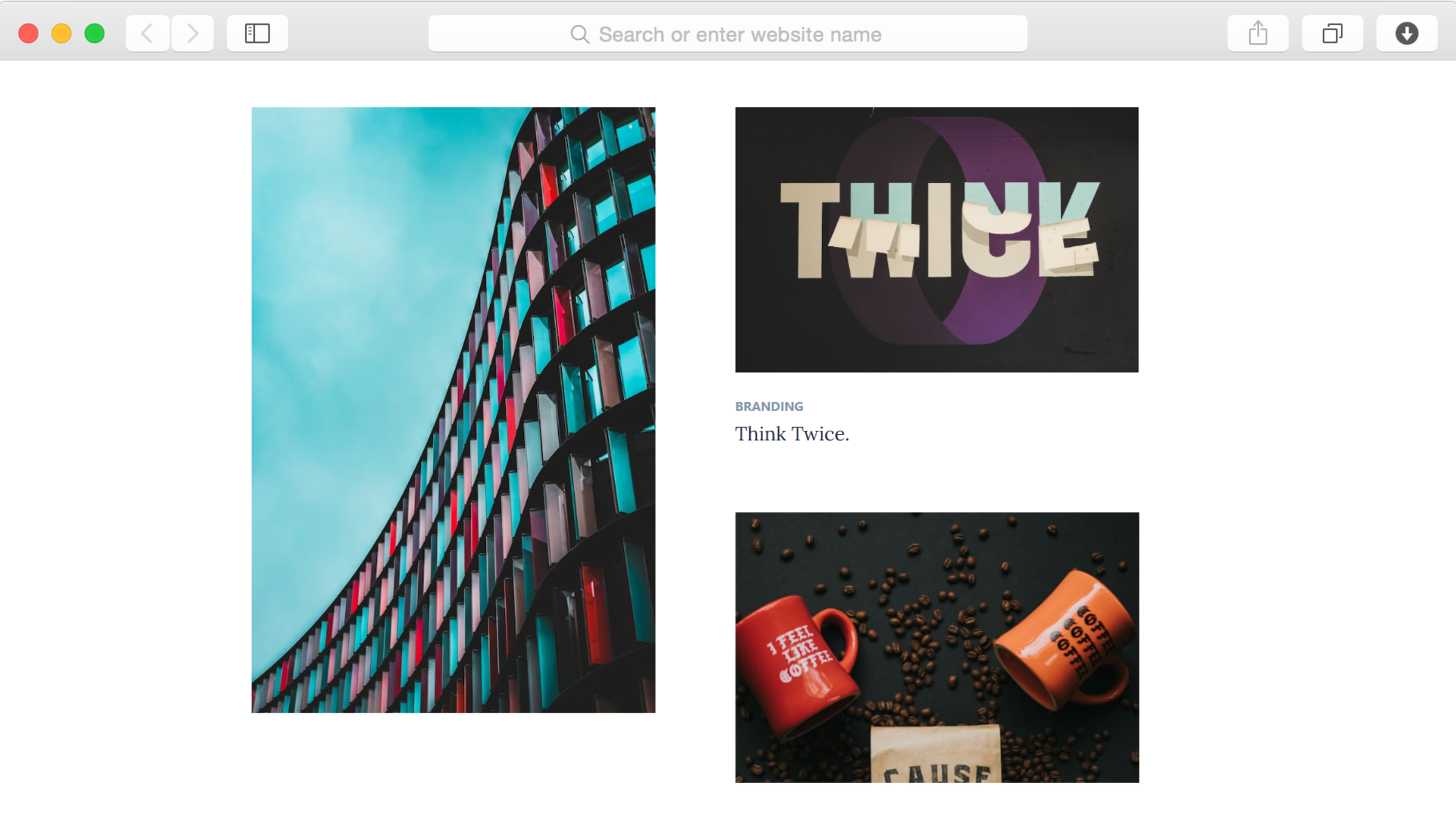
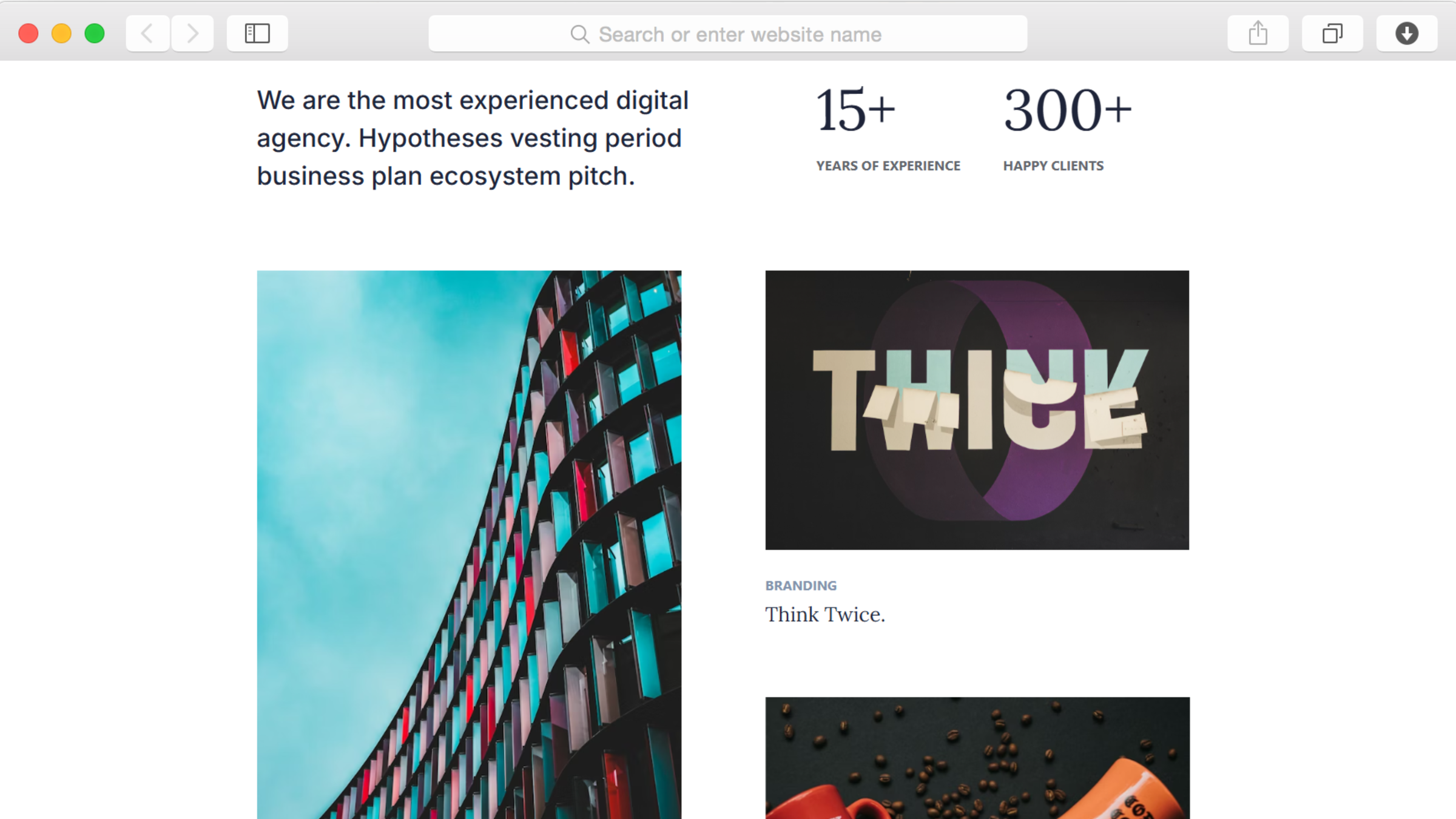
Absolutely. The portfolio section uses grid layouts that accommodate any number of projects. Add new items through the content management system, which automatically arranges them in the grid structure. Upload project images, write descriptions, and publish—no manual layout adjustments needed. The template handles visual organization automatically.
How do statistics counters work?
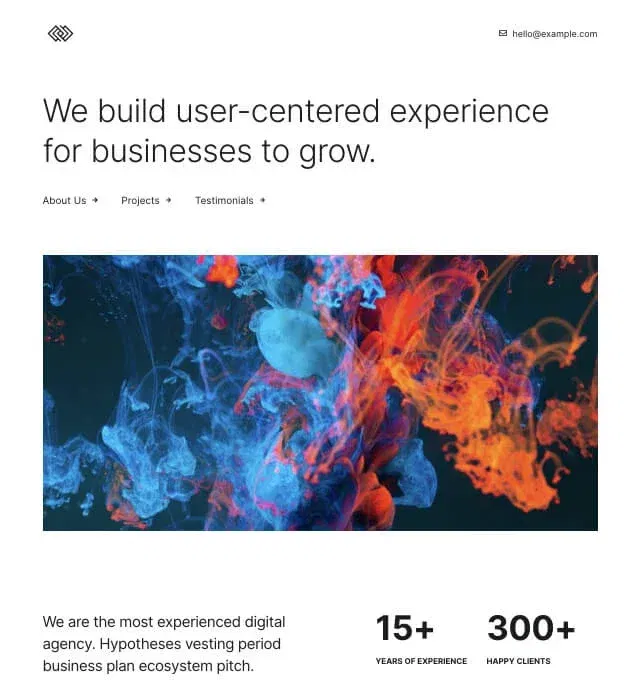
Counter circle elements display numbers that animate from zero to your target value when visitors scroll to that section. You set the final numbers—years in business, completed projects, team members, or any metric you choose. The animation creates visual interest while highlighting important information about your agency's scale and experience.
Is dark mode required or can I use light backgrounds?
While the template uses dark mode by default, you can customize the color scheme completely. Change background colors, adjust text colors for proper contrast, and modify accent colors to match your branding. The visual editor makes these changes simple. Create a light version, keep the dark aesthetic, or mix both approaches across different sections.
Can I showcase services without a separate page?
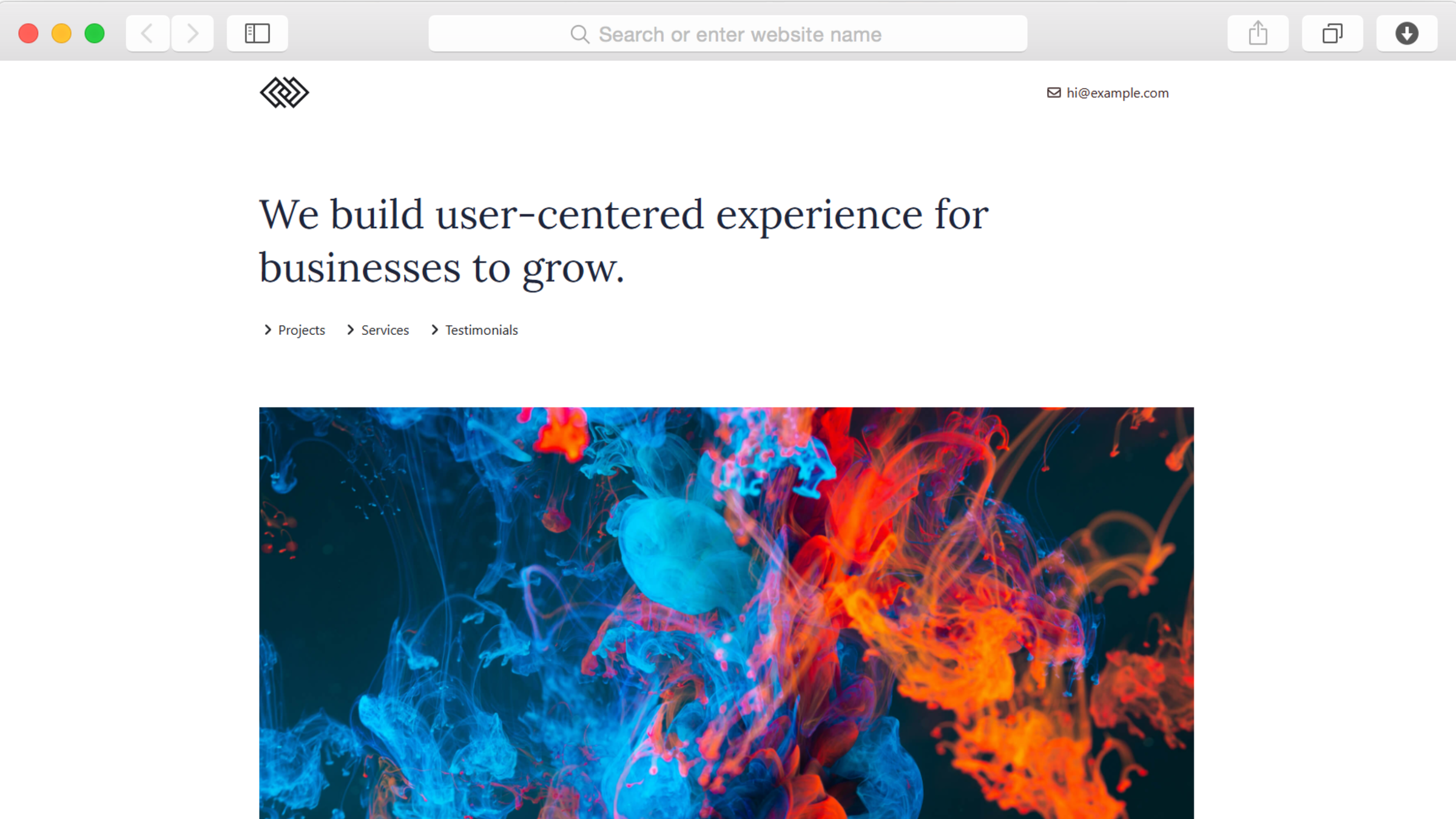
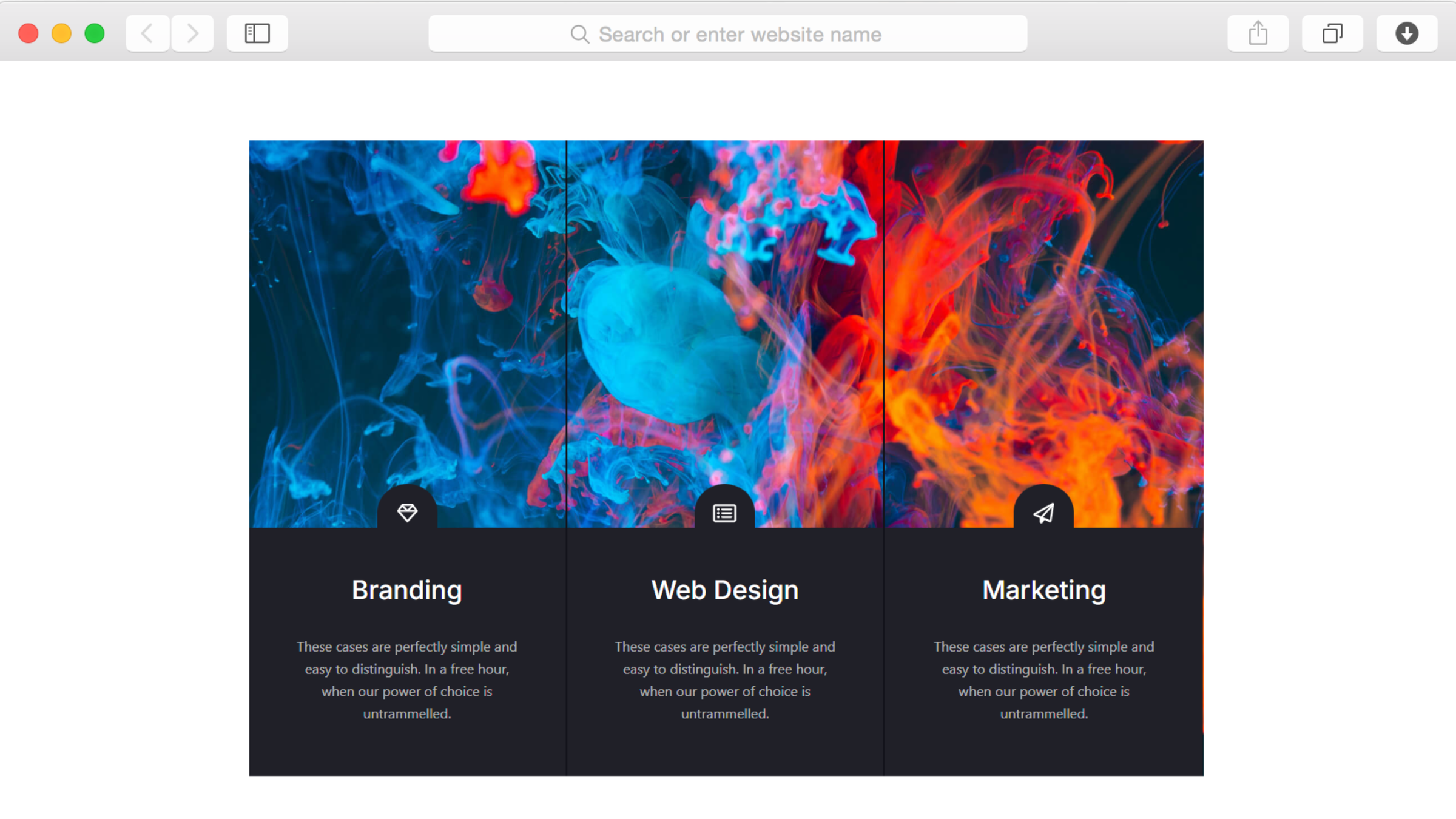
Yes. This single-page template includes dedicated service sections where you describe each offering your agency provides. Visitors scroll through services, portfolio, testimonials, and contact information all on one page. This approach keeps prospects engaged without requiring navigation to multiple pages, creating a smooth experience from introduction to contact.
How do I add client testimonials and logos?
Testimonial sections let you add client quotes with attribution. Simply input the testimonial text and client information. Logo banners display client company logos—upload logo images and they appear in the designated section. Both elements can be managed through the visual editor without coding.
Does this work for individual designers or only agencies?
The template works perfectly for solo designers, small studios, or established agencies. Adjust the about section to tell your personal story instead of agency history, customize statistics to reflect individual accomplishments, and populate the portfolio with your own work. The professional presentation elevates individual creatives to agency-level perception.
Can visitors contact me directly from the template?
Yes. The contact information section displays your details, and you can add contact forms through Dorik's form elements. Include email addresses, phone numbers, or whatever contact methods you prefer. Social icons link to your social media profiles, providing multiple ways for prospects to reach out.
How do I organize different types of creative work?
Portfolio grids can display all work together or be organized into categories if you prefer. Add descriptive text to each portfolio item explaining the project type, challenge, and solution. The grid layout accommodates various project types—branding, web design, photography, video—presenting them cohesively regardless of category diversity.
Can I update content without technical help?
Completely. Dorik's content management system lets you add portfolio items, update service descriptions, modify testimonials, and change statistics independently. The visual editor shows exactly how changes appear, eliminating guesswork. Update your website whenever you complete new projects or refine your messaging without contacting developers.
Does the template include blog functionality?
Yes. Blog preview sections display recent articles on your main page, with full blogging capabilities available through Dorik's built-in platform. Share design insights, industry perspectives, or case studies that demonstrate your thinking. Regular content establishes thought leadership and improves search engine visibility, attracting clients who value strategic depth alongside creative execution.