Can I customize the pricing tables for different service tiers?
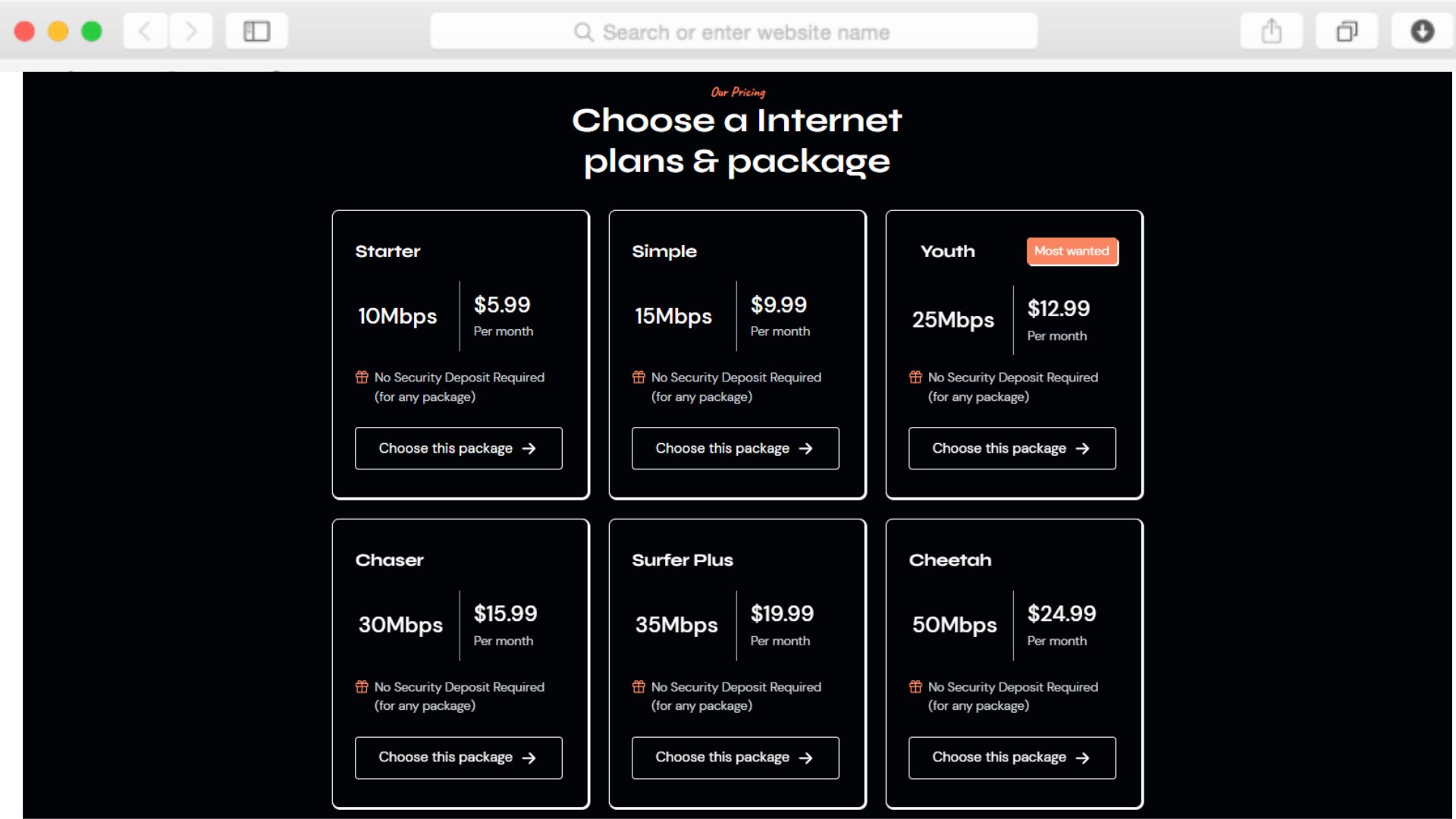
Yes, the pricing tables section is fully customizable through Dorik's visual editor. Add or remove plan tiers, adjust pricing, modify feature lists, and change button text to match your offerings. You can create separate pricing tables for residential versus business customers, seasonal promotions, or regional variations without coding.
Does this template work for wireless internet providers (WISPs)?
Absolutely. While Neturio works for any ISP type—fiber, cable, DSL, or wireless—the flexible features and sections accommodate any connectivity technology. Use the features section to explain your wireless infrastructure, the coverage map to show tower reach, and the FAQ to address wireless-specific questions about weather impacts or equipment requirements.
How do I integrate the coverage map with my actual service areas?
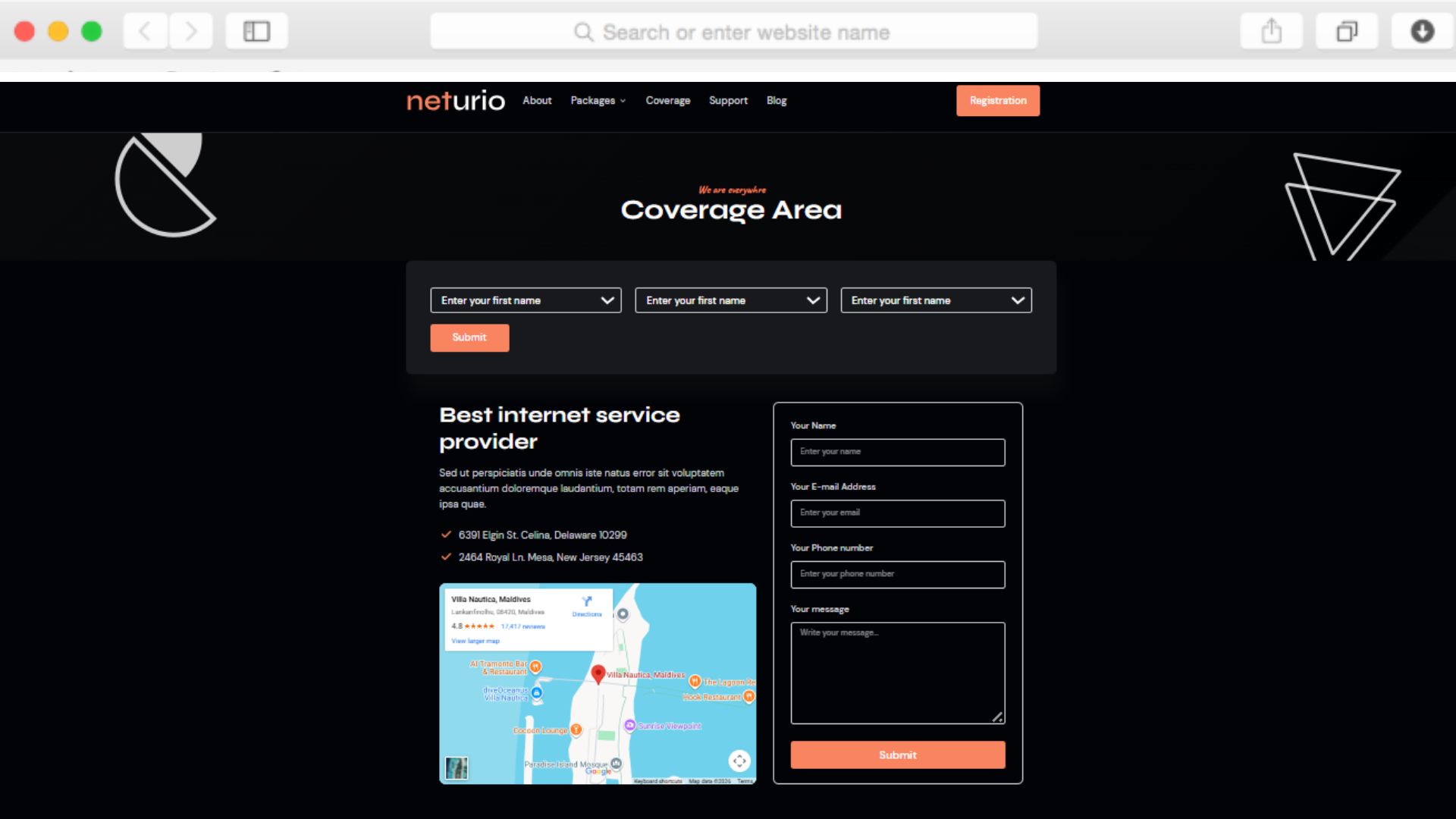
The template includes Maps Integration functionality that connects with Google Maps. Configure the map to display your coverage boundaries, service zones, or office locations through the Dorik editor. You can customize pin locations, colors, and information windows to match your specific geographic coverage without custom development.
Can customers actually register through the registration form?
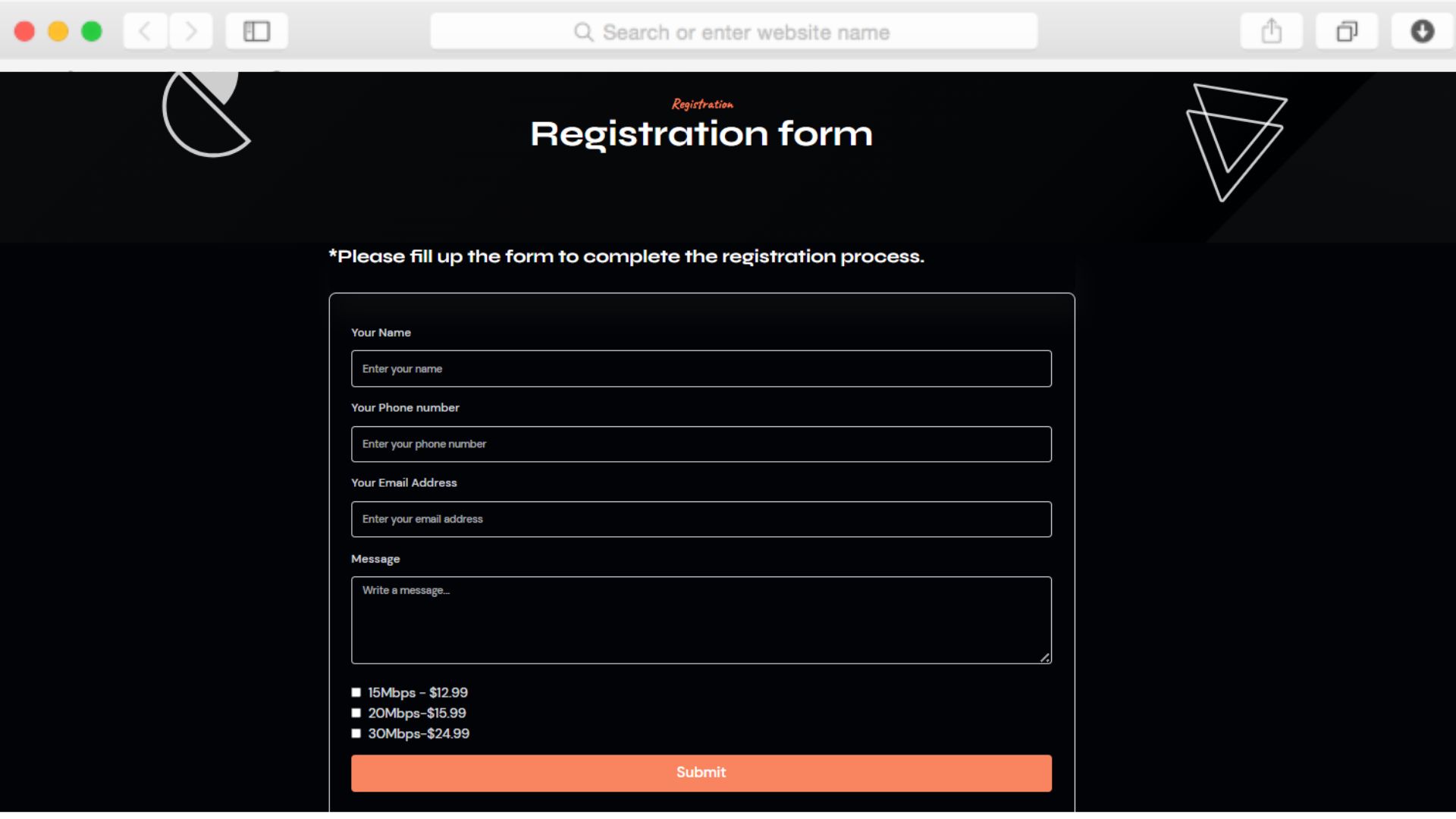
The custom registration form collects user information through Dorik's form functionality. You can configure which fields to collect—name, address, phone, email, preferred plan—and route submissions to your email, CRM, or provisioning system. For full e-commerce checkout, integrate with payment gateways like Stripe or connect to your existing billing platform.
Is the template suitable for ISPs in multiple cities or regions?
Yes, the template structure supports multi-location ISPs. Use separate pages for each service area, customize the coverage map to show all territories, or create location-specific content. The dropdown menu accommodates regional navigation, while the blog can feature market-specific announcements and updates for different communities you serve.
How do I add technical specifications like latency and jitter?
Add detailed technical specifications through the features section or create dedicated pages using Dorik's page builder. The accordion element works perfectly for collapsible technical details—display basic plan information prominently while tucking detailed specs like latency, jitter, packet loss, and bandwidth guarantees behind expandable sections. This keeps the layout clean while satisfying technical customers.
Can I showcase different testimonials for residential versus business customers?
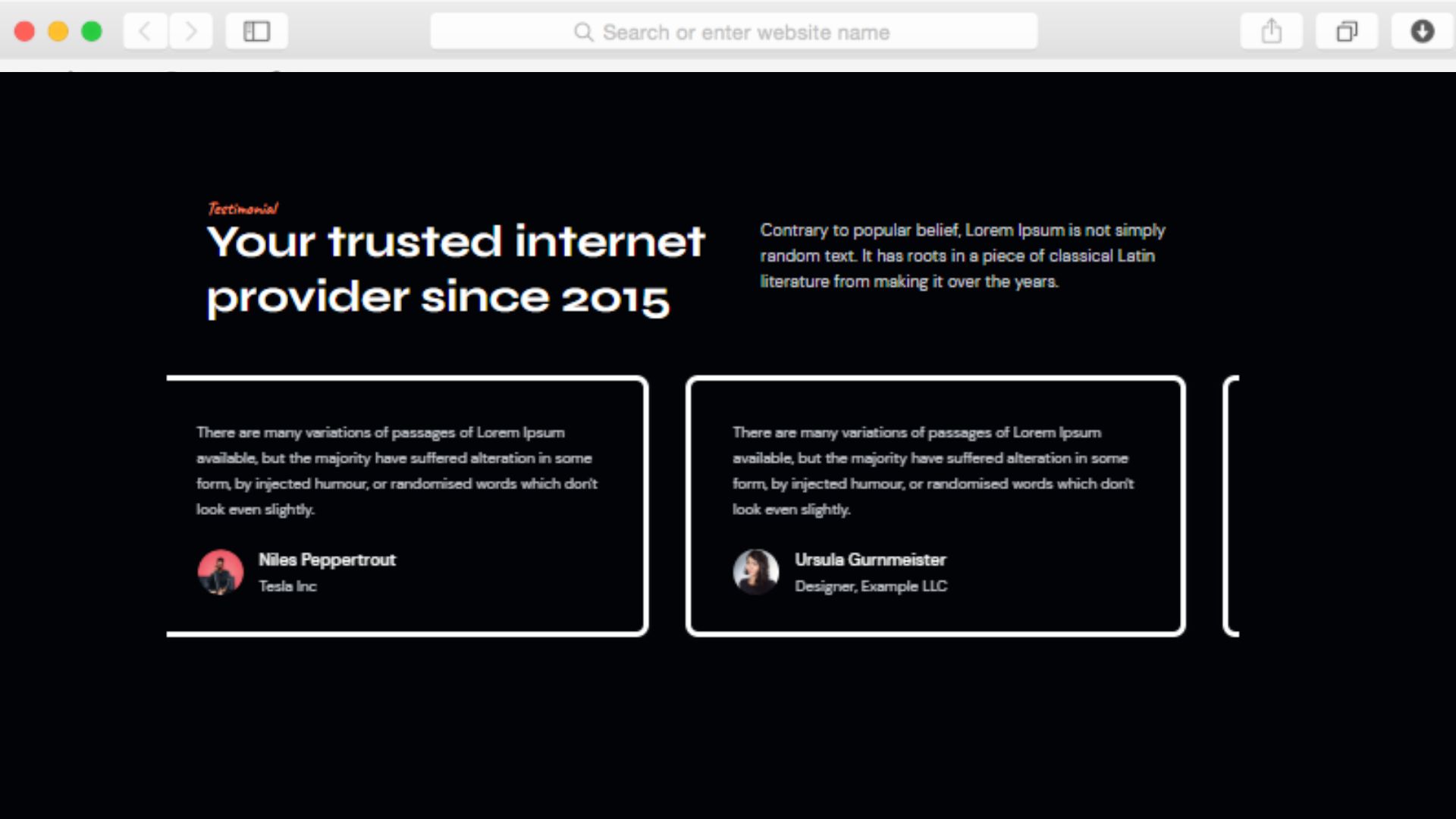
Yes, the testimonial slider can be customized for different audiences. Create multiple testimonial sections on separate pages—one highlighting residential customer experiences on the home page, another featuring business client case studies on service pages. Use Dorik's CMS to manage testimonials dynamically and display relevant reviews based on context.
Does the template support multilingual content for diverse communities?
While Neturio itself doesn't include built-in translation, Dorik's platform supports creating multiple language versions of your site. Duplicate pages and translate content for communities where English isn't the primary language. Use the dropdown menu to let visitors switch between language versions, ensuring accessibility for diverse subscriber bases.
How quickly can I launch this site after purchasing?
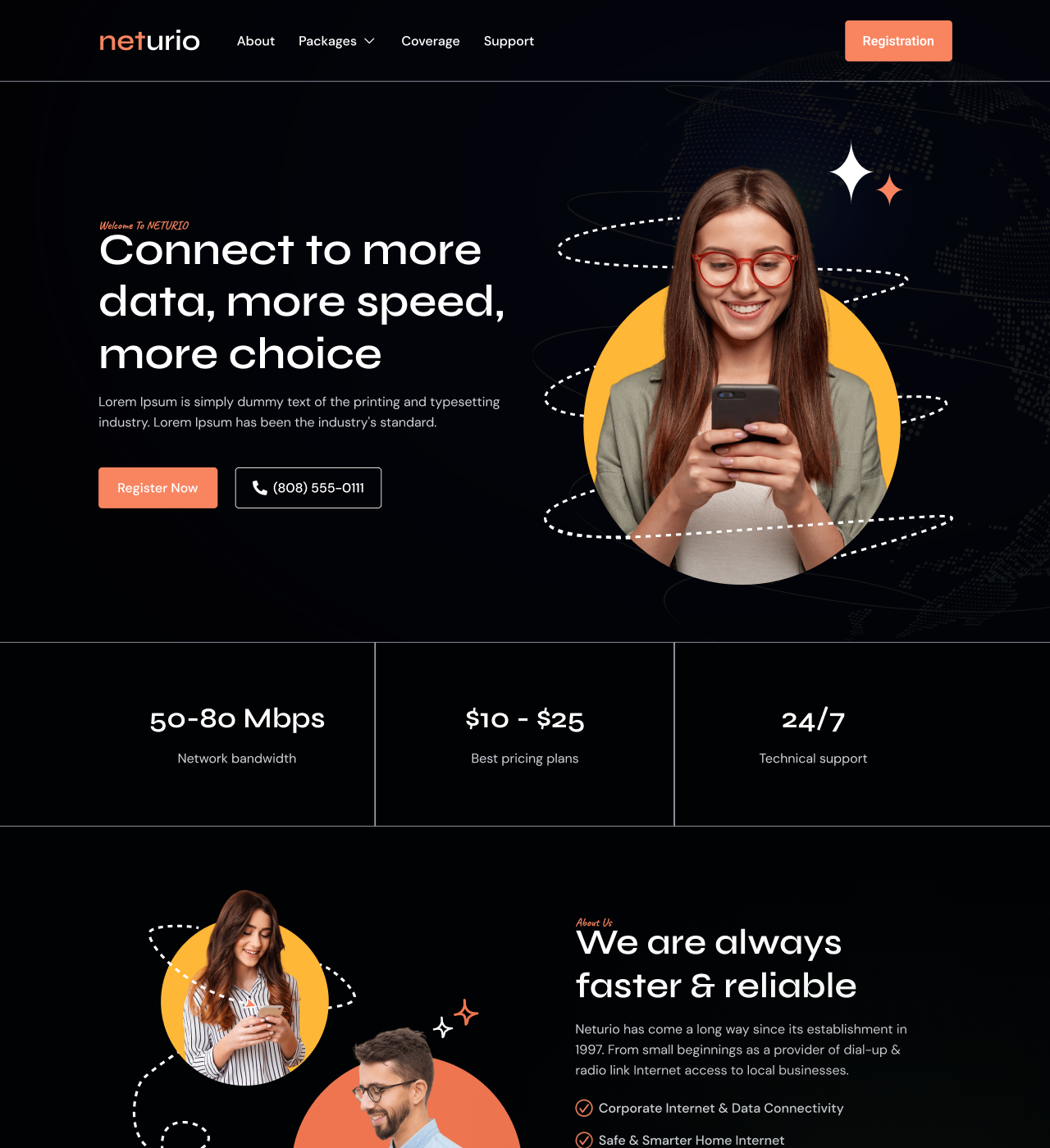
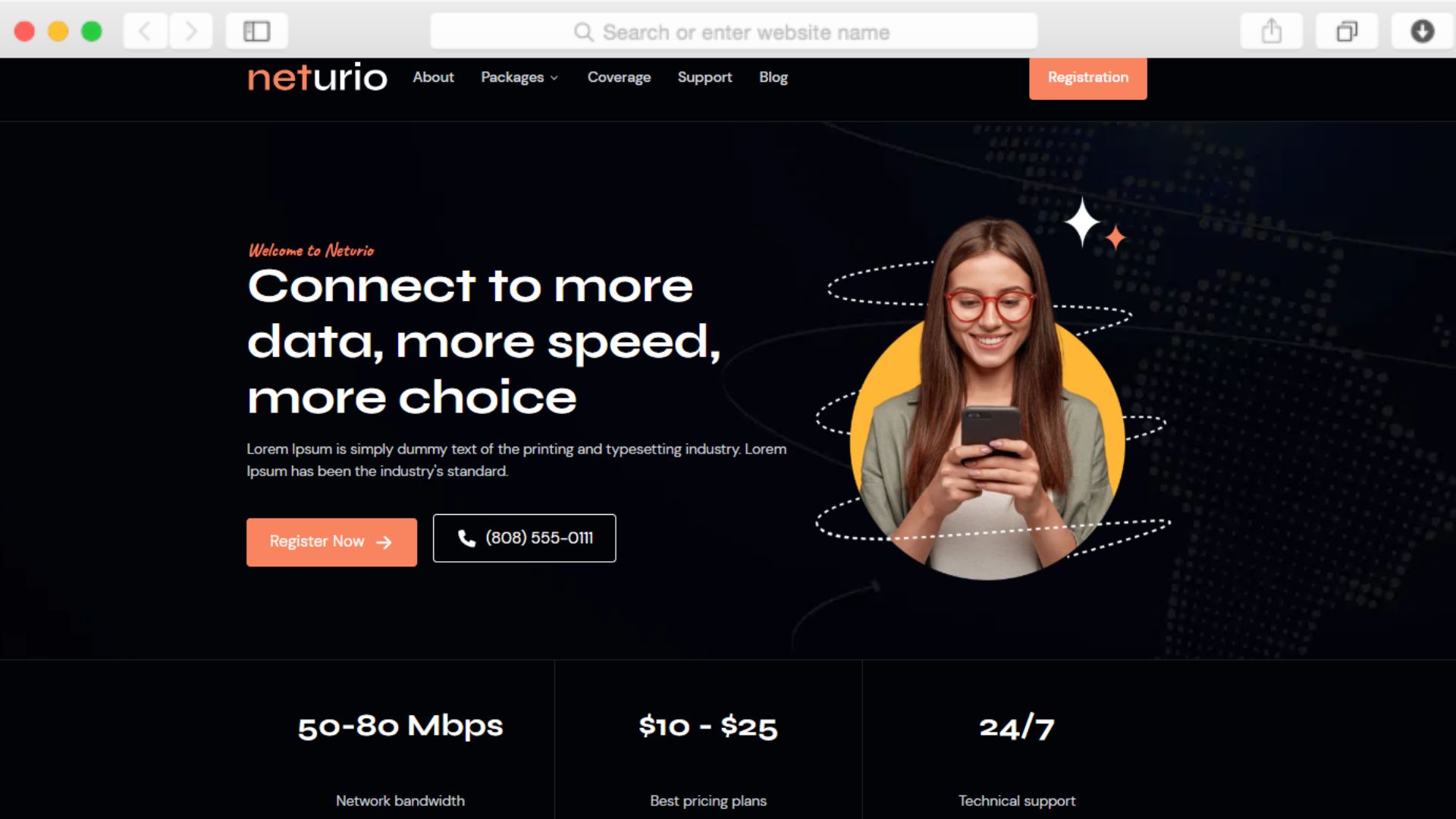
With Dorik's drag-and-drop editor, you can customize Neturio and launch within days rather than weeks. Add your branding, replace demo content with your pricing and coverage details, connect your domain, and go live. The template includes all essential pages and sections, eliminating months of development time typical with custom-built ISP websites.
Can I add a support ticket system or knowledge base?
The template includes a dedicated support page with contact forms where customers can submit inquiries. While basic support forms are included, you can integrate third-party helpdesk systems through Dorik's integration options or embed knowledge base widgets. The blog functionality also works well for creating a searchable FAQ or troubleshooting knowledge base that reduces support volume.