Oceanfront - Resort Directory Website Template

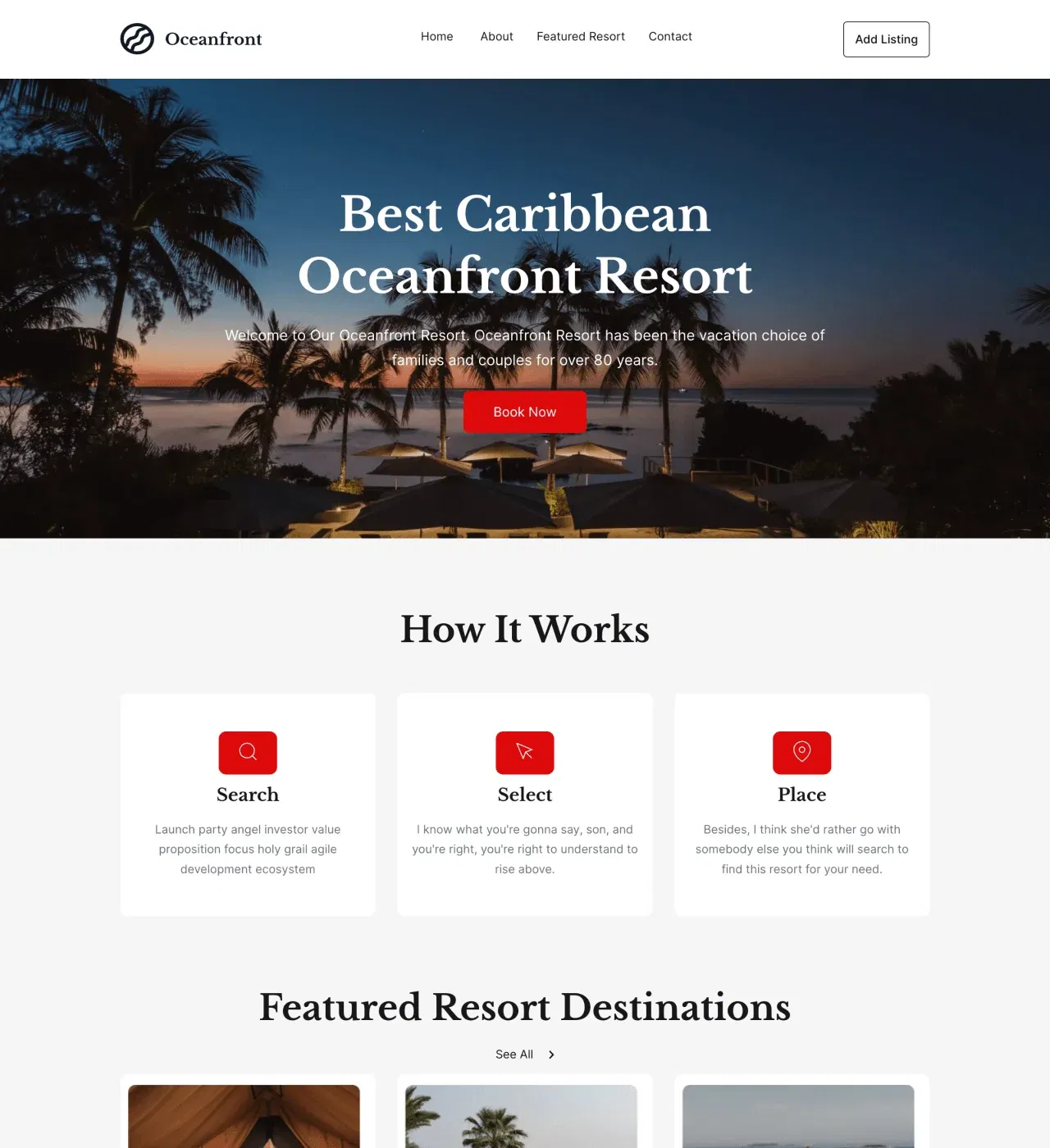
A resort directory template connecting travelers with oceanfront destinations through property listings, star ratings, and location-based search powered by CMS.

non défini

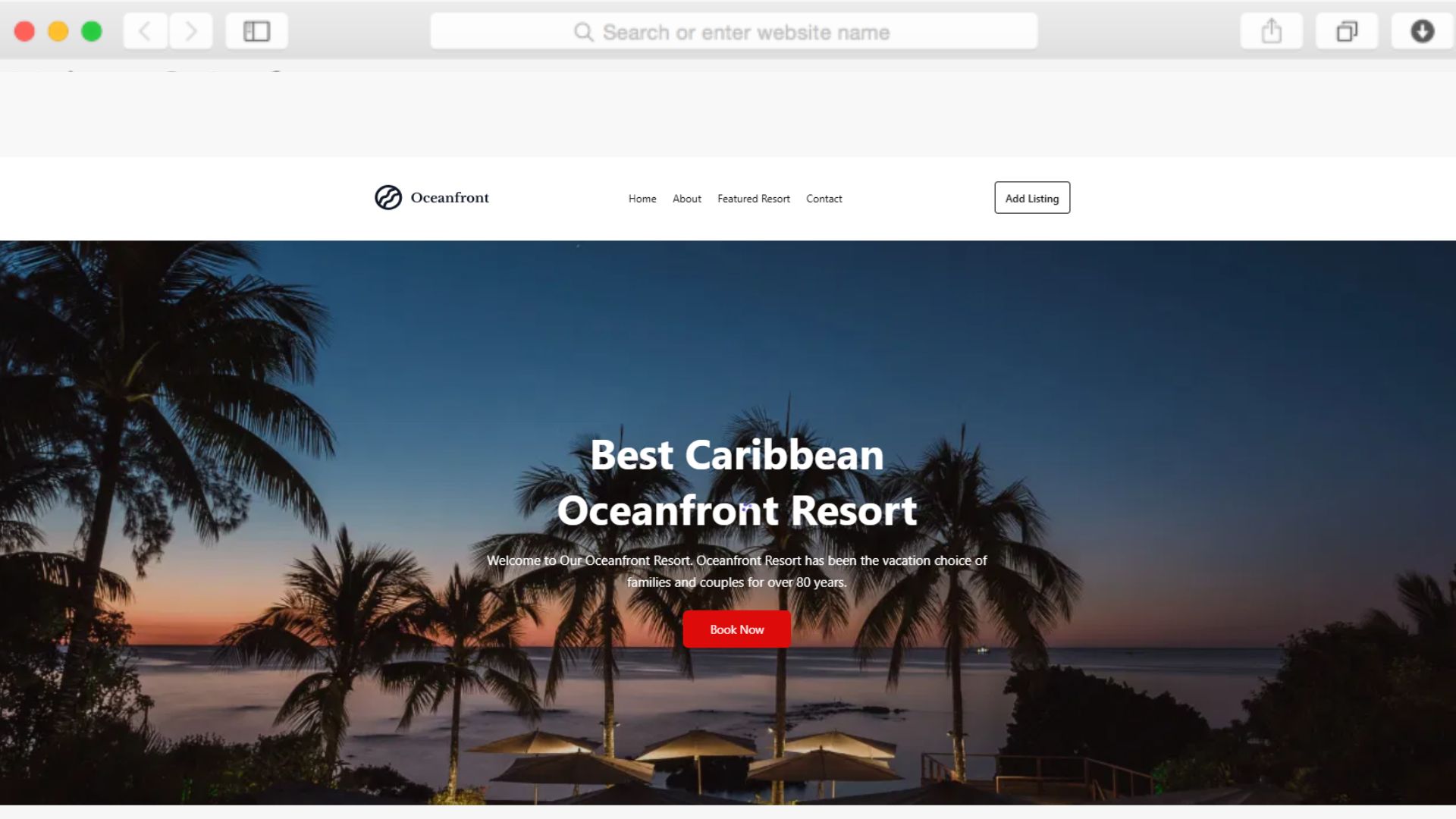
Finding the perfect oceanfront resort shouldn't require browsing dozens of websites. This template creates a centralized directory where travelers discover coastal destinations through organized property listings, complete with ratings, pricing, and location details that help them make confident booking decisions.

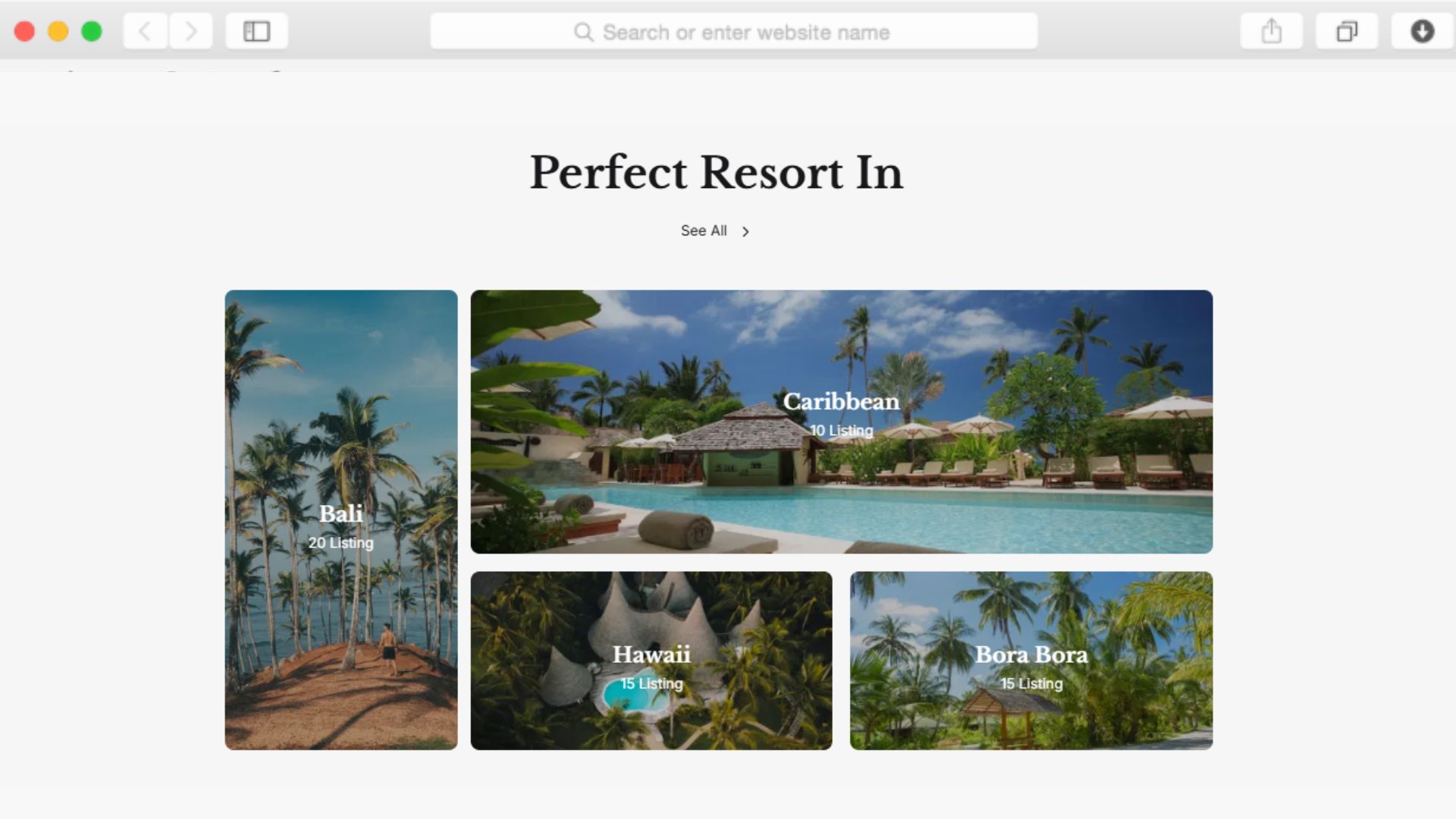
Built with Dorik's CMS, you can manage unlimited resort profiles with custom fields for amenities, pricing tiers, and contact information. The property listing pages use card layouts and grid structures to present resorts clearly, while star ratings and testimonial sections build trust through social proof.

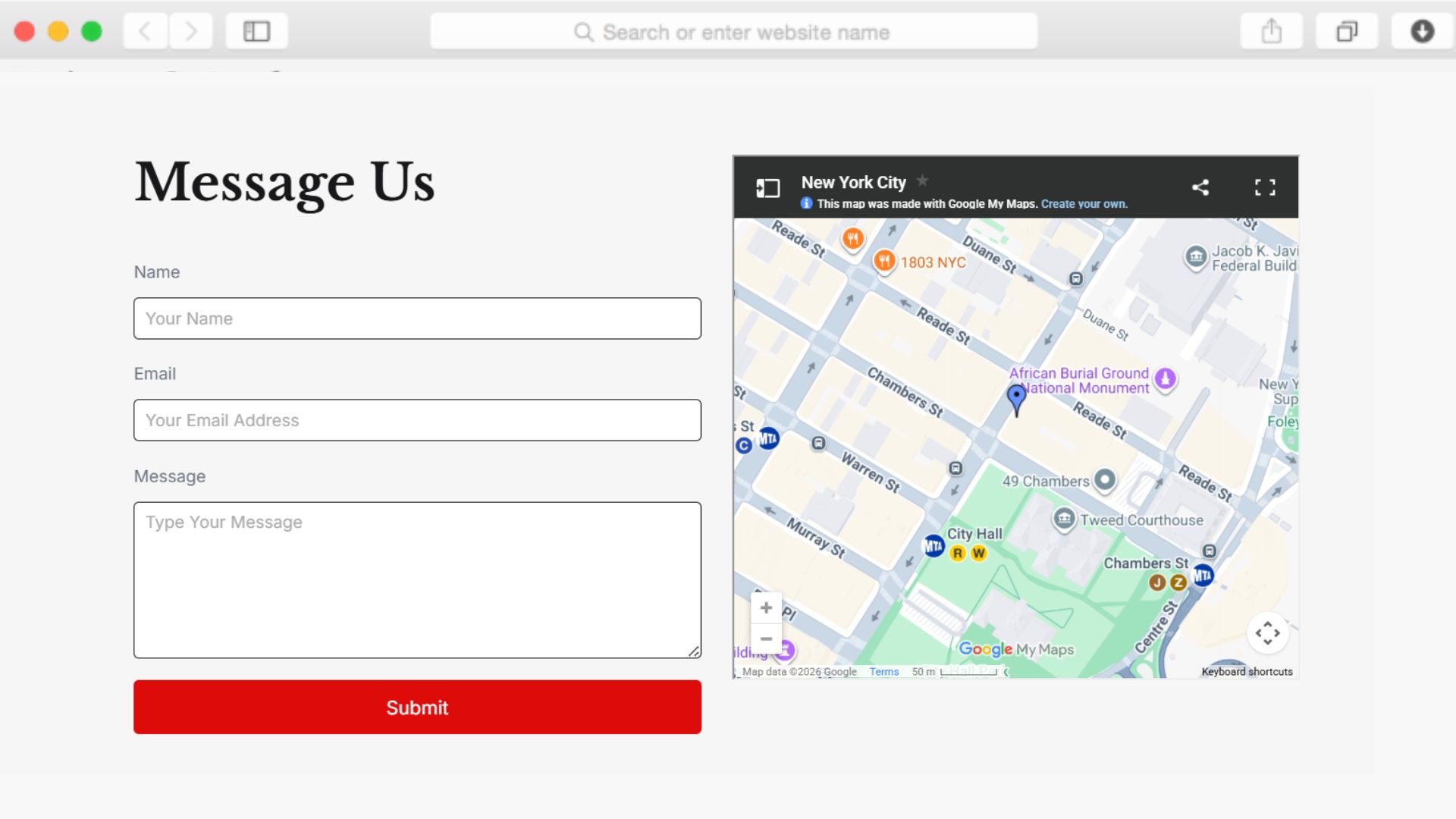
Maps integration shows exact resort locations, making it easy for travelers to understand proximity to beaches, airports, and attractions. Whether you're launching a regional travel directory or expanding an existing tourism platform, this template provides the foundation for a professional resort discovery experience.

Key Features

CMS-Powered Property Management

non défini

The template's CMS lets you create detailed resort profiles with custom fields for amenities, operating hours, contact details, and pricing. Each listing appears on dedicated property pages with galleries, ratings, and location maps.

Update resort information once in the CMS and see changes instantly across all pages. Add new properties, modify existing listings, or feature seasonal promotions without touching code. The load more button lets visitors browse extensive directories without overwhelming page load times.

Star Ratings Build Immediate Trust

non défini

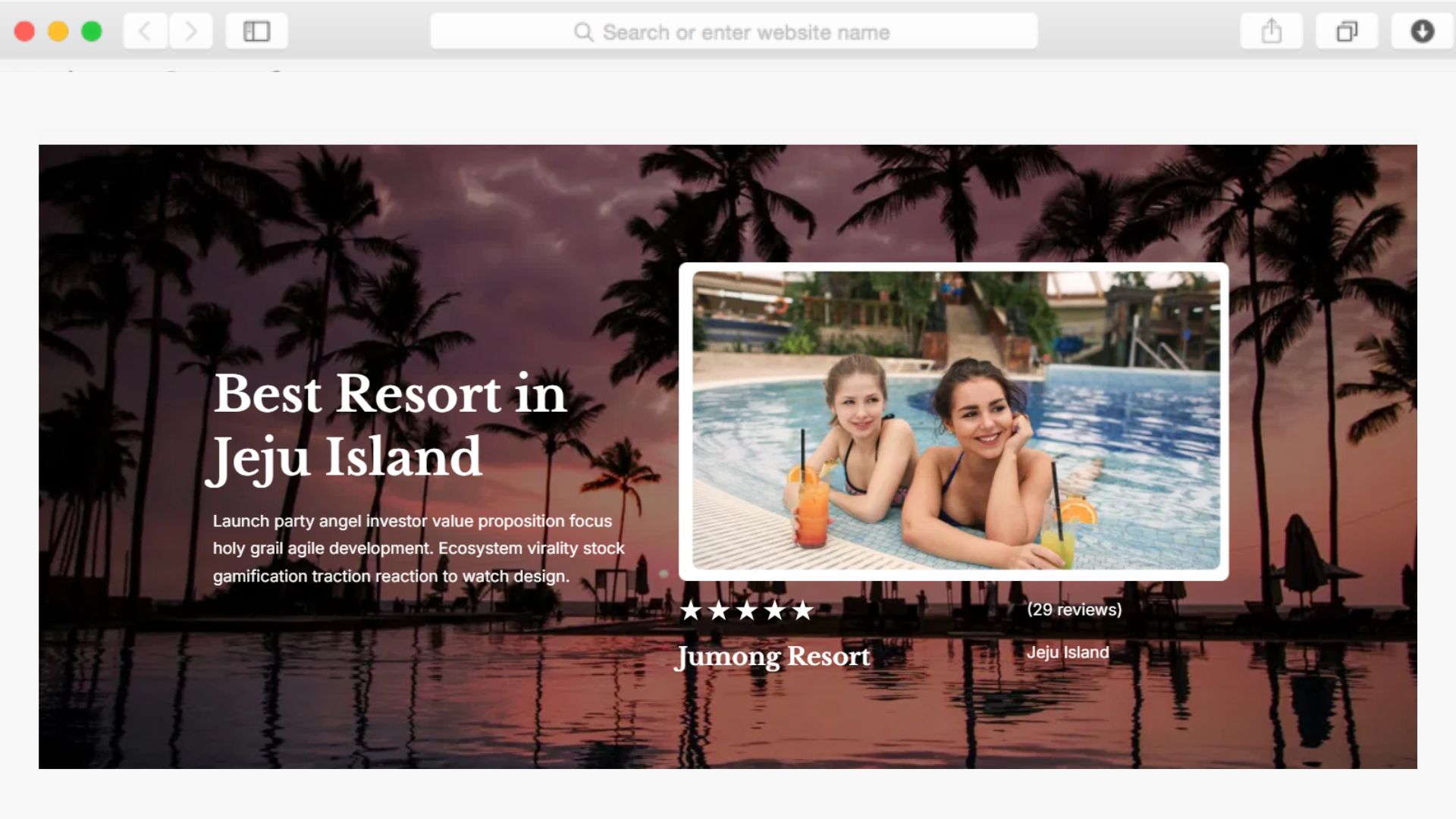
Star rating displays give travelers instant quality indicators for each resort. These visual cues help visitors quickly compare properties and identify highly-rated destinations that match their preferences.

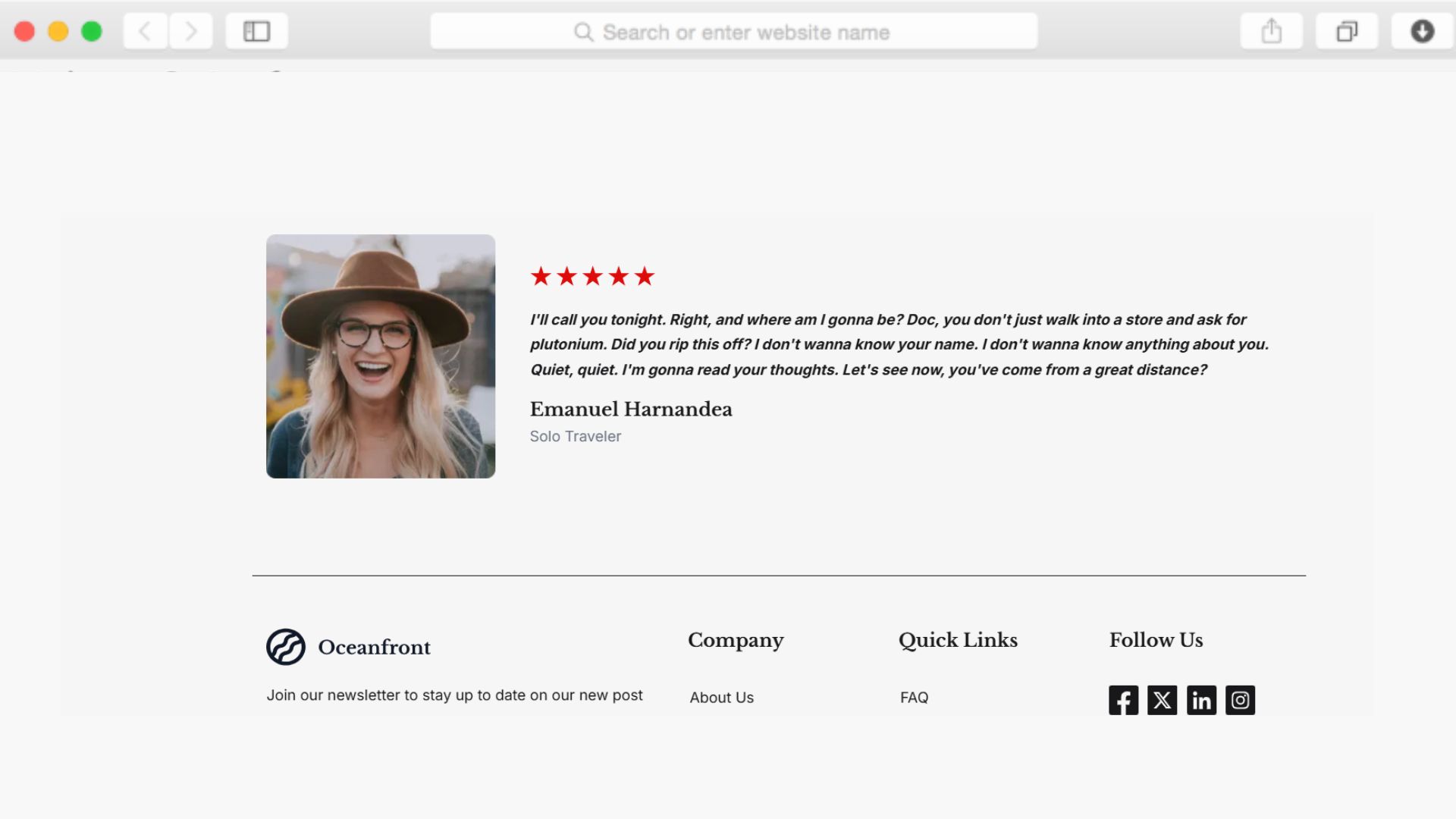
Combined with testimonial sliders showcasing guest reviews, your directory establishes credibility through social proof. Travelers see real experiences from previous guests, making them more confident in their selection decisions.

Location Maps Guide Travel Decisions

non défini

Maps integration shows each resort's exact location, helping travelers understand proximity to beaches, airports, and local attractions. This geographic context is crucial for visitors planning transportation and activities.

The contact information sections include addresses alongside map views, making it easy for interested travelers to reach out or visit resort websites directly. This combination of visual location data and contact access streamlines the path from discovery to booking.

Newsletter Signup Captures Interested Travelers

non défini

The subscription form with modal window captures email addresses from visitors interested in resort deals, travel tips, or destination guides. This builds your email list while providing value to travelers planning future trips.

Newsletter signups convert casual browsers into engaged subscribers who return for resort recommendations and seasonal promotions. Form validation ensures you collect accurate contact information for your email marketing campaigns.

Reusable Components

Dorik's reusable components let you create sections once and deploy them across multiple pages. Build a resort listing card design, then use it throughout your property showcase and featured destination pages with consistent styling.

When you update a reusable hero section or testimonial layout, changes apply everywhere that component appears. This saves hours when refreshing your directory's design or adding new resort categories while maintaining visual consistency across your entire site.

Customizations

The drag-and-drop editor makes customization straightforward. Adjust colors to match coastal themes, change fonts for better readability, or rearrange sections to prioritize featured resorts—all without writing code.

Responsive design ensures your directory looks professional on desktop, tablet, and mobile devices. Travelers can browse resort listings from any device, with layouts automatically adapting to screen sizes. For advanced users, custom CSS options enable precise styling control beyond the visual editor's capabilities.

Special Features

This template includes CMS capabilities that power property listings with custom fields for detailed resort information. The time picker component helps with scheduling-related content, while form validation ensures accurate data collection from newsletter subscribers.

Maps integration provides geographic context crucial for resort directories, and modal windows create focused subscription experiences without disrupting browsing. Combined with Dorik's unlimited storage and global CDN, your directory loads quickly regardless of how many resort profiles you add, with no bandwidth concerns as your visitor numbers grow.

Use Cases

Regional Tourism Boards Promoting Coastal Destinations

Tourism organizations can showcase oceanfront resorts across their region, making it easier for visitors to discover accommodation options. The property listing structure organizes resorts by location, amenities, and price points.

CMS management means tourism staff can update resort information as new properties join or existing ones modify their offerings, keeping the directory current without requiring developer assistance.

Travel Agencies Curating Oceanfront Experiences

Travel agencies specializing in beach vacations can present curated resort collections for clients planning tropical getaways. Star ratings and testimonials help clients identify quality properties that match their vacation expectations.

The contact form and map integration make it simple for interested clients to request more information or book consultations about specific resorts, streamlining the agency's lead generation process.

Resort Association Networks Building Member Directories

Resort associations can create member directories that showcase their network of properties. Each resort gets a dedicated listing page with galleries, amenities, and booking information that drives direct bookings.

Newsletter signup captures visitors interested in association updates, special member promotions, or coastal travel guides, building a database of engaged travelers interested in oceanfront vacations.

Hospitality Bloggers Creating Resource Directories

Travel bloggers focusing on coastal destinations can organize resort recommendations into a searchable directory. The CMS structure lets them add new resort reviews and update existing entries as they discover properties.

Testimonial sections can feature quotes from their resort experiences, adding personal credibility to the directory while the load more functionality handles growing resort databases efficiently.

Why Choose Oceanfront - Resort Directory Website Template?

  • CMS-powered property management included, while many directories require separate database setup or third-party integrations for listing functionality.
  • Star ratings and testimonial sections built in, unlike basic templates that need review plugins or manual coding to display social proof.
  • Maps integration shows resort locations by default, saving time compared to templates requiring separate mapping service configuration.
  • Form validation ensures accurate newsletter signups, preventing fake emails that waste your marketing efforts and email service costs.
  • Unlimited storage and bandwidth included through Dorik, eliminating hosting upgrades as your resort database and traffic grow.
  • Time picker component handles scheduling content efficiently, useful for displaying resort operating hours or seasonal availability without custom development.
  • Modal window subscription forms create focused email capture without disruptive overlays that hurt user experience on competing directory platforms.

Foire aux questions

Can I add unlimited resort listings to this template?

Yes, the CMS structure supports unlimited property listings. Add as many resort profiles as needed with custom fields for amenities, pricing, hours, and contact details. The load more button handles large directories efficiently without affecting page performance.

Does this template work for resort types beyond oceanfront properties?

Absolutely. While designed for oceanfront resorts, the directory structure works for mountain lodges, spa retreats, ski resorts, or any accommodation type. Customize the content and imagery to match your specific resort category.

How do star ratings appear on resort listings?

The template includes star rating displays that appear on property cards and detail pages. You manage ratings through the CMS when creating or updating each resort profile, giving travelers instant quality indicators.

Can visitors contact resorts directly through the directory?

Yes, each resort listing includes contact information sections with addresses, phone numbers, and email addresses. The maps integration shows exact locations, and visitors can submit inquiries through the contact form included on contact pages.

How does the newsletter signup work with modal windows?

The subscription form appears in a modal window, creating a focused signup experience. Form validation ensures you collect accurate email addresses for your travel newsletter, deals notifications, or resort recommendations.

Do I need coding skills to manage resort listings?

No coding required. The CMS provides a user-friendly interface for adding, editing, and organizing resort profiles. Update content, upload images, and manage property information through simple forms in the editor.

Can I feature certain resorts more prominently than others?

Yes, you can organize resort displays using the CMS to create featured sections or premium listing areas. Arrange property cards in your preferred order to highlight partner resorts or seasonal promotions.

How does maps integration help travelers?

Maps integration displays each resort's exact location, helping visitors understand proximity to beaches, airports, and attractions. This geographic context is essential for travel planning and transportation decisions.

Will the directory work on mobile devices for travelers browsing on phones?

Yes, responsive design ensures the directory functions perfectly on smartphones and tablets. Property listings, maps, ratings, and contact forms all adapt to smaller screens, providing travelers a seamless mobile browsing experience.

Can I customize the color scheme to match my brand?

Absolutely. The drag-and-drop editor lets you adjust colors, fonts, and layouts to match your branding. Change coastal blues to match your brand palette or modify section arrangements without touching code.

Categories
Styels
  • Modern
  • Clean
  • Photographic
Layout
  • Multi-page
  • Grid Layout
  • Card Layout
  • Hero Centered
Caractéristiques
  • Responsive Design
  • Content Management System (CMS)
  • Fully Customizable
  • SEO Optimized
  • Mobile First
  • Performance Optimized
  • CSS Grid
  • Hover Effects
  • Image Background
  • Navigation Menu
  • Regular Button
  • Contact Form
  • Social Icons
  • Star Rating
  • Load More Button
  • Testimonial Slider
  • Subscription Form
  • Modal Windows
  • Time Picker
  • Custom Form
  • Newsletter Signup
  • Maps Integration
  • Form Validation
Sections
  • Hero
  • Call-to-Action Buttons
  • Services
  • Caractéristiques
  • Product Showcase
  • Property Listing
  • Gallery
  • Testimonials
  • Reviews
  • Tarification
  • Team Members
  • Process
  • Contact Information
  • Map
  • Social Media Links
  • Footer
  • Newsletter Signup
  • Image Gallery
  • Icon + Text
Pages
  • Home
  • About
  • Property Listing
  • Contact

Créez un site Web avec AI !