Onetown - Real Estate Website Template

Professional template for real estate agents and agencies to showcase properties, build credibility, and convert visitors into clients through organized listings and trust-building features.

non défini

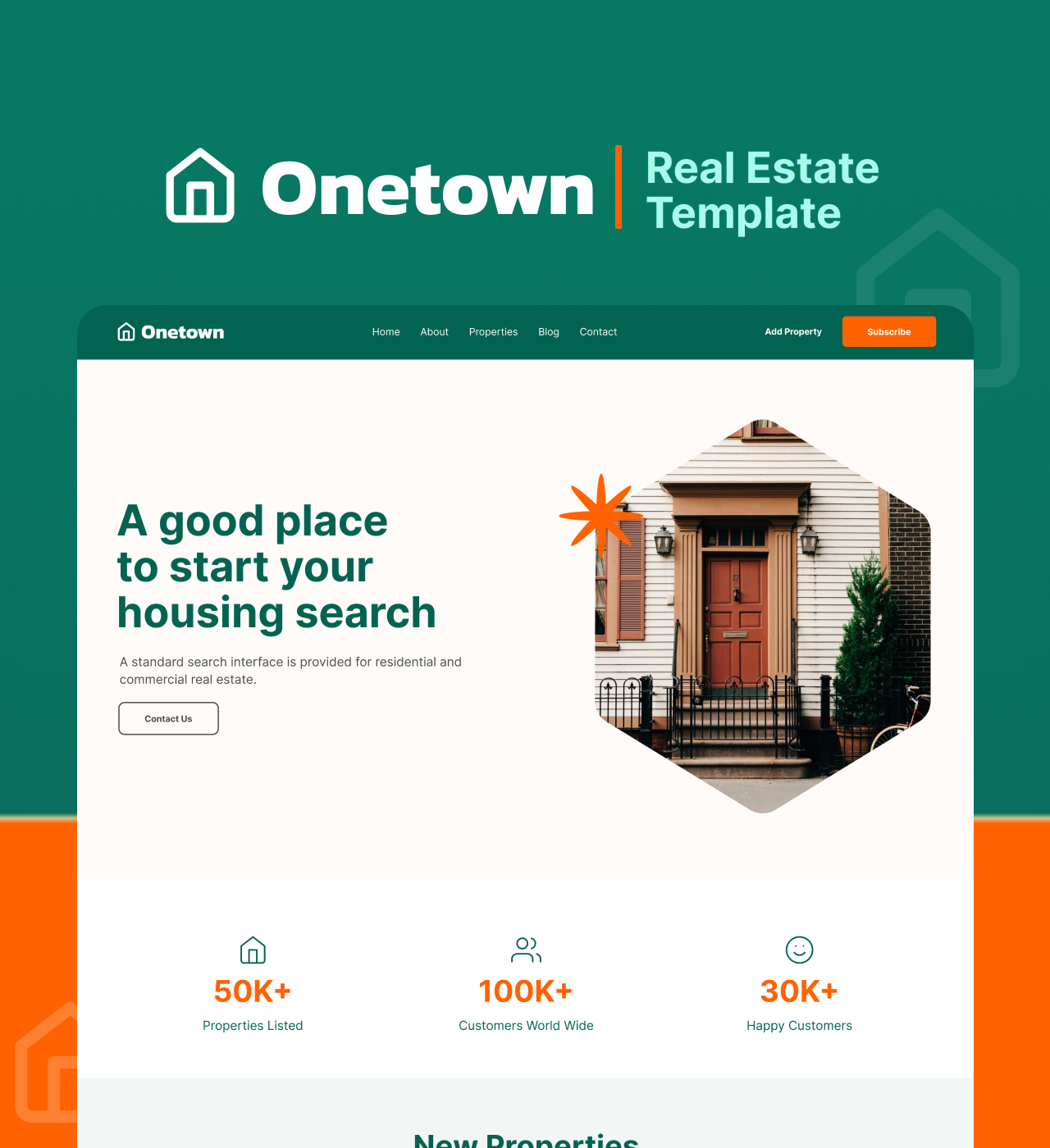
Onetown helps real estate professionals establish credibility and convert visitors into clients. This template addresses the challenge of presenting property listings in an organized, searchable format while building trust through team profiles and client testimonials.

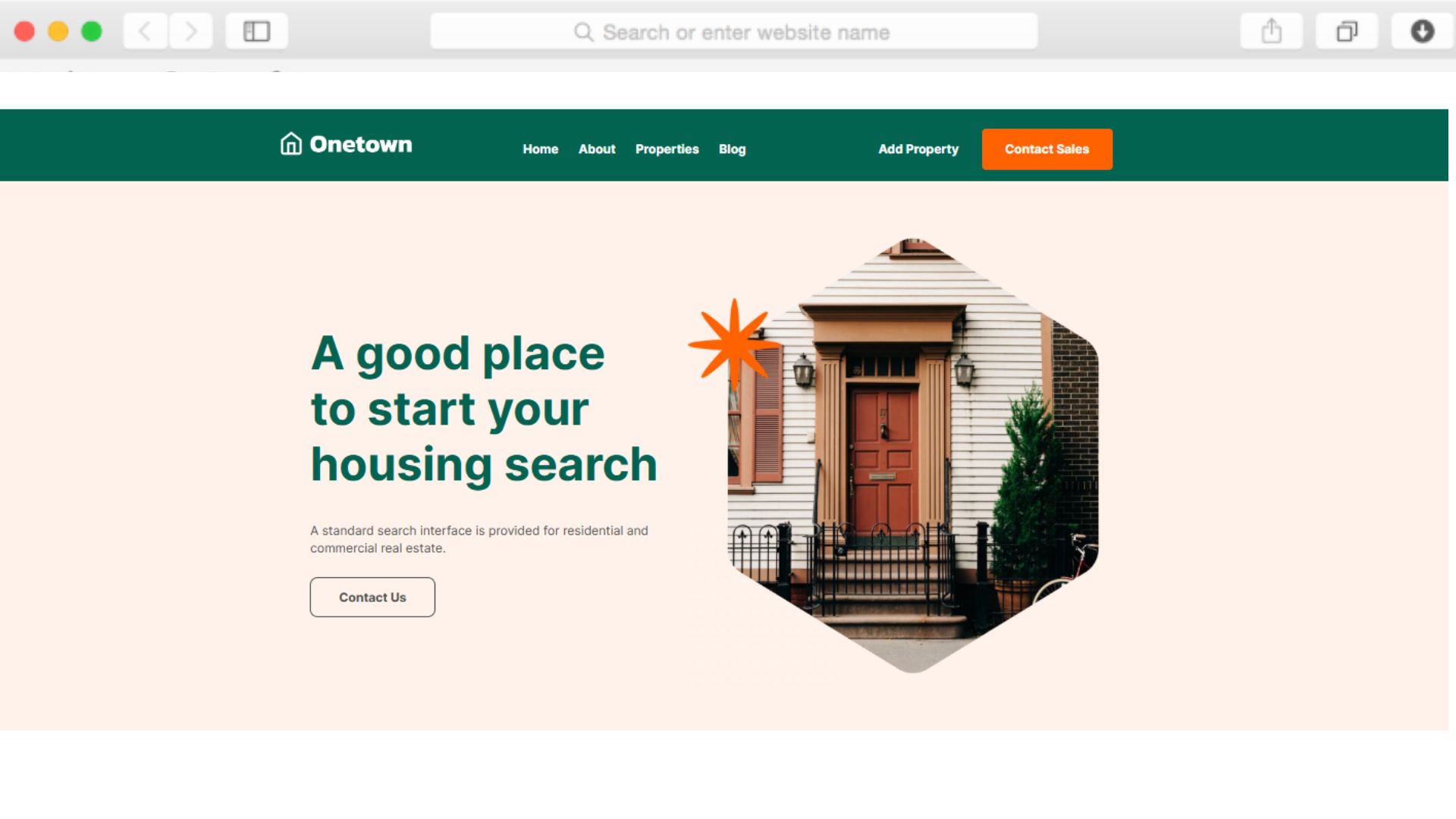
The clean design puts properties front and center without overwhelming potential buyers. Statistics sections demonstrate your track record, while the dedicated Add Property page streamlines how you expand your inventory. Every section works together to guide visitors from browsing to inquiry.

Whether you're an independent agent or growing agency, Onetown provides the foundation to showcase your expertise and make property discovery effortless for buyers and renters.

Key Features

Organized Property Listings That Convert Browsers to Buyers

non défini

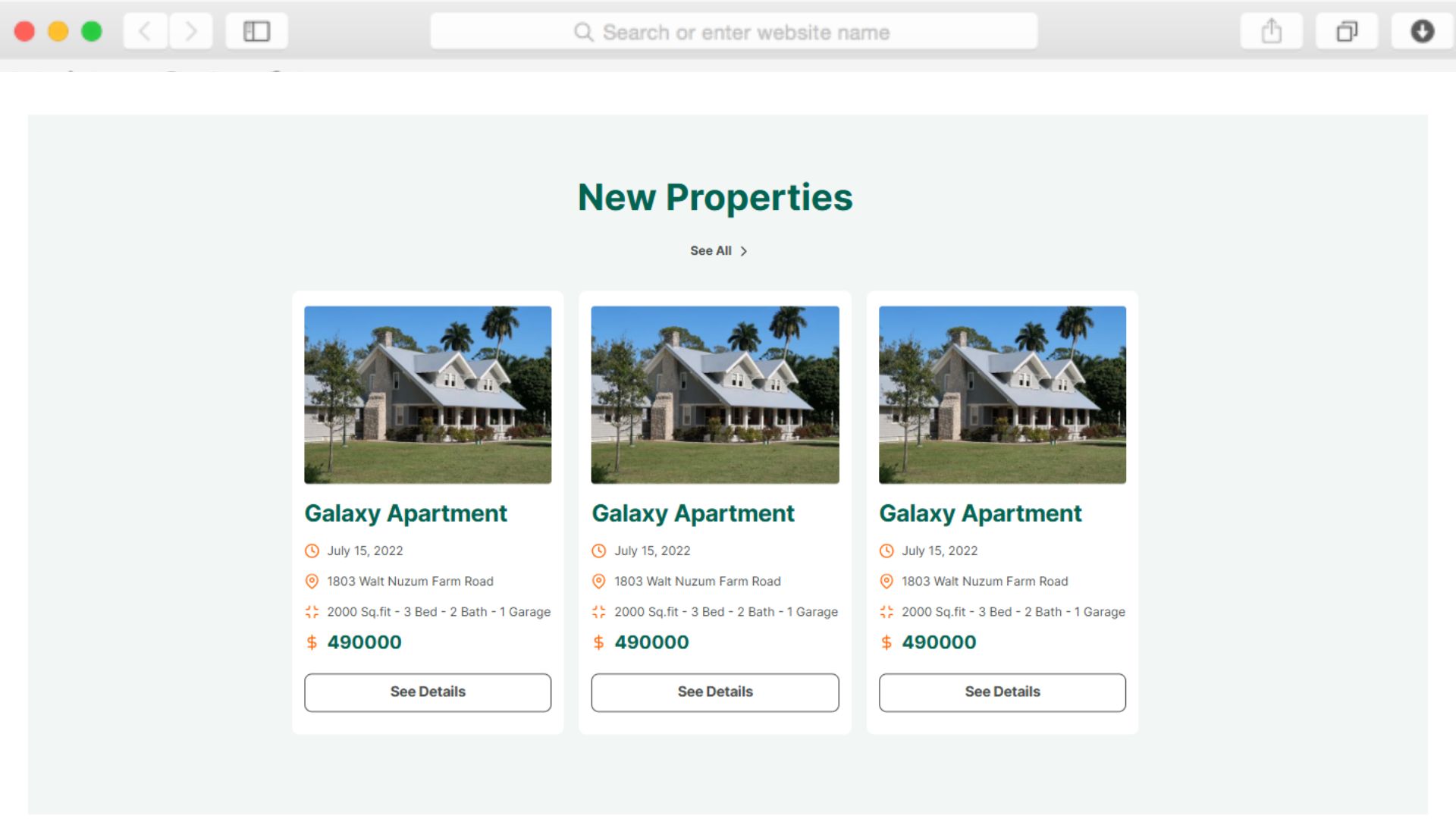
The property listing system displays essential information at a glance—address, square footage, bedrooms, bathrooms, and pricing. Potential buyers can quickly scan available properties without digging through cluttered pages.

Pagination keeps listings organized even as your inventory grows. This structured approach helps serious buyers find what they need faster, increasing the likelihood they'll reach out for a viewing.

Build Trust Through Team Member Profiles

non défini

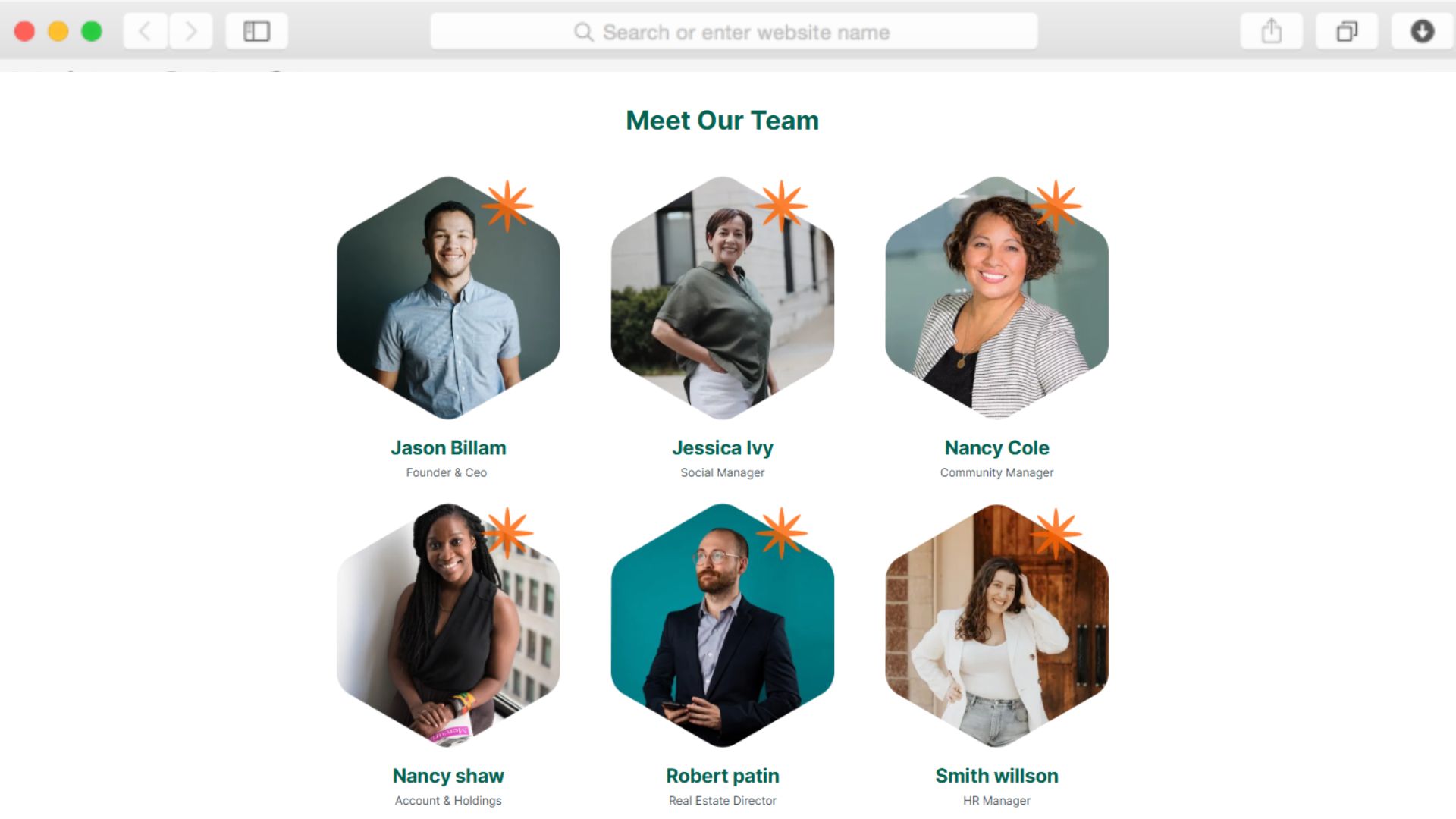
The team members section humanizes your business by introducing agents with photos and roles. When buyers see the people behind the properties, they feel more comfortable initiating contact.

This transparency differentiates you from agencies that hide behind corporate facades. Buyers want to work with real people they can trust with major financial decisions.

Capture Property Submissions Efficiently

non défini

The dedicated Add Property page includes a custom form where property owners can submit listings directly. Fields collect owner details, property information, and ownership type in one organized submission.

This streamlined intake process means you spend less time chasing information and more time closing deals. Property owners appreciate the professional, straightforward submission experience.

Showcase Success With Statistics

non défini

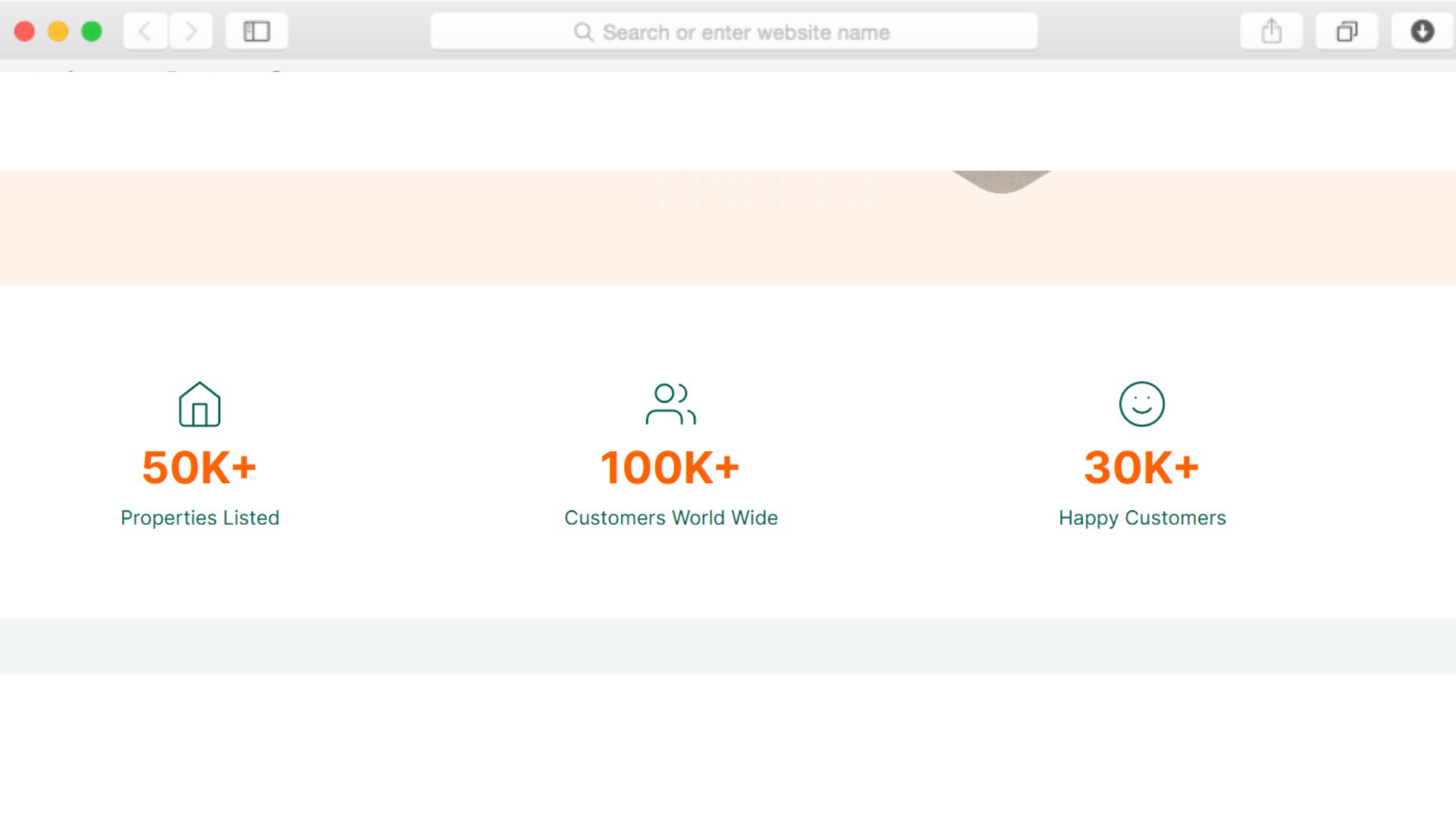
Counter animations display your completed sales, satisfied customers, and years of experience. These metrics immediately communicate your track record to skeptical visitors.

Numbers build confidence faster than generic promises. When potential clients see concrete proof of your success, they're more likely to trust you with their property needs.

Reusable Components

Create sections like Hero, Property Listing, or Team Members once, then use them across multiple pages. When you update a reusable component, changes appear everywhere simultaneously—maintaining consistency without repetitive editing.

This approach saves hours when refreshing testimonials, updating contact information, or adjusting property display formats. Your site stays cohesive as you scale your listings and content.

Customizations

Dorik's visual editor lets you adjust colors, typography, spacing, and layouts without writing code. The drag-and-drop interface makes customization intuitive—move elements, resize sections, and refine property cards to match your brand identity.

Responsive design adapts automatically to mobile devices, ensuring property photos and listings look professional on any screen. For advanced customization, add custom CSS to achieve pixel-perfect control over every detail.

Special Features

Onetown includes features specifically designed for real estate operations. The custom form on the Add Property page streamlines property submissions with fields for ownership type, contact details, and property specifics. The testimonial slider rotates client feedback automatically, building trust without manual updates.

Combined with universal Dorik benefits like unlimited storage for property photos, free SSL certificates, and global CDN for fast image loading worldwide, you have everything needed to operate professionally without additional tools or services.

Use Cases

Independent Agents Building Their First Professional Presence

Solo agents transitioning from marketplace platforms need websites that establish credibility without enterprise complexity. Onetown's team member section works perfectly for a single agent while the property listings showcase your growing inventory.

The custom form captures seller inquiries while the blog positions you as a local market expert. Start attracting direct clients instead of sharing commissions with platforms.

Small Agencies Competing in Established Markets

Boutique agencies need to differentiate from larger competitors through personalized service and local expertise. The testimonial slider highlights satisfied clients while statistics demonstrate your track record.

Team member profiles showcase your agents' specializations, helping buyers connect with the right person. The professional design signals you're serious competition despite your size.

Property Management Companies Streamlining Submissions

Companies managing multiple properties need efficient ways to collect listing information from owners. The Add Property page with custom form fields standardizes intake, ensuring you receive consistent, complete information.

Property listings organized with pagination help tenants browse available units quickly. The newsletter signup captures interested prospects even before properties match their criteria.

Real Estate Investors Showcasing Available Properties

Investors flipping properties or managing rental portfolios need simple ways to market available units. The property listing section displays essential details while the CMS makes updating inventory straightforward as properties sell or rent.

The blog section lets you share investment insights or market updates, positioning you as a knowledgeable resource. Hover effects on property cards create visual interest without overwhelming the clean design.

Why Choose Onetown - Real Estate Website Template?

  • Property submission form included unlike platforms charging extra for lead capture tools
  • Statistics section with counter animations demonstrates track record immediately to skeptical visitors
  • Pagination organizes growing inventory instead of endless scrolling through cluttered listings
  • Testimonial slider rotates automatically, no manual updates required to showcase client feedback
  • Blog functionality built-in for SEO without paying for separate blogging platforms
  • Unlimited storage means no caps on property photos unlike competitors with restrictive limits
  • Team member profiles humanize your agency rather than hiding behind impersonal corporate branding

Foire aux questions

Can I organize properties into categories or filter them?

Yes, the Content Management System allows you to create custom fields and collections for property data. You can categorize listings by type, location, price range, or any criteria that helps buyers find relevant properties. Pagination keeps listings manageable as your inventory grows.

How do potential sellers submit properties to my agency?

The Add Property page includes a custom form with fields for owner name, property title, address, ownership type, phone, and email. Property owners complete the form directly on your site, and submissions go to your designated email for review and follow-up.

Do I need coding knowledge to customize the template?

No coding required. The drag-and-drop editor lets you customize colors, fonts, layouts, and spacing visually. Adjust property card designs, rearrange sections, or modify the navigation menu without touching code. Advanced users can add custom CSS if desired.

Can I showcase my real estate team on the website?

Yes, the team members section displays agent photos, names, and roles. Add as many agents as needed, update profiles when team changes occur, and help potential clients connect with the right specialist for their property needs.

How do I display client testimonials effectively?

The testimonial slider automatically rotates client feedback, keeping the section dynamic without manual intervention. Add new testimonials through the CMS, and they'll appear in the rotation. This builds credibility by showing real experiences from satisfied clients.

Is the template mobile-friendly for buyers browsing on phones?

Yes, the mobile-first responsive design ensures property listings, images, and contact forms display properly on smartphones and tablets. Property cards stack vertically on smaller screens while maintaining readability and visual appeal throughout the browsing experience.

Can I add blog content to attract organic search traffic?

Yes, the blog page and built-in blogging platform let you publish market updates, buying guides, and neighborhood spotlights. The blog preview section on your homepage showcases recent posts, driving traffic to your content while positioning you as a local expert.

How fast will my property photos load for visitors?

Dorik's global CDN delivers images quickly regardless of visitor location. Image optimization reduces file sizes without quality loss, and performance optimization ensures fast page loads. Fast-loading sites keep potential buyers engaged rather than clicking away to competitors.

Can I collect email subscribers interested in new listings?

Yes, the newsletter signup section captures emails from visitors who want updates on new properties. This builds your audience for announcing listings before they hit public marketplaces, giving subscribers first access to opportunities.

Are there limits on how many properties I can list?

No, Dorik includes unlimited storage and bandwidth. List as many properties as needed without worrying about storage caps or overage fees. The pagination feature keeps listings organized and navigable regardless of inventory size.

Categories
Styels
  • Modern
  • Clean
  • Minimalist
Layout
  • Multi-page
  • Grid Layout
  • Card Layout
  • Hero Centered
Caractéristiques
  • Responsive Design
  • Content Management System (CMS)
  • Fully Customizable
  • SEO Optimized
  • Mobile First
  • Performance Optimized
  • CSS Grid
  • Hover Effects
  • Navigation Menu
  • Regular Button
  • Custom Form
  • Testimonial Slider
  • Counter Animation
  • Newsletter Signup
  • Read More/Less
  • Pagination
Sections
  • Hero
  • Statistics
  • Property Listing
  • Testimonials
  • Team Members
  • Blog Preview
  • Footer
  • Newsletter Signup
  • Logo Banner
  • Image Gallery
  • Client Logos
Pages
  • Home
  • About
  • Property Listing
  • Blog
  • Add Property

Créez un site Web avec AI !