Puis-je présenter les différentes catégories de services séparément ?
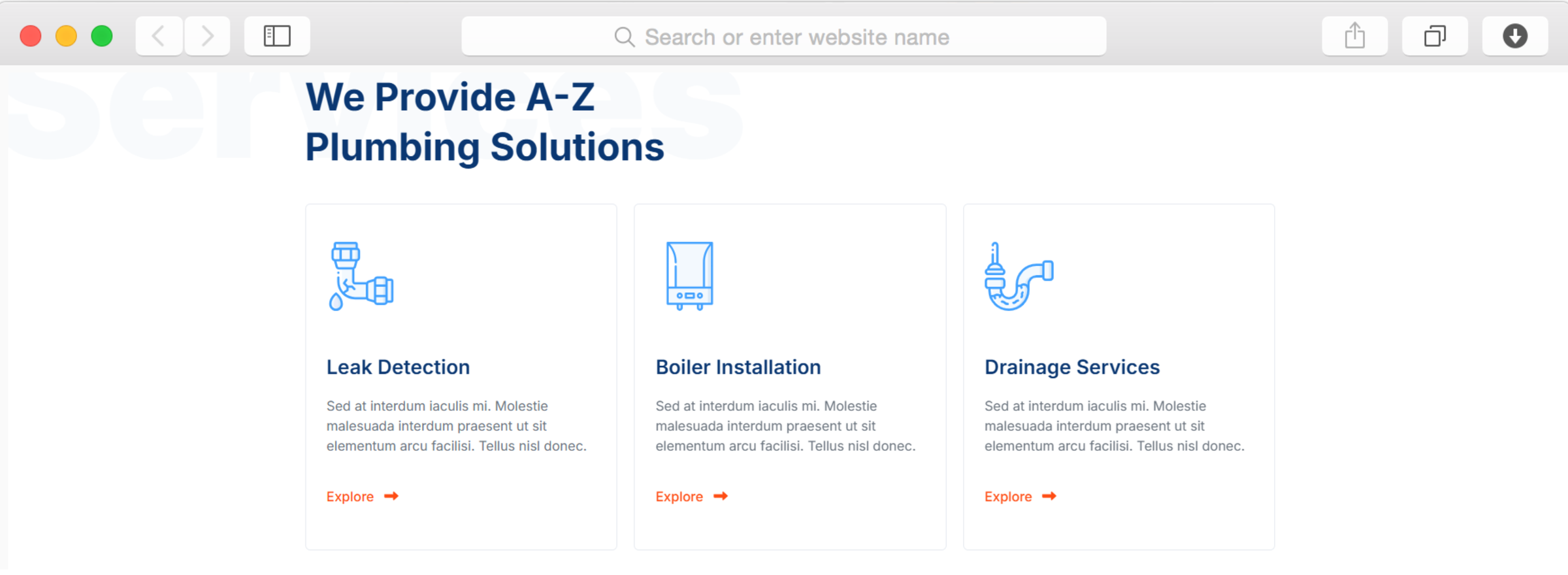
Oui, la page « Services » propose plusieurs catégories, avec des sections dédiées à la plomberie résidentielle, aux travaux commerciaux, aux services d'urgence, aux installations et à la maintenance. Chaque catégorie peut disposer de sa propre page détaillée présentant les prestations proposées, les fourchettes de prix habituelles et les délais prévisibles. Cette organisation permet aux clients de trouver rapidement les services qui les intéressent et améliore la visibilité sur les moteurs de recherche pour les requêtes portant sur des services spécifiques.
Faut-il avoir des connaissances en programmation pour personnaliser ce modèle ?
Non, l'éditeur « glisser-déposer » de Dorik vous permet de modifier chaque élément de manière visuelle. Changez les couleurs pour les adapter à votre flotte de camions, téléchargez des photos de votre équipe, modifiez les descriptions des services et réorganisez les sections sans toucher au code. Le design adaptatif s'ajuste automatiquement aux téléphones et aux tablettes. Les utilisateurs avancés peuvent ajouter du CSS personnalisé pour un style sur mesure, mais cela reste entièrement facultatif pour créer un site web professionnel dédié à la plomberie.
Comment les formulaires de contact fonctionnent-ils avec mon téléphone professionnel ?
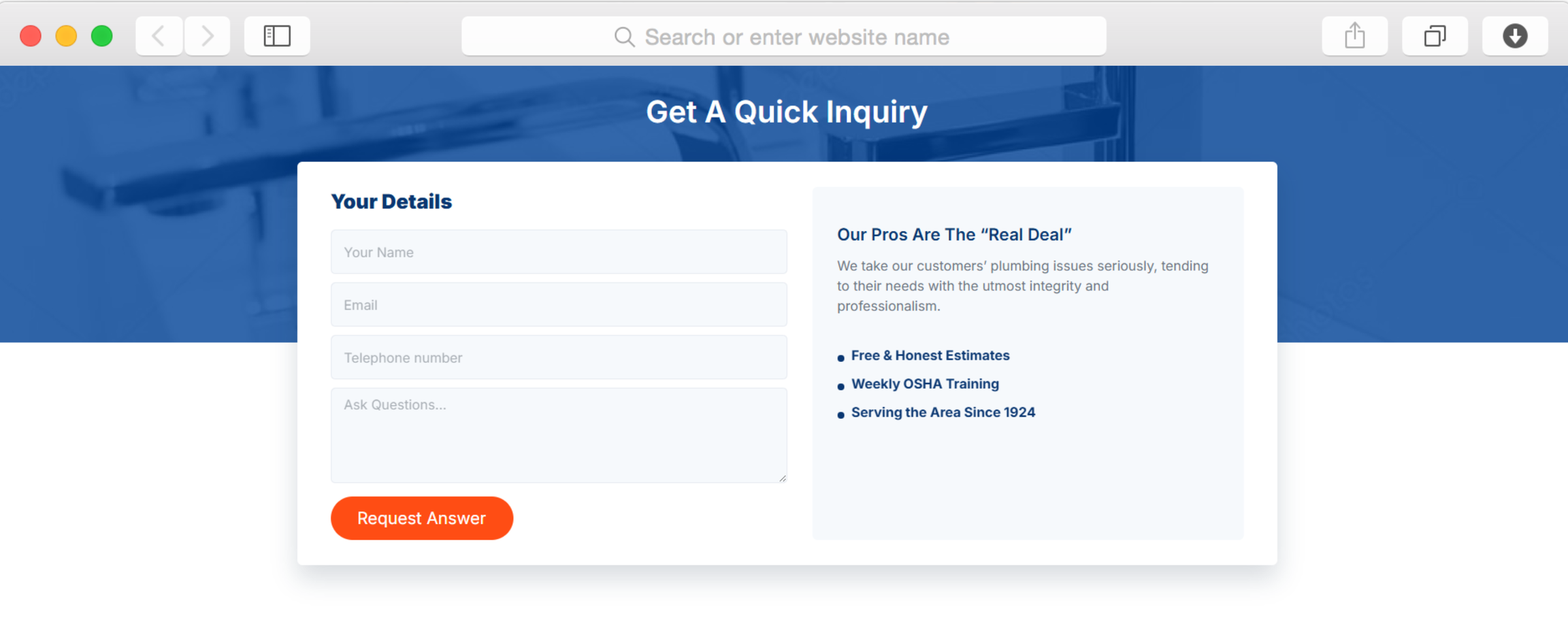
Les formulaires de contact peuvent être configurés pour envoyer instantanément des notifications par e-mail lorsque les clients soumettent une demande. Configurez le transfert vers plusieurs membres de l'équipe afin que les demandes urgentes parviennent rapidement aux techniciens disponibles. Les formulaires recueillent les informations relatives au client, telles que le type de service, le lieu, l'heure de contact souhaitée et la description du problème, ce qui vous permet de disposer du contexte nécessaire avant de rappeler le client. Vous gardez un contrôle total sur les paramètres de notification et les processus de réponse.
Puis-je ajouter des informations sur les tarifs de mes services ?
Oui, les pages consacrées aux services comportent des zones de contenu personnalisables où vous pouvez indiquer des fourchettes de prix, expliquer les facteurs qui influent sur les coûts et décrire ce qui est inclus dans chaque niveau de service. De nombreux plombiers indiquent des prix de départ ou des fourchettes de prix types afin de définir les attentes, tout en précisant que les devis définitifs dépendent des situations spécifiques constatées lors des inspections. Cette transparence renforce la confiance et réduit le temps perdu à répondre aux appels de clients qui comparent les prix mais ne font pas partie de votre clientèle cible.
Ce modèle permet-il de planifier des rendez-vous ?
Le modèle comprend des formulaires de contact pour les demandes de rendez-vous, que vous pouvez personnaliser afin de recueillir les dates et heures souhaitées. Pour la prise de rendez-vous automatisée, vous pouvez intégrer des outils de planification tiers via des formulaires d'inscription à la newsletter ou des générateurs de formulaires personnalisés. De nombreux plombiers préfèrent gérer manuellement la planification des premières consultations afin de distinguer les situations d'urgence des rendez-vous de routine, et le système de formulaires flexible s'adapte parfaitement à cette approche.
Comment la section « Témoignages » affiche-t-elle les avis des clients ?
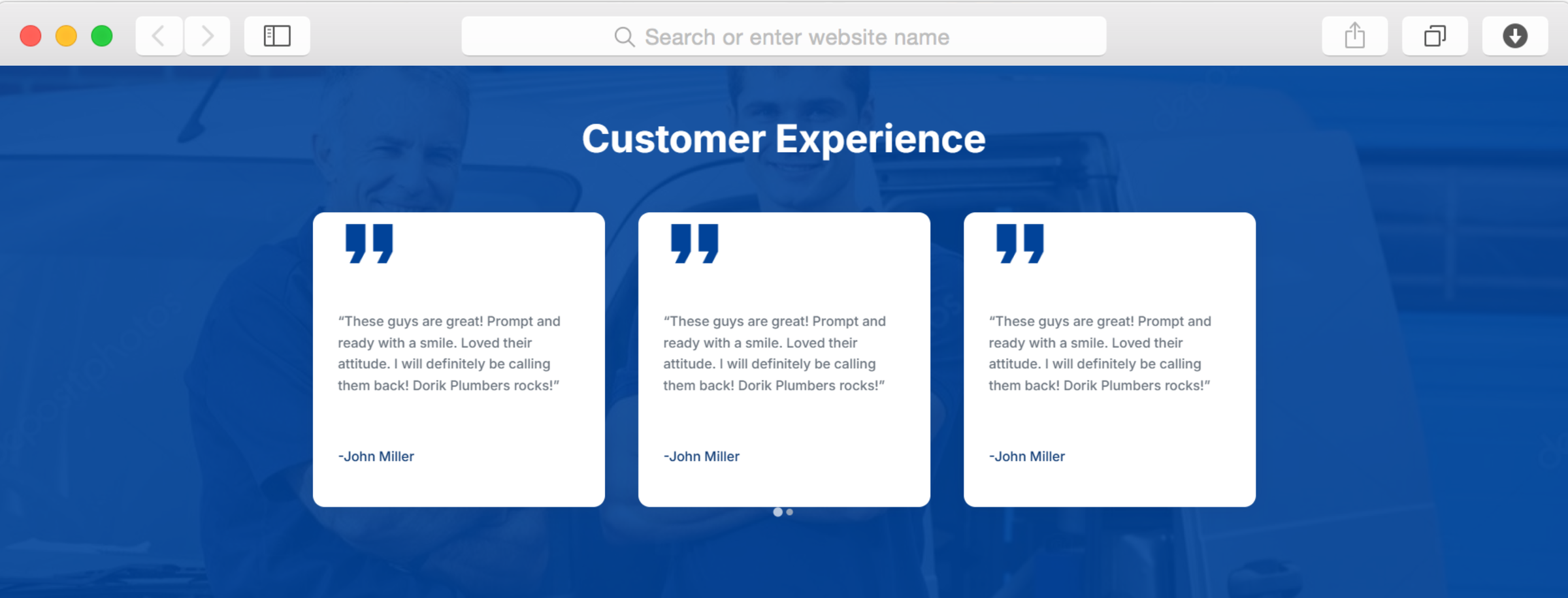
Les témoignages clients s'affichent dans un diaporama qui fait défiler automatiquement les avis, ce qui confère un aspect dynamique à votre page tout en mettant en avant plusieurs clients satisfaits. Chaque avis comprend le nom du client et son commentaire. Le diaporama fonctionne parfaitement aussi bien sur ordinateur que sur appareil mobile, garantissant ainsi que ces témoignages parviennent aux clients, quelle que soit la manière dont ils accèdent à votre site, que ce soit en situation d'urgence ou lors de leurs recherches.
Puis-je afficher ma zone d'intervention sur une carte ?
Oui, l'intégration de la fonctionnalité « Cartes » est incluse, ce qui vous permet d'afficher visuellement votre zone de couverture sur votre page de contact. Les clients peuvent ainsi vérifier rapidement si vous desservez leur quartier avant de vous appeler, ce qui réduit le nombre de demandes provenant de l'extérieur de votre zone d'intervention. La carte peut indiquer l'emplacement de votre entreprise, le rayon d'intervention ou les communes spécifiques desservies. Cette clarté visuelle améliore les taux de conversion en rassurant les clients sur le fait qu'une assistance est disponible à proximité.
La rubrique « Blog » est-elle utile pour les entreprises de plomberie ?
Tout à fait. Publier régulièrement des articles de blog qui répondent aux questions courantes en matière de plomberie améliore votre visibilité dans les résultats de recherche pour des requêtes locales telles que « comment éviter que les canalisations gèlent » ou « les signes indiquant qu'il faut remplacer son chauffe-eau ». Cela vous positionne comme l'expert local tout en attirant l'attention des internautes qui ne sont pas encore confrontés à une urgence. Les articles de blog proposant des conseils d'entretien permettent à votre entreprise de rester présente dans l'esprit des clients lorsqu'ils auront finalement besoin d'une aide professionnelle.
Comment mettre en avant les certifications et les licences de mon équipe ?
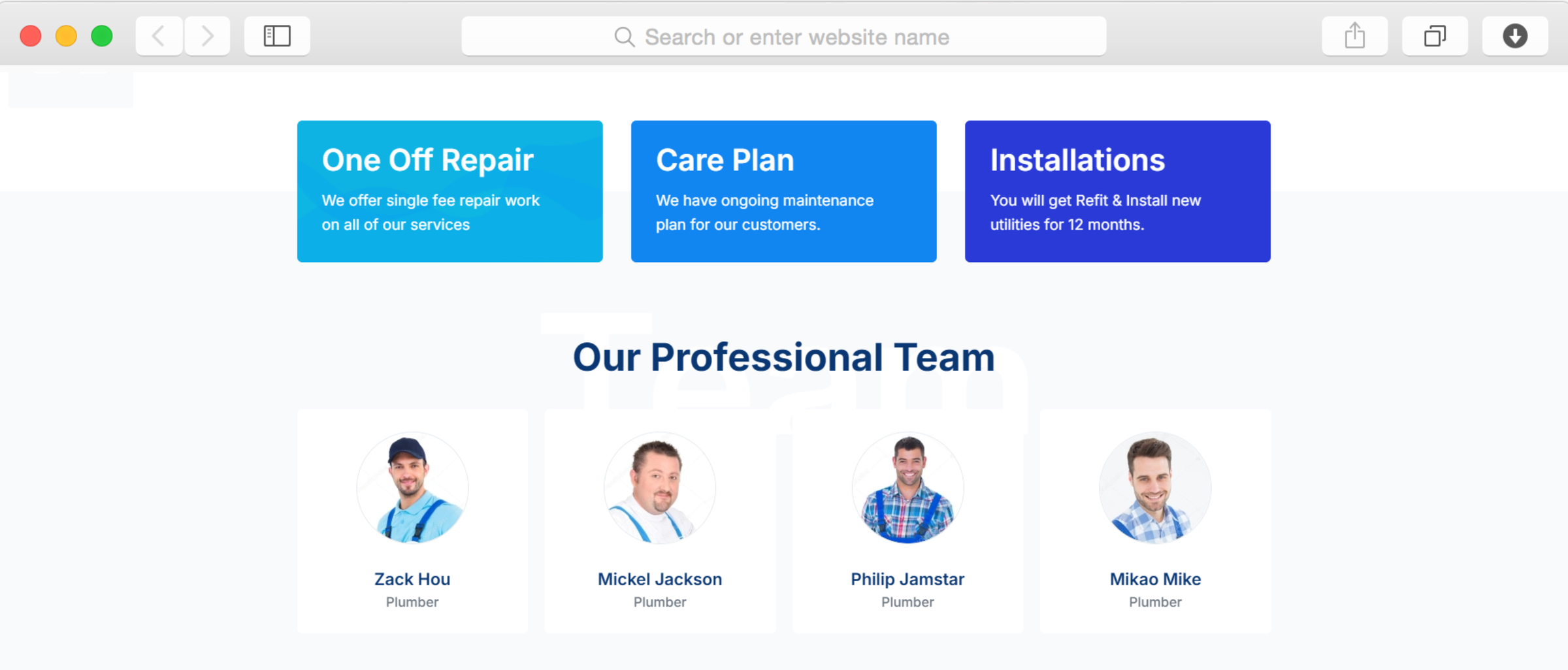
Les profils des membres de l'équipe comprennent des photos, des noms, des fonctions et des descriptions détaillées dans lesquelles vous pouvez indiquer les certifications, les spécialisations et les années d'expérience. Cette transparence permet de distinguer les professionnels agréés des bricoleurs généralistes et renforce la confiance des clients. Vous pouvez mettre en avant les spécialistes des interventions d'urgence, les experts en installations commerciales ou les techniciens de service à domicile, aidant ainsi les clients à comprendre qui pourrait être affecté à leur type de mission spécifique.
Puis-je mettre à jour facilement les coordonnées des personnes à contacter en cas d'urgence sur l'ensemble du site ?
Oui, grâce aux composants de contenu réutilisables, vous créez une seule fois votre rubrique « Contacts d'urgence » et l'affichez sur plusieurs pages. Lorsque votre numéro d'urgence change ou que vous ajoutez des horaires d'ouverture en dehors des heures de bureau, il vous suffit de mettre à jour un seul composant pour que la modification se répercute automatiquement sur l'ensemble de votre site. Cela garantit la cohérence et l'actualité des informations de contact essentielles, sans avoir à modifier manuellement des dizaines de pages une par une.