Puis-je vendre des produits directement via ce modèle ?
Bien que ce modèle propose des sections de présentation des produits et des formulaires personnalisés pour les demandes de renseignements, le commerce électronique direct nécessite une intégration avec des plateformes de paiement. Vous pouvez ajouter des boutons de paiement via les options de personnalisation du modèle afin de vous connecter à PayPal, Stripe ou d'autres services similaires pour accepter les transactions.
Comment ajouter de nouveaux produits à ma galerie ?
Le système de gestion de contenu intégré à Dorik facilite l'ajout de produits. Téléchargez des images, rédigez des descriptions et organisez les articles en collections à l'aide de l'éditeur visuel. La mise en page CSS Grid organise automatiquement les nouveaux produits dans la structure de conception existante.
Les clients peuvent-ils laisser des avis sur mon site ?
La section « Témoignages » est conçue pour afficher les commentaires des clients avec des notes par étoiles et des citations. Vous recueillerez les avis tout au long de votre processus de vente et les ajouterez manuellement au modèle, en sélectionnant les témoignages qui représentent le mieux la qualité de vos produits et services.
Cela fonctionne-t-il également pour la vente dans les salons d'artisanat ?
Tout à fait. De nombreux créateurs utilisent leur site web à la fois pour vendre leurs produits en ligne et comme portfolio à présenter lors d'événements en personne. Vous pouvez inclure votre calendrier des salons d'artisanat dans la section « aperçu du blog » ou créer une page dédiée répertoriant les marchés et les lieux d'exposition à venir.
En combien de temps puis-je lancer mon site ?
Grâce aux sections prédéfinies de ce modèle et à l'éditeur glisser-déposer de Dorik, la plupart des créateurs peuvent personnaliser et lancer leur site en un ou deux jours. Il suffit d'ajouter les images de vos produits, de mettre à jour le texte pour raconter votre histoire, d'ajuster les couleurs pour qu'elles correspondent à votre marque et de connecter votre domaine.
Puis-je rédiger des articles de blog sur mon processus de création ?
Oui. Dorik comprend une plateforme de blog intégrée qui vous permet de partager des anecdotes, des techniques et des contenus en coulisses. Les articles de blog apparaissent dans la section « Aperçu du blog » de votre page d'accueil et contribuent au référencement naturel (SEO) tout en renforçant les liens avec vos clients.
Mon site fonctionnera-t-il correctement sur les téléphones mobiles ?
Le modèle utilise les principes de conception réactive « mobile first », ajustant automatiquement les mises en page pour les smartphones et les tablettes. Les images des produits, les galeries et le texte restent clairs et faciles à naviguer, quelle que soit la taille de l'écran, ce qui permet aux clients de naviguer confortablement depuis n'importe quel appareil.
Ai-je besoin de connaissances en codage pour personnaliser ce modèle ?
Aucun codage n'est nécessaire. L'éditeur visuel de Dorik vous permet de modifier les couleurs, les polices, l'espacement et les mises en page en cliquant et en faisant glisser. Si vous souhaitez une personnalisation avancée au-delà des options standard, vous pouvez ajouter du CSS personnalisé, mais cela est entièrement facultatif.
Puis-je utiliser mes propres photos de produits ?
Oui, vous pouvez télécharger vos propres images dans les galeries d'images et les sections de présentation des produits. Le modèle prend en charge plusieurs formats d'images et les optimise automatiquement pour un chargement rapide. Si vous avez besoin d'éléments visuels supplémentaires, la génération d'images par IA peut créer des graphiques complémentaires et des photos de style de vie.
Puis-je présenter séparément différentes étapes ou différents secteurs d'investissement ?
Oui, la section portefeuille alimentée par CMS permet une organisation flexible. Créez des collections pour différents secteurs tels que la fintech, la santé ou les logiciels d'entreprise, ou organisez-les par étape d'investissement, du démarrage à la série C. Chaque collection peut être affichée avec des mises en page personnalisées et des options de filtrage que les visiteurs peuvent parcourir.
Ai-je besoin de connaissances en codage pour personnaliser ce modèle ?
Aucune connaissance en codage requise. L'éditeur visuel de Dorik vous permet de modifier chaque élément de conception à l'aide de commandes pointer-cliquer. Changez les couleurs, ajustez l'espacement, échangez des images ou réorganisez des sections sans toucher au code. Les utilisateurs avancés peuvent ajouter du CSS personnalisé pour un contrôle supplémentaire, mais la personnalisation de base ne nécessite aucune expertise technique.
Comment ajouter de nouveaux membres à l'équipe à mesure que l'entreprise se développe ?
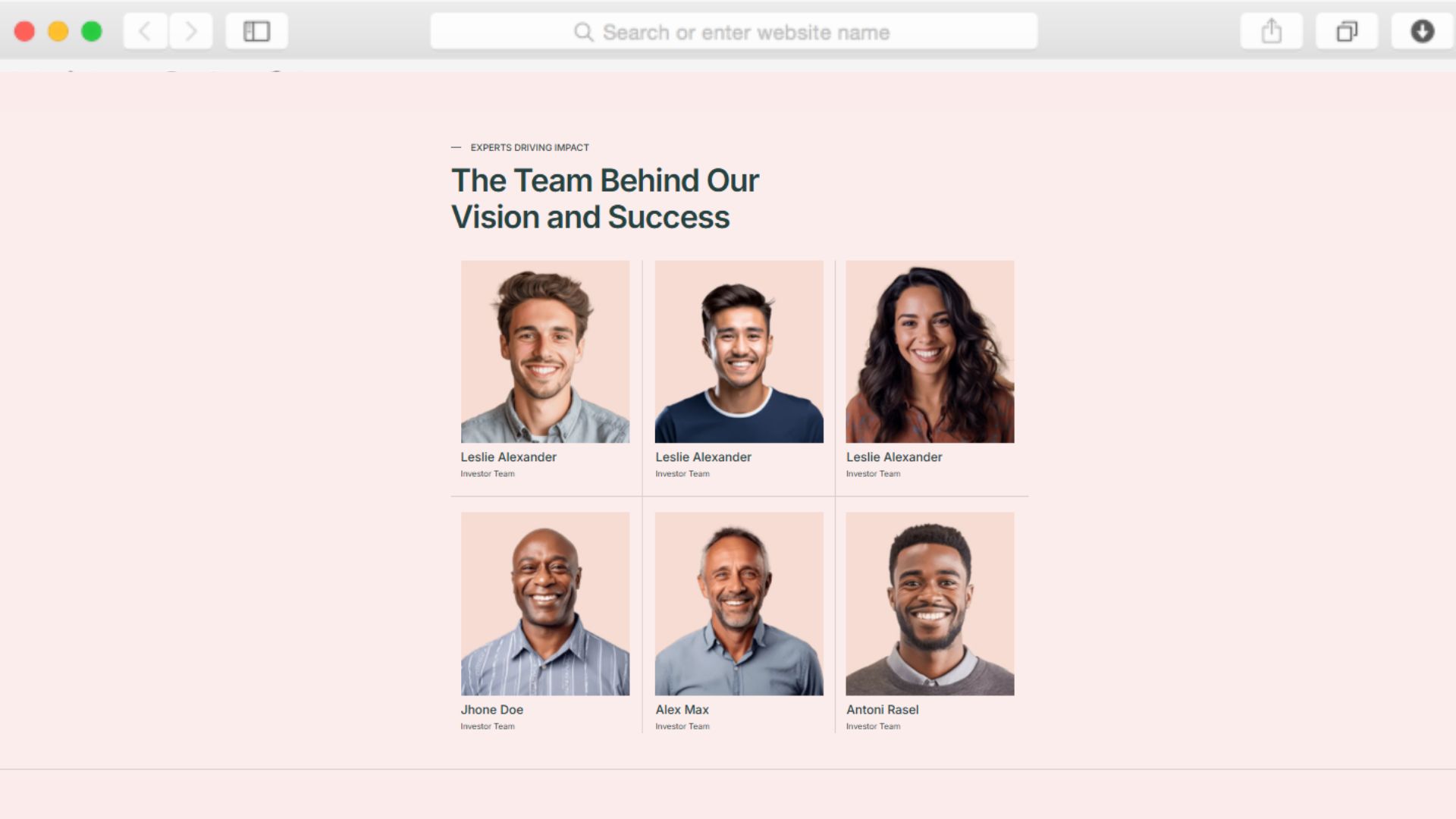
La section « Membres de l'équipe » est reliée au CMS pour faciliter les ajouts. Cliquez pour ajouter un nouveau membre, télécharger sa photo, remplir sa biographie et son rôle, puis publier. Le modèle formate et affiche automatiquement le nouveau profil aux côtés des membres existants, dans le design établi.
Puis-je intégrer cela à des outils d'analyse pour suivre le comportement des visiteurs ?
Oui, le modèle prend en charge l'intégration de Google Analytics, Google Tag Manager et Hotjar dès son installation. Ajoutez vos codes de suivi via le panneau de configuration pour surveiller les pages vues, comprendre le flux de visiteurs et optimiser les conversions sans modifier le code ou la structure du modèle.
Le site fonctionnera-t-il correctement sur les appareils mobiles pour les fondateurs en déplacement ?
Le modèle suit les principes de conception « mobile first », ce qui signifie qu'il est optimisé dès le départ pour les smartphones et les tablettes. Chaque section s'adapte automatiquement à la taille de l'écran, garantissant ainsi le bon fonctionnement des menus de navigation, des affichages de portfolio et des formulaires de contact, que les visiteurs naviguent sur un ordinateur de bureau ou un appareil mobile.
En combien de temps puis-je lancer ce modèle ?
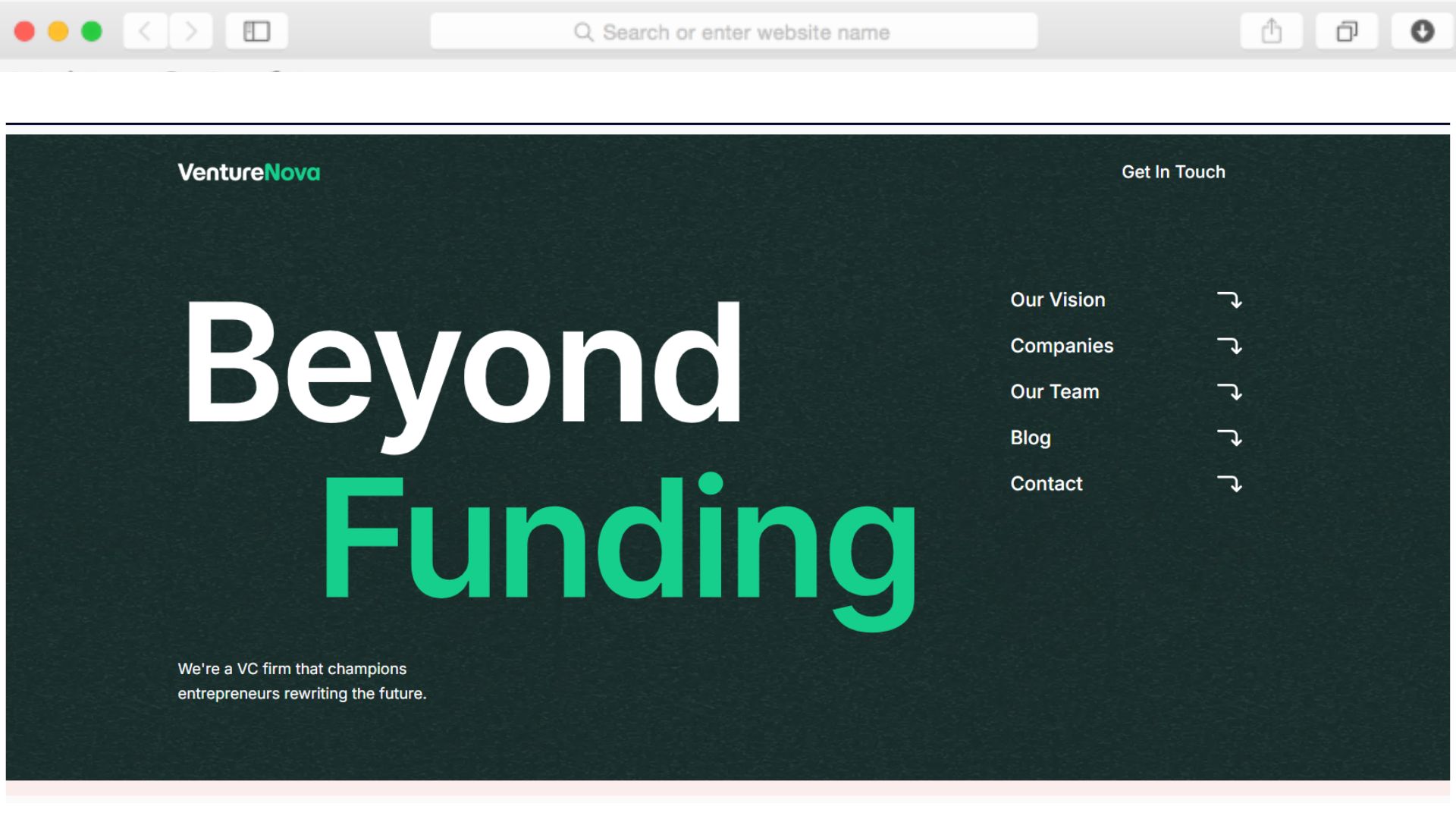
Grâce à des sections prédéfinies prêtes à être personnalisées, de nombreux utilisateurs publient leur site en quelques heures plutôt qu'en plusieurs semaines. Ajoutez votre logo, remplacez les photos de votre portefeuille d'entreprises et de votre équipe, mettez à jour le contenu textuel avec vos informations, et vous êtes prêt à vous lancer avec une présence professionnelle.
Puis-je protéger certaines pages par mot de passe afin de les réserver uniquement aux associés commanditaires ?
Oui, Dorik inclut une fonctionnalité de protection par mot de passe pour les pages individuelles. Créez une page dédiée aux relations avec les investisseurs contenant les mises à jour des performances du portefeuille ou les documents relatifs aux fonds, appliquez une protection par mot de passe et partagez les identifiants d'accès uniquement avec vos commanditaires pour un accès sécurisé et sélectif.
Le modèle comprend-il des fonctionnalités SEO pour améliorer le classement dans les résultats de recherche ?
L'optimisation SEO intégrée comprend le contrôle des méta-titres et des descriptions, la prise en charge du balisage Schema, la génération automatique de sitemaps XML et la gestion des URL canoniques. Ces outils aident votre site à se classer dans les résultats de recherche pertinents, tels que les sociétés de capital-risque dans votre domaine d'activité ou l'expertise en investissement dans votre secteur.
Que se passe-t-il si je dépasse la limite de pages de mon forfait actuel ?
Les cinq pages par défaut du modèle correspondent à l'allocation du forfait Personnel de Dorik. À mesure que vos besoins évoluent (ajout de pages individuelles pour les sociétés de votre portefeuille ou description détaillée de vos services, par exemple), la mise à niveau vers le forfait Business vous offre un nombre illimité de pages sans qu'il soit nécessaire de refondre votre site. Vos personnalisations et votre contenu sont transférés de manière transparente vers le nouveau forfait.
Puis-je intégrer du contenu tiers, tel que des visionneuses de présentations ou des calculateurs d'investissement ?
Oui, les capacités HTML brutes du modèle et la flexibilité du CMS permettent d'intégrer des outils externes via du code iframe ou des widgets JavaScript. Ajoutez Calendly pour planifier des réunions, intégrez des présentations SlideShare ou intégrez des calculateurs personnalisés pour améliorer les fonctionnalités au-delà des fonctionnalités de base du modèle.