Puis-je personnaliser le processus de prise de rendez-vous ?
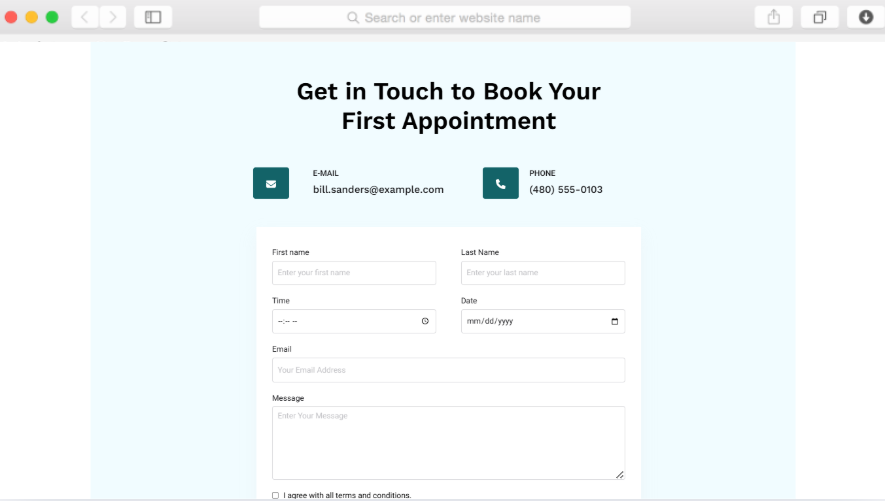
Oui, le modèle comprend des éléments de sélection de date et d'heure dans les formulaires de contact. Vous pouvez configurer les créneaux horaires disponibles, les champs d'informations obligatoires sur les patients et les messages de confirmation afin qu'ils correspondent à votre flux de travail de planification et aux exigences de votre cabinet.
Cela fonctionne-t-il pour les cabinets comptant plusieurs médecins ?
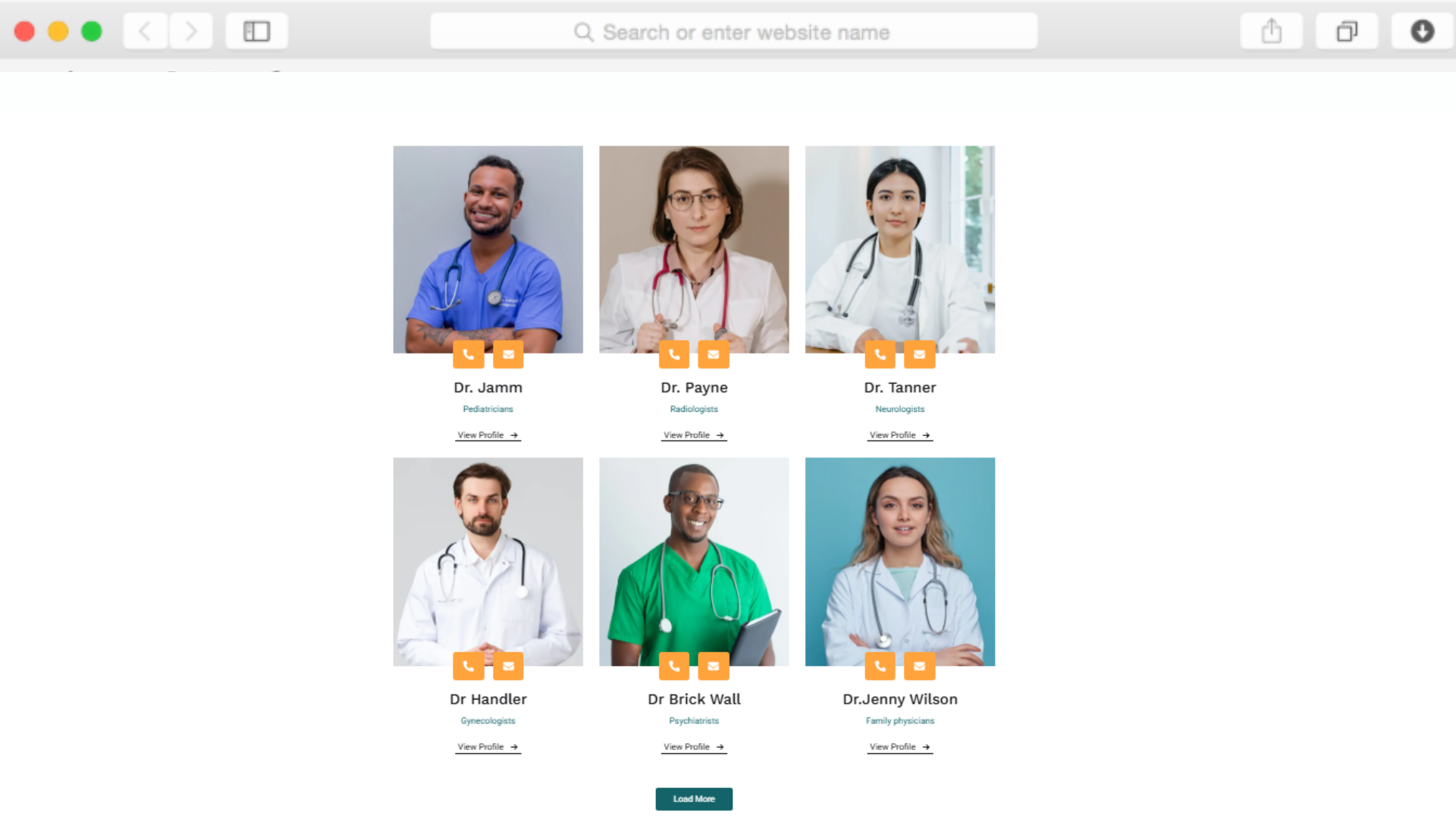
Tout à fait. La section consacrée aux membres de l'équipe, avec leur note attribuée par des étoiles, permet d'accueillir plusieurs profils de prestataires. Chaque médecin peut disposer d'une page individuelle détaillant ses spécialités, ses qualifications et les avis des patients, ce qui aide ces derniers à choisir le prestataire le mieux adapté à leurs besoins.
Comment organiser les différentes spécialités médicales ?
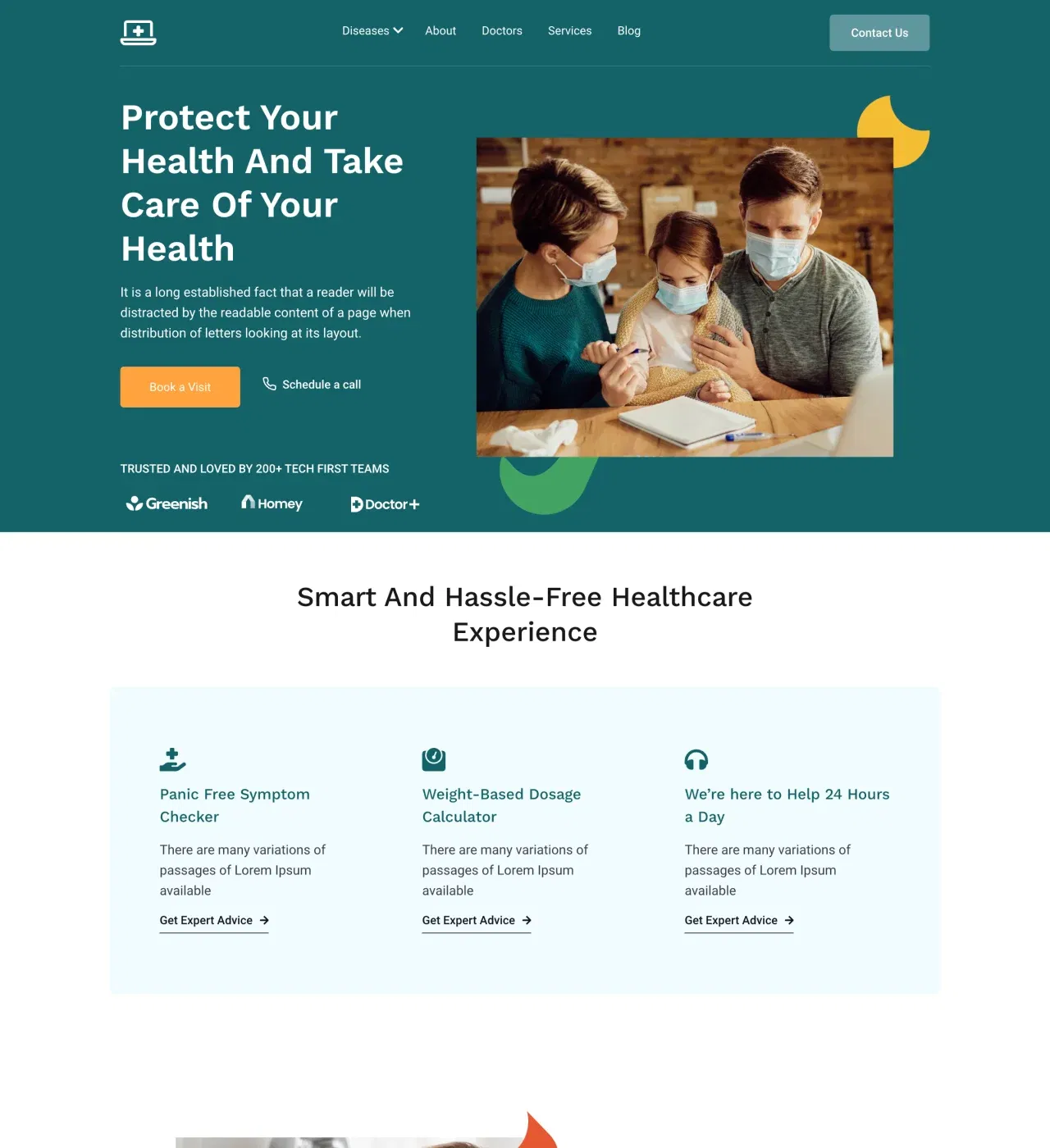
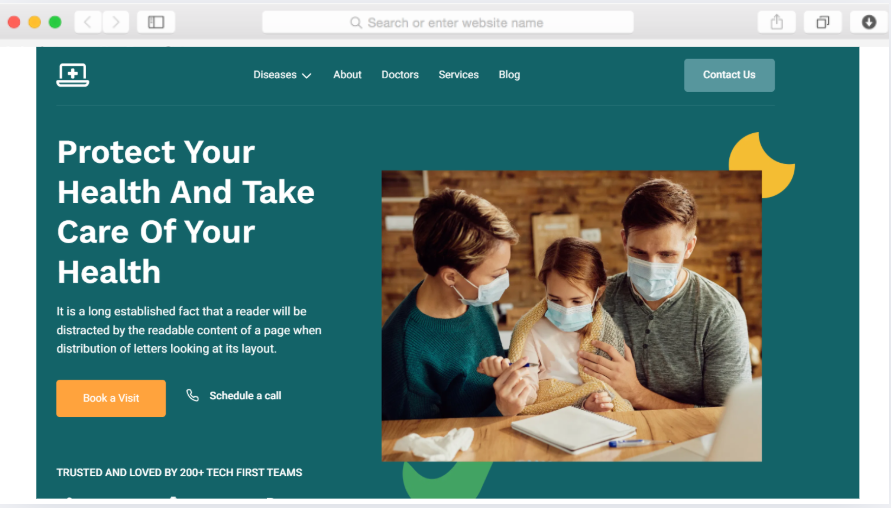
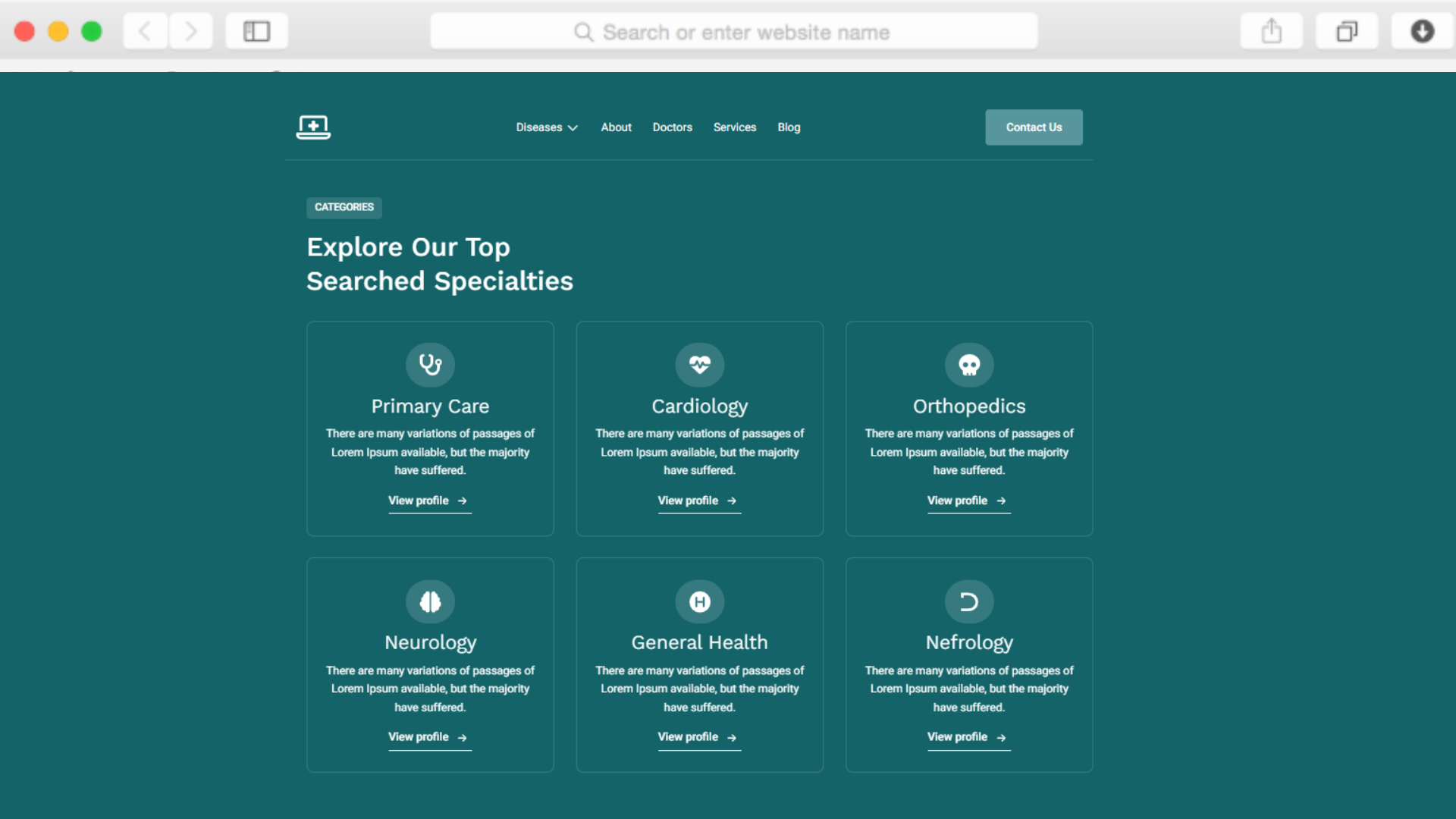
Utilisez le menu déroulant de la section Navigation et services pour classer les spécialités de manière logique. Créez des pages dédiées à chaque domaine de service en utilisant la structure de page axée sur les maladies, afin que les patients puissent trouver rapidement et facilement les informations pertinentes.
Les patients peuvent-ils lire les avis avant de prendre rendez-vous ?
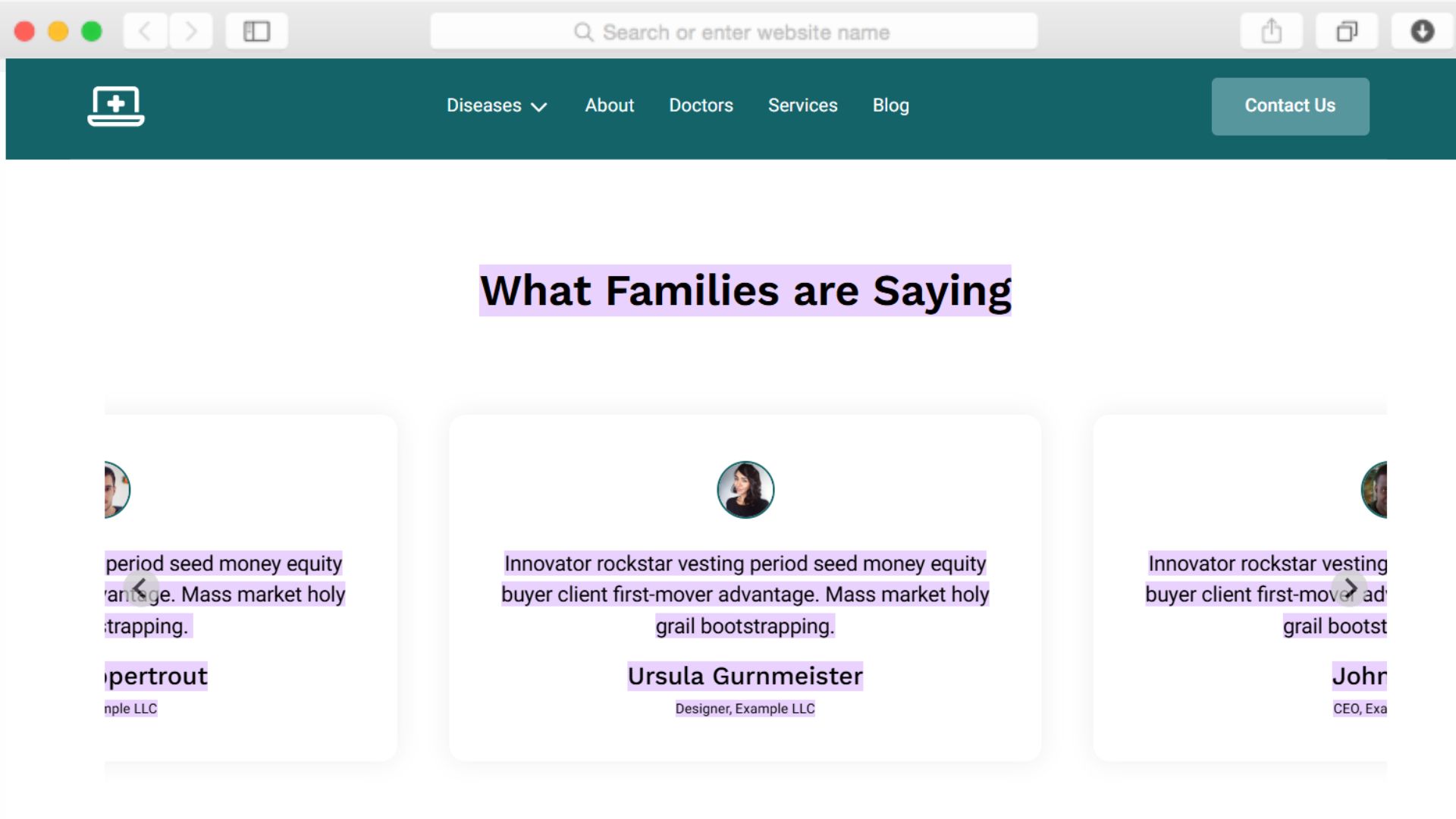
Oui, le curseur de témoignages avec notation par étoiles affiche les commentaires des patients de manière bien visible. Vous pouvez présenter plusieurs avis qui défilent automatiquement, fournissant ainsi une preuve sociale sans surcharger la mise en page ni nécessiter un défilement excessif.
Le site web est-il optimisé pour les appareils mobiles ?
Le modèle utilise une conception réactive et les principes du « mobile first », garantissant ainsi un fonctionnement parfait sur les smartphones et les tablettes. Étant donné que de nombreux patients recherchent des prestataires de soins de santé sur des appareils mobiles, toutes les sections s'adaptent automatiquement et de manière transparente aux écrans plus petits.
En combien de temps puis-je lancer ce site web ?
Grâce à l'éditeur glisser-déposer et aux sections prédéfinies, vous pouvez créer un site web professionnel dédié à la télésanté en quelques jours seulement. Ajoutez votre contenu, personnalisez les couleurs et les images, puis connectez votre domaine. Aucune connaissance en codage ni aucun délai de développement fastidieux ne sont nécessaires.
Puis-je ajouter du contenu éducatif sur certaines pathologies ?
Oui, les pages consacrées à des maladies spécifiques et la fonctionnalité blog soutiennent les stratégies de contenu éducatif. Créez des aperçus détaillés des pathologies, des explications sur les traitements et des conseils de bien-être qui améliorent le référencement naturel (SEO) tout en positionnant votre cabinet comme une ressource fiable en matière de santé.
Comprend-il une fonctionnalité FAQ ?
Le composant accordéon permet d'ajouter des sections FAQ extensibles sans encombrer les pages. Les patients peuvent cliquer pour afficher les réponses aux questions courantes sur les services, les assurances, la technologie de télésanté et les procédures de prise de rendez-vous, ce qui améliore l'expérience utilisateur et réduit le nombre de demandes de renseignements.
Qu'en est-il de la conformité HIPAA pour les formulaires ?
Les formulaires de contact permettent de recueillir les informations de base nécessaires à la prise de rendez-vous. Pour une gestion des données patients conforme à la norme HIPAA, intégrez votre portail patients ou votre système de dossiers médicaux électroniques (EMR) existant grâce aux fonctionnalités d'injection de code personnalisé disponibles dans les offres Business et Agency de Dorik.
Puis-je présenter les emplacements des cliniques en même temps que les services de télésanté ?
Oui, la section « Emplacement » permet d'indiquer plusieurs adresses physiques si vous proposez à la fois des soins virtuels et en personne. Cela aide les patients à comprendre votre modèle de service complet tout en maintenant une distinction claire entre les consultations à distance et les consultations traditionnelles.