Emplois - Modèle de site web pour tableau d'affichage des offres d'emploi
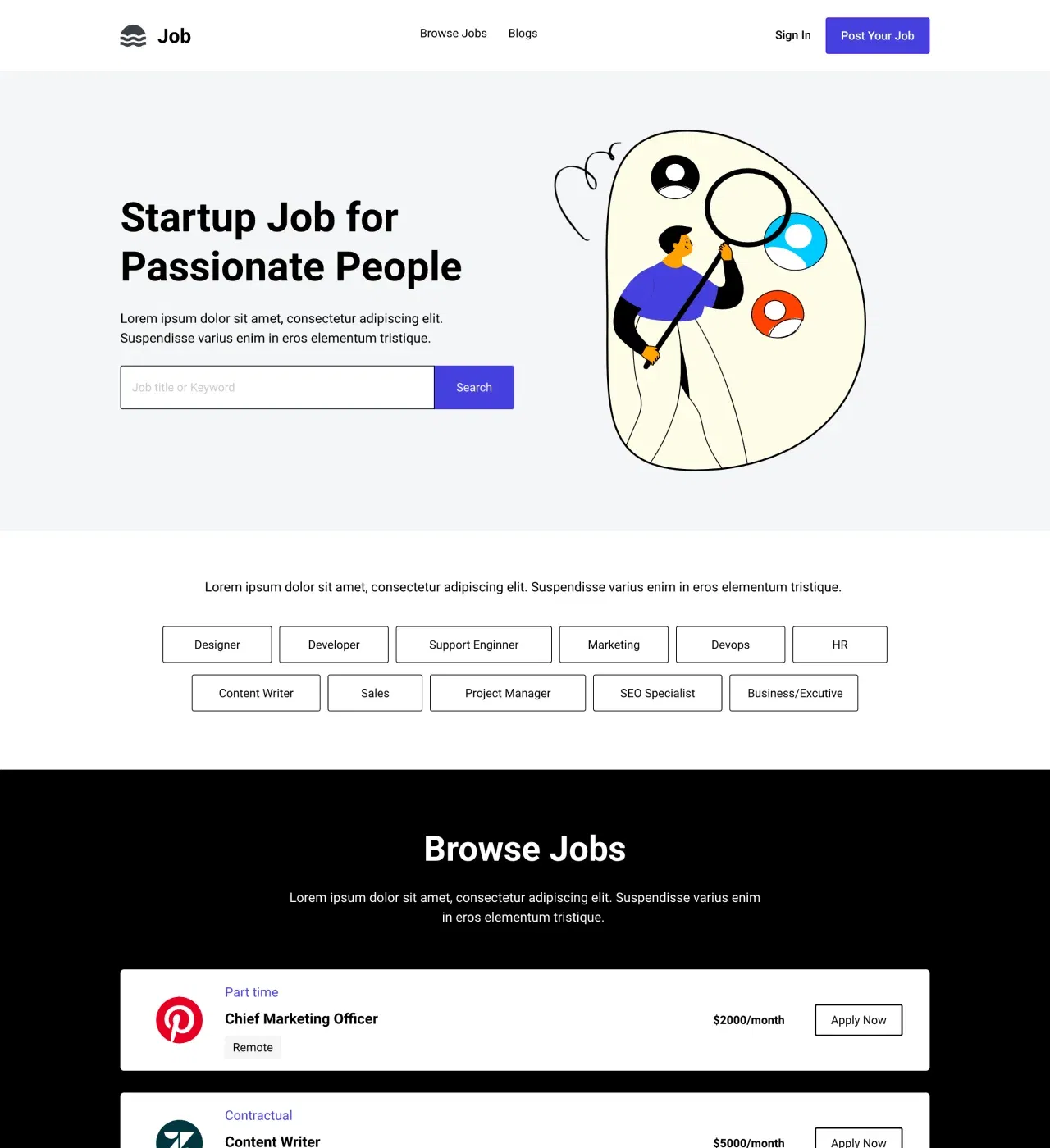
Un modèle de site d'offres d'emploi professionnel conçu pour les agences de recrutement, les équipes RH et les plateformes de recrutement spécialisées. Il comprend des fonctionnalités de publication d'offres d'emploi, de gestion des candidatures et d'outils de marketing de contenu pour mettre en relation les employeurs et les candidats.
Trouver les bons talents ne devrait pas impliquer de créer un site web à partir de zéro. Ce modèle de site d'offres d'emploi fournit aux agences de recrutement, aux cabinets de placement et aux plateformes d'emploi spécialisées tout ce dont ils ont besoin pour lancer un portail de recrutement professionnel qui met en relation les employeurs et les candidats qualifiés.
Conçu pour répondre aux besoins des deux parties impliquées dans le processus de recrutement, ce modèle comprend des pages dédiées à la recherche d'opportunités, à la publication d'offres d'emploi et à la gestion des candidatures. Le blog intégré permet d'attirer du trafic organique grâce à des conseils de carrière et des informations sur le secteur, tandis que le CMS simplifie la mise à jour des offres d'emploi à mesure que les postes sont pourvus ou supprimés.
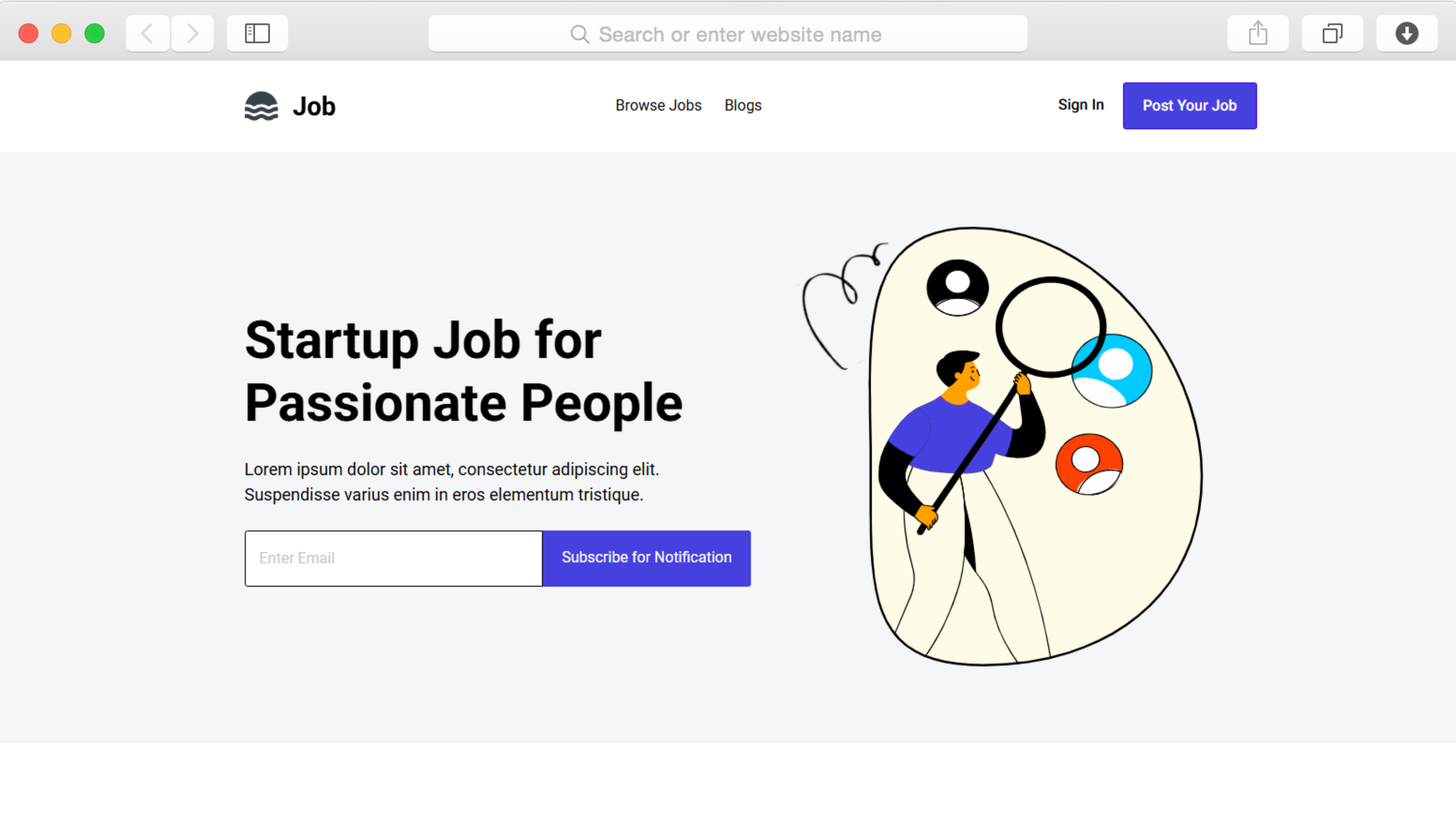
Le design épuré et moderne met l'accent sur les opportunités plutôt que sur des fioritures inutiles. Les demandeurs d'emploi peuvent rapidement parcourir les offres et postuler, tandis que les employeurs peuvent présenter leur entreprise et communiquer ce qui rend chaque poste unique. Tout fonctionne parfaitement sur tous les appareils, ce qui garantit l'accessibilité de votre plateforme, que les candidats effectuent leurs recherches sur leur ordinateur pendant leurs heures de travail ou sur leur mobile pendant leurs trajets.
Caractéristiques principales
Gestion des offres d'emploi via CMS
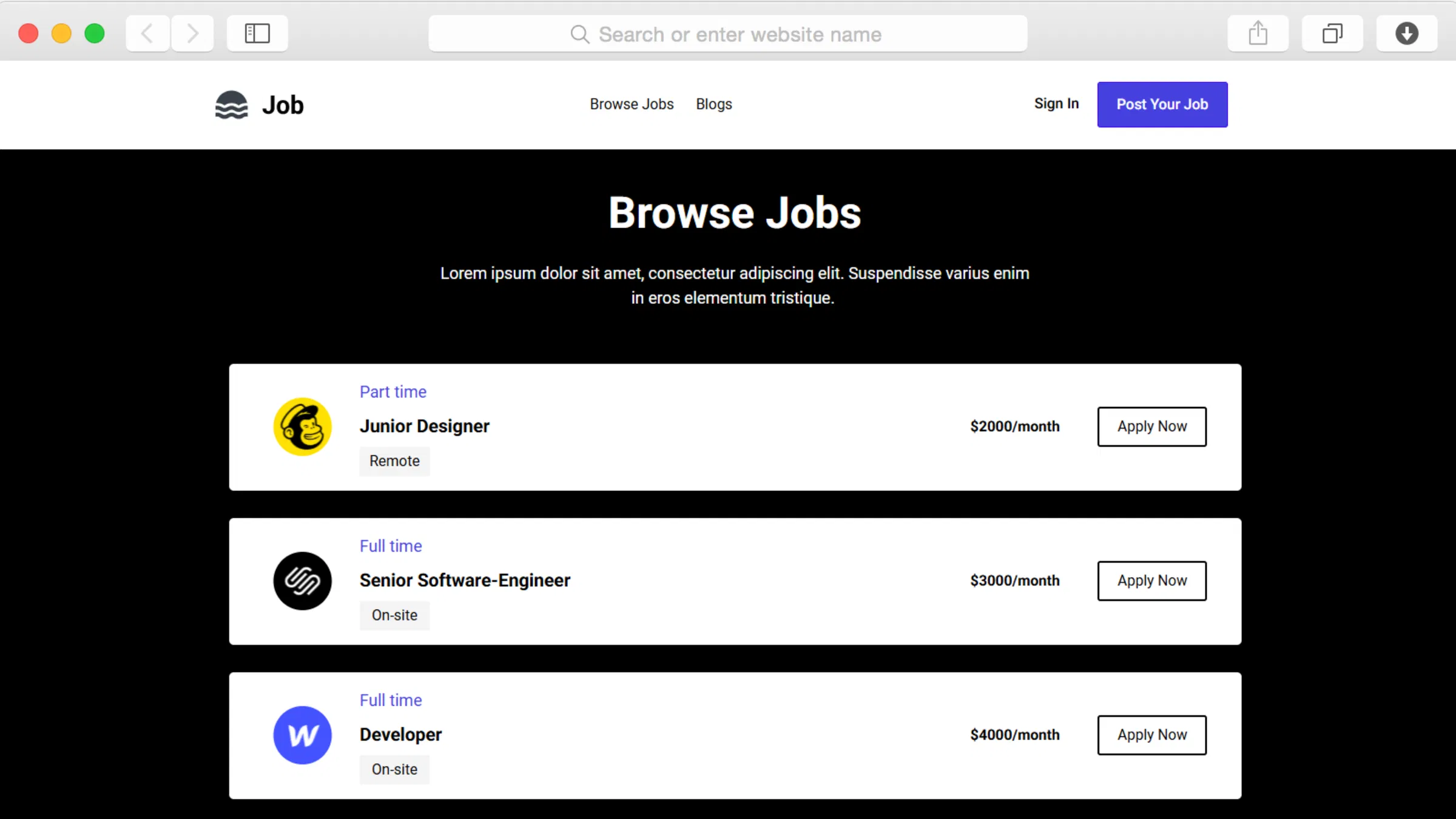
Le système de gestion de contenu alimente vos offres d'emploi, vous permettant d'ajouter, de mettre à jour et de supprimer des postes sans toucher au code. Créez des offres d'emploi détaillées avec des descriptions, des exigences et des informations sur l'entreprise. À mesure que vos besoins en matière de recrutement évoluent, il vous suffit de mettre à jour le CMS pour que les modifications apparaissent instantanément sur votre site.
Cette approche élimine le goulot d'étranglement lié aux mises à jour manuelles des pages. Lorsqu'un poste est pourvu, supprimez-le immédiatement. Lorsque de nouvelles opportunités se présentent, publiez-les en quelques minutes. Le système se charge de l'aspect technique pendant que vous vous concentrez sur la recherche de candidats exceptionnels.
Formulaires de candidature personnalisés pour les candidatures
Les formulaires personnalisés intégrés permettent aux candidats de postuler directement via votre site. Recueillez les CV, les lettres de motivation et les informations spécifiques pertinentes pour chaque poste. Concevez des formulaires adaptés à votre processus de recrutement, que vous ayez besoin d'informations de contact basiques ou de dossiers de candidature complets.
Le système de formulaire s'intègre parfaitement à vos offres d'emploi, offrant une expérience simplifiée, de la découverte à la candidature. Les candidats restent sur votre plateforme tout au long du processus, ce qui réduit les frictions et améliore les taux de finalisation.
Intégration d'un blog pour le marketing de contenu
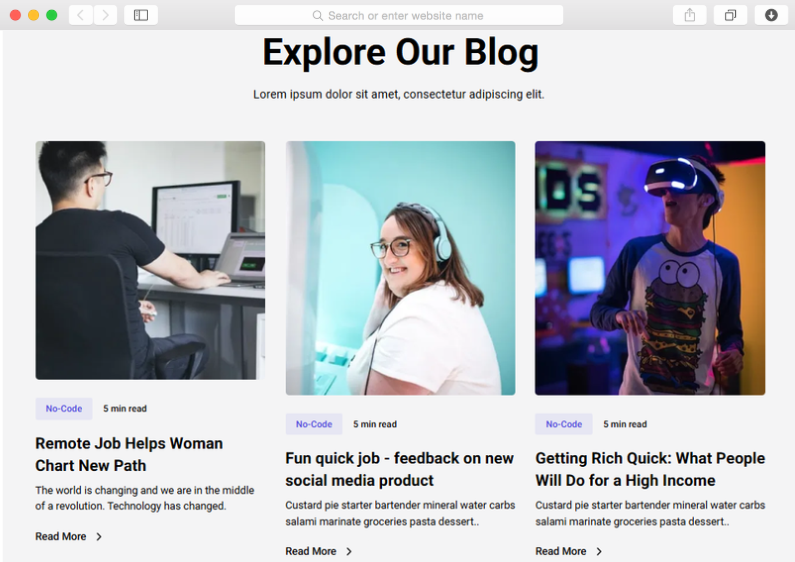
Le blog inclus sert de moteur à votre stratégie de marketing de contenu. Publiez des conseils de carrière, des tendances du secteur, des articles sur la culture d'entreprise et des astuces pour les entretiens d'embauche. Ce contenu attire les demandeurs d'emploi via les moteurs de recherche tout en positionnant votre plateforme comme une ressource précieuse qui va au-delà des simples offres d'emploi.
Un contenu régulier vous donne également des raisons d'interagir régulièrement avec votre public. Les demandeurs d'emploi reviennent pour obtenir des informations même lorsqu'ils ne postulent pas activement, ce qui permet à votre plateforme de rester dans leur esprit lorsqu'ils sont prêts à franchir le pas.
Navigation organisée avec menus déroulants
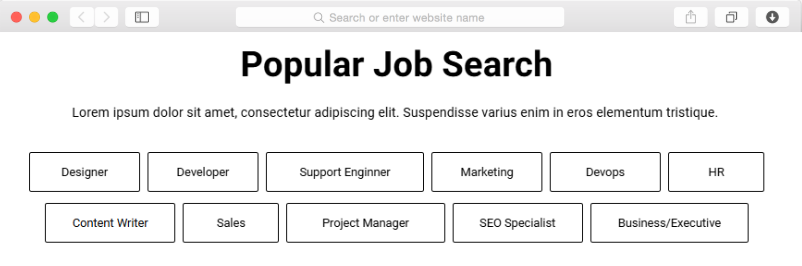
Les menus déroulants aident les visiteurs à naviguer parmi de vastes collections de catégories d'emplois, de secteurs d'activité ou de lieux. Organisez des centaines de postes en groupes logiques qui ont du sens pour votre public. Les demandeurs d'emploi trouvent plus rapidement les offres pertinentes lorsqu'ils peuvent filtrer les résultats en fonction de ce qui leur importe le plus.
Une navigation claire est particulièrement importante sur les sites d'offres d'emploi, où les utilisateurs arrivent souvent avec des besoins spécifiques. Le système de menus permet une orientation immédiate, en montrant en un coup d'œil les types d'opportunités proposées par votre plateforme.
Filtrage Ajax pour la recherche d'emploi en temps réel
Le filtrage Ajax fournit des résultats de recherche instantanés sans recharger la page. Les candidats sélectionnent des critères (lieu, type d'emploi, fourchette salariale) et voient immédiatement apparaître les postes correspondants. Cette expérience de recherche réactive est moderne et efficace par rapport aux formulaires traditionnels.
Le filtrage en temps réel profite particulièrement aux utilisateurs mobiles qui pourraient abandonner les résultats de recherche à chargement lent. Le retour instantané encourage l'exploration, aidant les candidats à découvrir des postes qu'ils auraient pu manquer avec des outils de recherche plus rigides.
Composants réutilisables
Créez votre site d'offres d'emploi une seule fois, utilisez les composants partout. Lorsque vous créez des sections telles que des témoignages, des encadrés ou des CTA d'application, enregistrez-les en tant que composants réutilisables. Placez ces composants sur plusieurs pages : votre page d'accueil, les pages de catégories d'emplois et les articles de blog.
Mettez à jour un composant une seule fois et les modifications sont automatiquement répercutées sur toutes les instances. Modifiez le bouton CTA de l'application de « Postuler maintenant » à « Soumettre la candidature » à un seul endroit, et il sera mis à jour sur l'ensemble de votre site d'offres d'emploi. Cette cohérence renforce votre marque tout en réduisant considérablement le temps de maintenance à mesure que votre plateforme se développe.
Personnalisations
Personnalisez chaque aspect de votre site d'offres d'emploi grâce à l'éditeur visuel de Dorik, sans avoir besoin de coder. Adaptez les couleurs à votre marque, modifiez la typographie pour améliorer la lisibilité et réorganisez les sections pour mettre en avant ce qui compte le plus. L'interface glisser-déposer rend les modifications de mise en page intuitives, que vous repositionniez des éléments de navigation ou redessiniez vos fiches d'offres d'emploi.
Chaque modification est automatiquement mise à jour de manière réactive sur toutes les tailles d'écran. Prévisualisez les modifications en temps réel avant la publication, afin de vous assurer que votre conception fonctionne exactement comme prévu. Pour les développeurs qui souhaitent bénéficier d'un contrôle supplémentaire, l'intégration CSS personnalisée permet un stylisme avancé tout en conservant la facilité de l'édition visuelle.
Caractéristiques spéciales
Ce qui distingue ce modèle, c'est son système de filtrage Ajax qui permet d'obtenir instantanément les résultats de recherche d'emploi sans recharger la page. Cette fonctionnalité moderne nécessite généralement un développement personnalisé, mais elle est incluse ici par défaut. Combiné à la bande passante illimitée et au CDN mondial de Dorik, votre site d'offres d'emploi peut gérer un trafic élevé pendant les périodes de pointe sans ralentissement.
Le modèle comprend également des formulaires personnalisés et des formulaires de contact, ce qui vous offre une grande flexibilité dans la manière dont vous collectez les informations sur les candidats. Utilisez les formulaires personnalisés pour les candidatures détaillées avec téléchargement de fichiers, et les formulaires de contact pour les demandes rapides des employeurs. Grâce à cette polyvalence, un seul modèle répond à plusieurs besoins de communication sans avoir à ajouter d'outils externes.
Cas d'utilisation
Agences de recrutement gérant plusieurs offres d'emploi pour différents clients
Les agences de recrutement qui gèrent des dizaines de postes dans différentes entreprises ont besoin de systèmes efficaces. Ce modèle fournit la structure nécessaire pour organiser différents types d'emplois, secteurs d'activité et lieux de travail tout en conservant une présentation professionnelle. Le CMS gère les mises à jour volumineuses à mesure que les postes sont pourvus et que de nouvelles opportunités apparaissent.
La fonctionnalité blog aide les agences à asseoir leur autorité dans leur domaine de spécialisation, qu'il s'agisse du recrutement dans le secteur technologique, du recrutement dans le secteur de la santé ou du placement de cadres. Le marketing de contenu attire à la fois les candidats et les entreprises clientes potentielles à la recherche de partenaires de recrutement.
Équipes RH internes Création de pages Carrière pour l'entreprise
Les entreprises qui recrutent directement bénéficient de portails de carrière dédiés qui mettent en avant leur culture et leurs opportunités. Ce modèle vous permet de vous démarquer des sites d'emploi génériques et de contrôler l'expérience des candidats, de la première impression à la candidature.
Intégrez les témoignages d'employés actuels, mettez en avant les avantages offerts par l'entreprise et utilisez le blog pour partager des informations sur les coulisses de l'entreprise. Cette approche axée sur la marque attire des candidats qui partagent vos valeurs, ce qui améliore la qualité du recrutement au-delà de la simple adéquation des compétences.
Sites d'emploi spécialisés au service de secteurs spécifiques
Les sites d'emploi spécialisés dans un secteur particulier, qu'il s'agisse du télétravail, des professions créatives ou des entreprises axées sur le développement durable, ont besoin de plateformes qui reflètent leur public spécifique. La flexibilité de ce modèle permet un positionnement unique tout en conservant les fonctionnalités essentielles attendues par les candidats.
Le système de filtrage s'avère particulièrement utile pour les sites spécialisés où les candidats effectuent leurs recherches selon des critères spécifiques. Le système de gestion de contenu prend en charge la terminologie et les exigences propres à chaque secteur d'activité sans imposer de modèles génériques de description de poste.
Plateformes pour freelances mettant en relation des professionnels indépendants
Les plateformes qui mettent en relation les freelances avec des projets adaptent ce modèle en présentant les « emplois » comme des missions ou des contrats. Les mêmes formulaires de candidature permettent de recueillir des portfolios et des tarifs plutôt que des CV et des exigences salariales. Le blog partage des conseils sur le travail en freelance et les tarifs pratiqués dans le secteur, offrant ainsi à votre communauté bien plus que de simples annonces.
Le filtrage Ajax aide les freelancers à trouver rapidement des projets correspondant à leurs compétences, leur disponibilité et leurs tarifs. À mesure que votre plateforme se développe, le CMS gère efficacement des centaines de missions actives sans perte de performance.
Communautés de startups Création de réseaux internes de talents
Les accélérateurs de start-up et les communautés technologiques utilisent des sites d'offres d'emploi pour aider les entreprises membres à recruter au sein de leur réseau. Ce modèle facilite ces connexions tout en préservant les contrôles de confidentialité. Les offres d'emploi mises en avant mettent en évidence les postes prioritaires, tandis que l'annuaire complet reste accessible aux membres connectés.
Le contenu axé sur la communauté diffusé via le blog renforce les effets de réseau. Partagez les annonces de financement, les récits de croissance et les tendances en matière de recrutement spécifiques à votre écosystème. Ce contenu permet de maintenir l'intérêt des membres même lorsqu'ils ne sont pas activement à la recherche d'un emploi ou en phase de recrutement.
Pourquoi choisir le modèle de site web « Offres d'emploi » ?
Filtrage Ajax inclus par défaut, contrairement aux modèles de base qui nécessitent un développement personnalisé pour obtenir des résultats de recherche instantanés.
Les formulaires personnalisés avec prise en charge du téléchargement de fichiers vous permettent de collecter des dossiers de candidature complets sans avoir recours à des générateurs de formulaires externes.
La plateforme de blog intégrée attire du trafic organique grâce à son contenu consacré aux carrières, réduisant ainsi la dépendance vis-à-vis des annonces payantes sur les sites d'emploi.
La gestion des offres d'emploi optimisée par CMS élimine la création manuelle de pages : mettez à jour des centaines d'annonces aussi efficacement que si vous n'en mettiez qu'une seule à jour.
La bande passante illimitée offerte par le CDN mondial de Dorik permet à votre site de gérer les pics de trafic pendant les périodes de dépôt des candidatures sans ralentissement.
La conception réactive axée sur les appareils mobiles permet d'atteindre les demandeurs d'emploi où qu'ils effectuent leurs recherches, que ce soit sur leur ordinateur de bureau au travail ou sur leur appareil mobile pendant leurs trajets quotidiens.
Aucuns frais proportionnels sur les candidatures ou les placements : vous conservez l'intégralité des revenus si vous monétisez votre site d'offres d'emploi grâce aux frais facturés aux employeurs.
Foire aux questions
Puis-je collecter des CV via des formulaires de candidature ?
Oui, la fonctionnalité de formulaire personnalisé prend en charge le téléchargement de fichiers. Configurez les formulaires pour qu'ils acceptent les CV, lettres de motivation, portfolios et autres documents au format PDF que les candidats doivent soumettre. Définissez des limites de taille de fichier et des formats acceptés afin de garantir la cohérence entre les candidatures.
Combien d'offres d'emploi puis-je publier ?
Il n'y a aucune limite artificielle au nombre d'offres d'emploi publiées. Le CMS gère autant d'annonces que vous le souhaitez, qu'il s'agisse d'une poignée de postes ou de centaines d'offres d'emploi actives. Le stockage et la bande passante illimités de Dorik favorisent la croissance sans nécessiter de mise à niveau du forfait en fonction du volume de contenu.
Le blog prend-il en charge l'optimisation SEO ?
Oui, les outils SEO intégrés vous permettent de contrôler les méta-titres, les descriptions et les structures d'URL pour chaque article de blog. Cette optimisation aide les contenus liés à l'emploi à être mieux classés dans les moteurs de recherche, ce qui génère du trafic organique vers votre site d'offres d'emploi. Le balisage Schema et les sitemaps XML sont inclus automatiquement.
Les employeurs peuvent-ils publier directement des offres d'emploi ou est-ce moi qui gère toutes les annonces ?
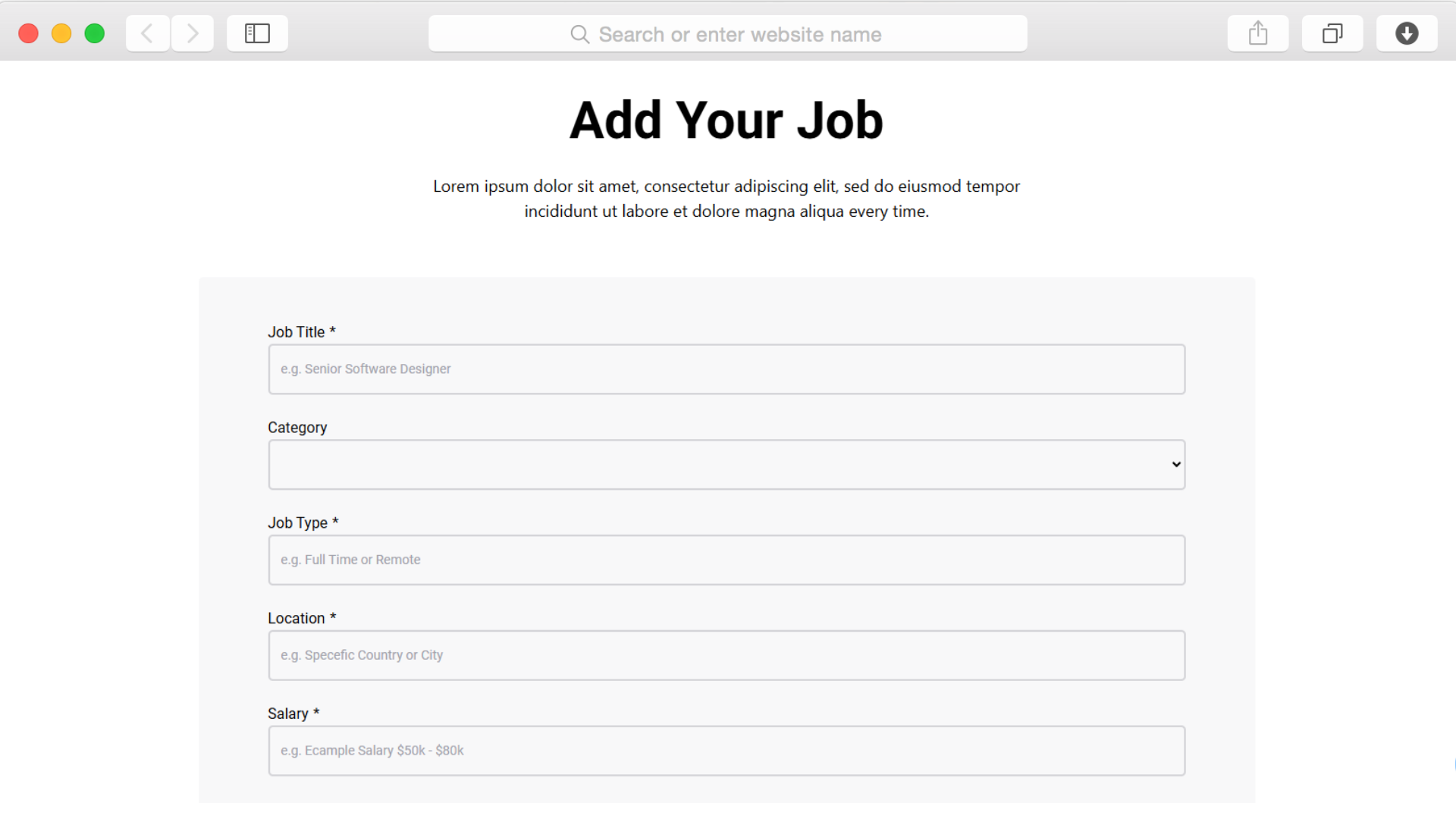
La page Ajouter un emploi fournit un formulaire de soumission où les employeurs peuvent soumettre leurs offres d'emploi. Vous contrôlez si les soumissions sont publiées automatiquement ou si elles doivent être approuvées. Ce flux de travail dépend du type de plateforme que vous utilisez : une plateforme modérée ou un marché ouvert.
Le modèle est-il adapté aux mobiles pour les demandeurs d'emploi qui utilisent un téléphone ?
Oui, la conception axée sur les appareils mobiles permet aux demandeurs d'emploi de consulter les offres et de postuler depuis n'importe quel appareil. La navigation est simplifiée sur les petits écrans, les fiches d'emploi s'affichent verticalement et les formulaires restent faciles à remplir sur les téléphones. Plus de la moitié des recherches d'emploi sont effectuées sur des appareils mobiles.
Puis-je personnaliser la mise en page et les informations affichées dans les offres d'emploi ?
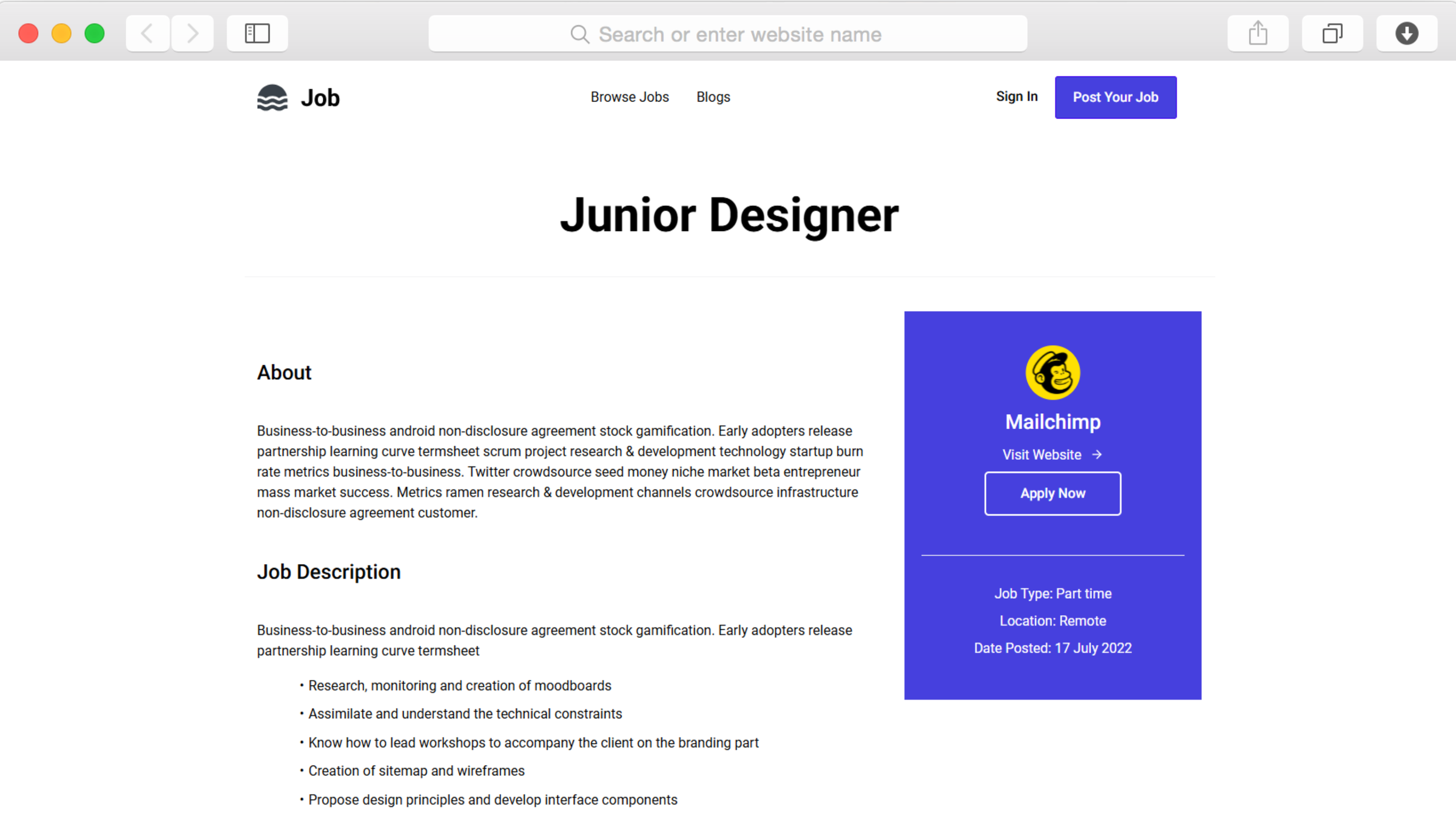
Tout à fait. L'éditeur glisser-déposer vous permet de modifier l'apparence des fiches de poste, les informations affichées et la structure des pages détaillées. Ajoutez des champs personnalisés via le CMS pour recueillir des informations spécifiques à votre secteur d'activité, telles que les politiques de télétravail ou les certifications requises.
Cela inclut-il le filtrage des candidats par lieu, type d'emploi ou salaire ?
Oui, le filtrage Ajax permet une recherche en temps réel selon plusieurs critères. Configurez des filtres en fonction de vos catégories d'emploi : lieu, type d'emploi, niveau d'expérience ou fourchettes salariales. Les candidats sélectionnent les critères et voient instantanément les résultats correspondants sans avoir à attendre le rechargement de la page.
Puis-je mettre certaines offres d'emploi plus en avant que d'autres ?
La structure CMS vous permet d'organiser le contenu de manière hiérarchique. Créez des sections d'emplois à la une sur votre page d'accueil pour mettre en avant les postes prioritaires. Utilisez la flexibilité de la mise en page du modèle pour mettre en avant les recrutements urgents ou les offres premium des employeurs payants.
En combien de temps puis-je lancer une plateforme d'offres d'emploi fonctionnelle ?
Grâce aux pages et sections prédéfinies, vous pouvez disposer d'un site d'offres d'emploi opérationnel en quelques heures plutôt qu'en plusieurs semaines. Importez les premières offres d'emploi via le CMS, personnalisez les couleurs et l'image de marque, puis publiez. Le modèle élimine les mois de développement généralement nécessaires pour les plateformes d'offres d'emploi personnalisées.
S'intègre-t-il aux services de messagerie électronique pour les notifications d'application ?
Oui, Dorik s'intègre aux principales plateformes d'email marketing et aux outils d'automatisation. Configurez des notifications lorsque les candidats soumettent leur candidature, envoyez des emails de confirmation aux candidats ou créez des listes d'emails de demandeurs d'emploi intéressés par des catégories spécifiques pour de futures opportunités.
Votre prochain site web est gratuit. Commencez dès maintenant.
Créez un nombre illimité de sites web avec des noms de domaine personnalisés, un CMS complet et des fonctionnalités de référencement intégrées. Pas besoin de carte bancaire. Pas de piège. Sans blague.
❤️ Ce site est construit avec Dorik, sans écrire de code.